

Review learning proposals
Use a zone’s Proposals tab to decide on the changes OpenLatch proposes from your organization’s records. You need the editor role or higher to accept or dismiss a proposal; a viewer reads every proposal and sees “Editors and above decide” instead of the buttons. Learning proposals explains what each kind rests on.
Decide on a proposal
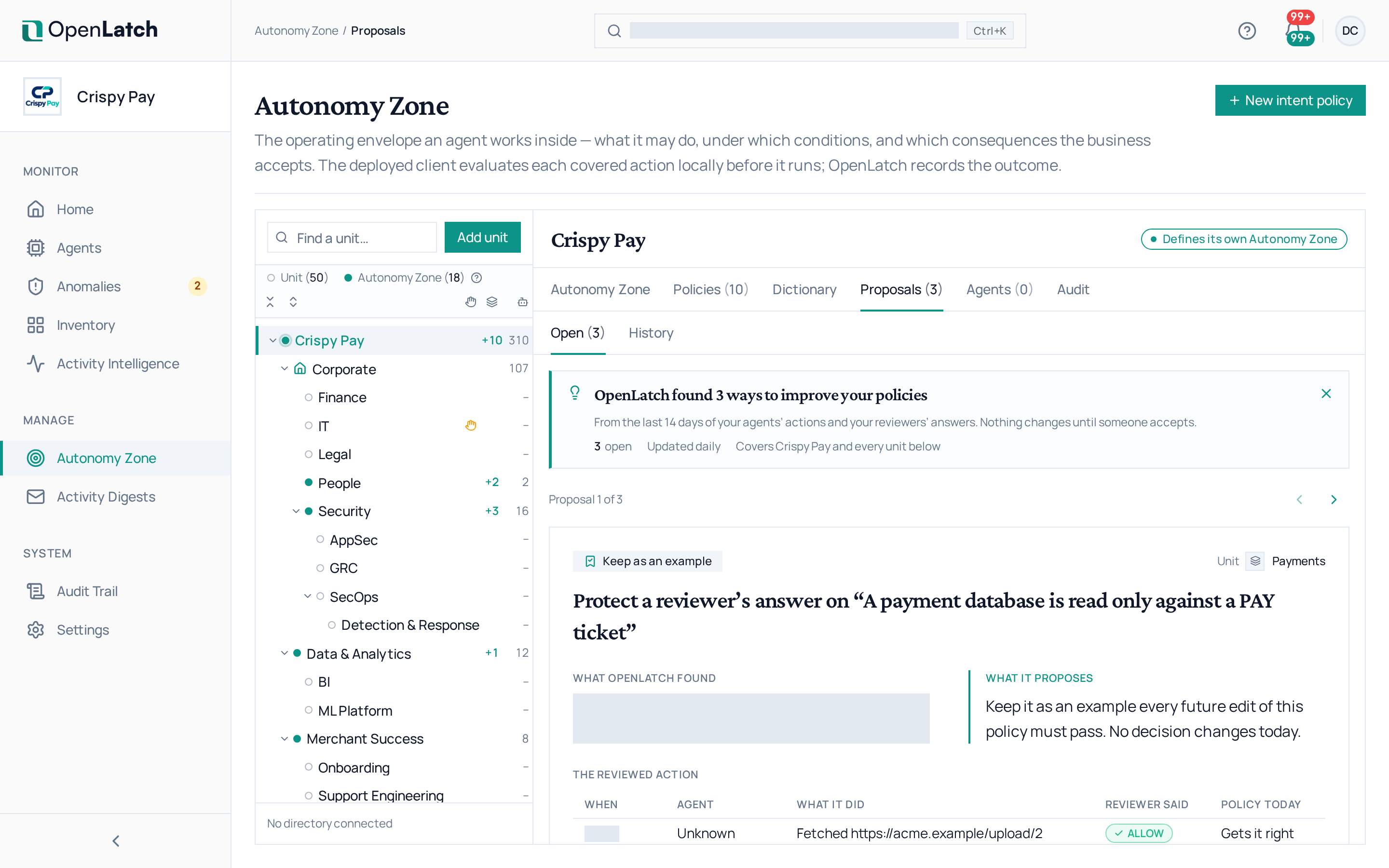
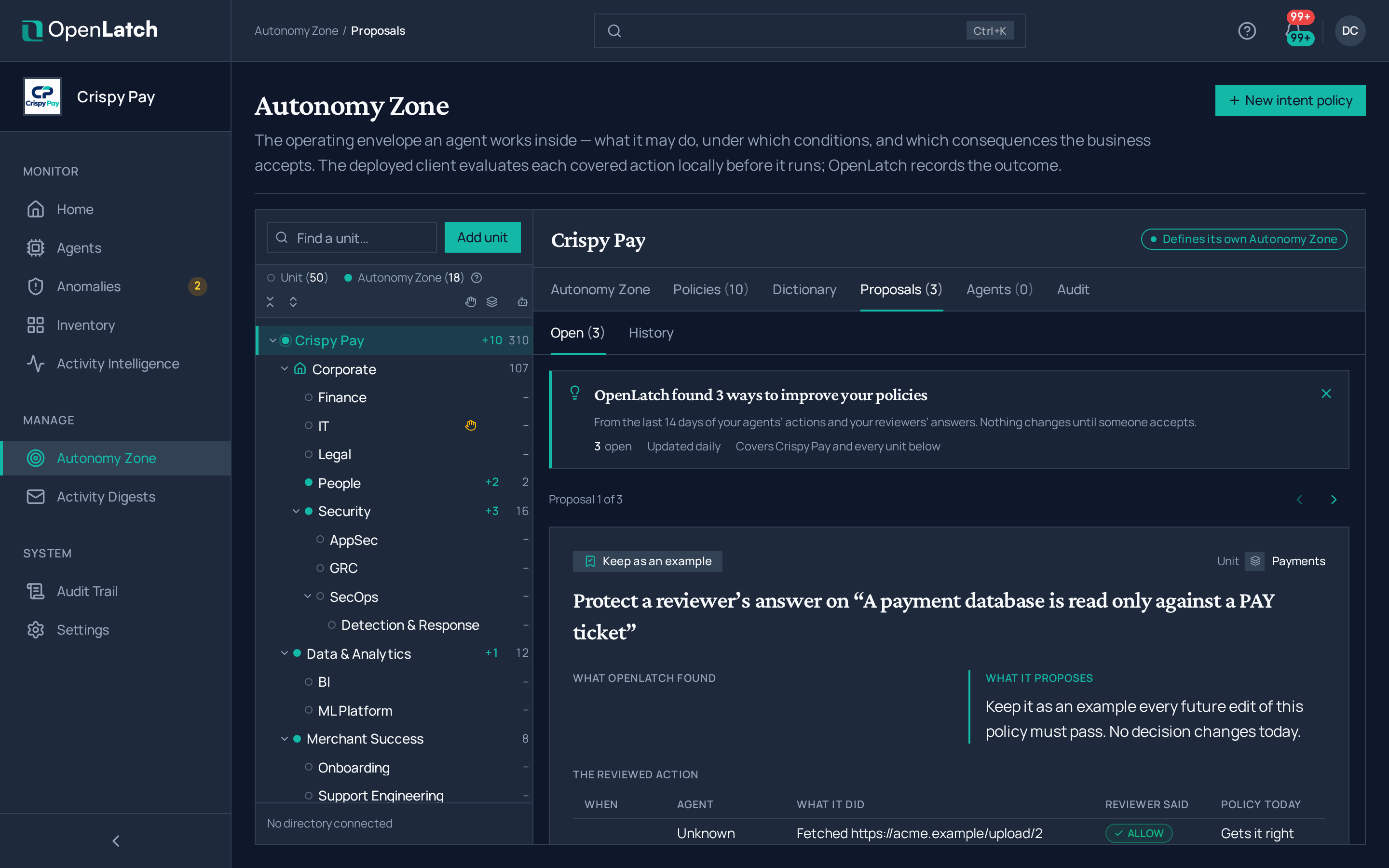
Section titled “Decide on a proposal”- Open Autonomy Zone, select a unit, and open the Proposals tab. Its count is the number of open proposals. A unit lists the proposals of its own zone and of the zones below it, never those of a zone above.
- Read the proposal on top of the stack. It shows its category, the unit it applies to, a title stating the change, What OpenLatch found, What it proposes and What would change. Use the arrows beside Proposal 1 of N to move through the stack.
- Choose Accept to apply the change, or Dismiss to close the proposal. Nothing changes until someone accepts.
After an accept, a message says what is now in effect and links to where the change can be undone: the AIP or the dictionary. After a dismiss, the message says the proposal will not come back. The next proposal then rises to the top. When the stack is empty, Open History shows your decisions.
| Category | What would change shows |
|---|---|
| Start enforcing | The actions of the last 14 days whose verdict would change in Enforce |
| Add to your dictionary | The actions whose verdict would change once the value is added |
| Skip repeat approvals | The actions that waited for a reviewer and would have been allowed |
| Keep as an example | The reviewed action: when, which agent, what it did, what the reviewer said and what the intent policy decides today. No decision changes |
If the proposal changed since you opened the tab, nothing is applied: the tab says so and shows the current proposals. Any other refusal is shown on the proposal, which stays on top.
Read the history
Section titled “Read the history”The History view lists every decided proposal with its category, the proposal, its unit, its outcome and when it was decided. Proposals are kept there for 180 days.
| Outcome | Meaning |
|---|---|
| Accepted | The change has been in effect since then |
| Dismissed | Nothing changed, and the proposal will not come back |
| Withdrawn | The AIP or its zone changed after OpenLatch proposed it, so its evidence no longer held. Nothing changed |
| Expired | Nobody decided within 30 days. Nothing changed |
Open a row for the full record: what changed, what OpenLatch found, the example actions, the decision and who made it, and its effect in plain words: agents may do less, agents may do more on their own, or no decision changes.
Undo an accepted change
Section titled “Undo an accepted change”| Category | How to undo it |
|---|---|
| Start enforcing | Switch the AIP back to Monitor from its drawer. See Graduate a policy to Enforce |
| Add to your dictionary | Remove the value from the zone’s dictionary. See Edit a zone dictionary |
| Skip repeat approvals | Choose Revoke, in the History record or in the AIP drawer, and confirm |
| Keep as an example | Choose Remove example in the AIP drawer, and confirm |
In the AIP drawer
Section titled “In the AIP drawer”Open an AIP from Policies. Under each intent policy, the drawer shows what accepted proposals changed:
| Section | What it shows |
|---|---|
| Skips repeat approvals | The intent policy’s declarations decide: when an agent explains an action and OpenLatch cannot check the explanation against what it saw, the action is allowed instead of asking a reviewer. It is still recorded as unchecked, and a rule that blocks still blocks. The section shows since when, who accepted it, the clients it applies on (older clients keep asking), a link to the accepted proposal and Revoke |
| Example actions | Each example action in words, with Should allow or Should block and Passes today or Fails today. Expand one for the recorded line, today’s outcome and when it was kept. Remove example removes it |
A revoke reaches each machine on its next policy update; a machine that is offline keeps the earlier setting until it next connects. When you edit the AIP, the Policy step lists the example actions with the generated test cases under Test cases and example actions, each marked as kept from a reviewer’s answer.
Get notified
Section titled “Get notified”When new proposals open, editors receive one notification, at most once a day: “OpenLatch found N ways to improve your policies”, which opens the Proposals tab. Its type is New policy proposals, in the Learning group of notification channels.