Schedule activity digests
Use Digests to send a report of your organization’s agent activity by email on a schedule, to people inside or outside the console. You need the editor role or higher to create or change a digest.
Create a digest
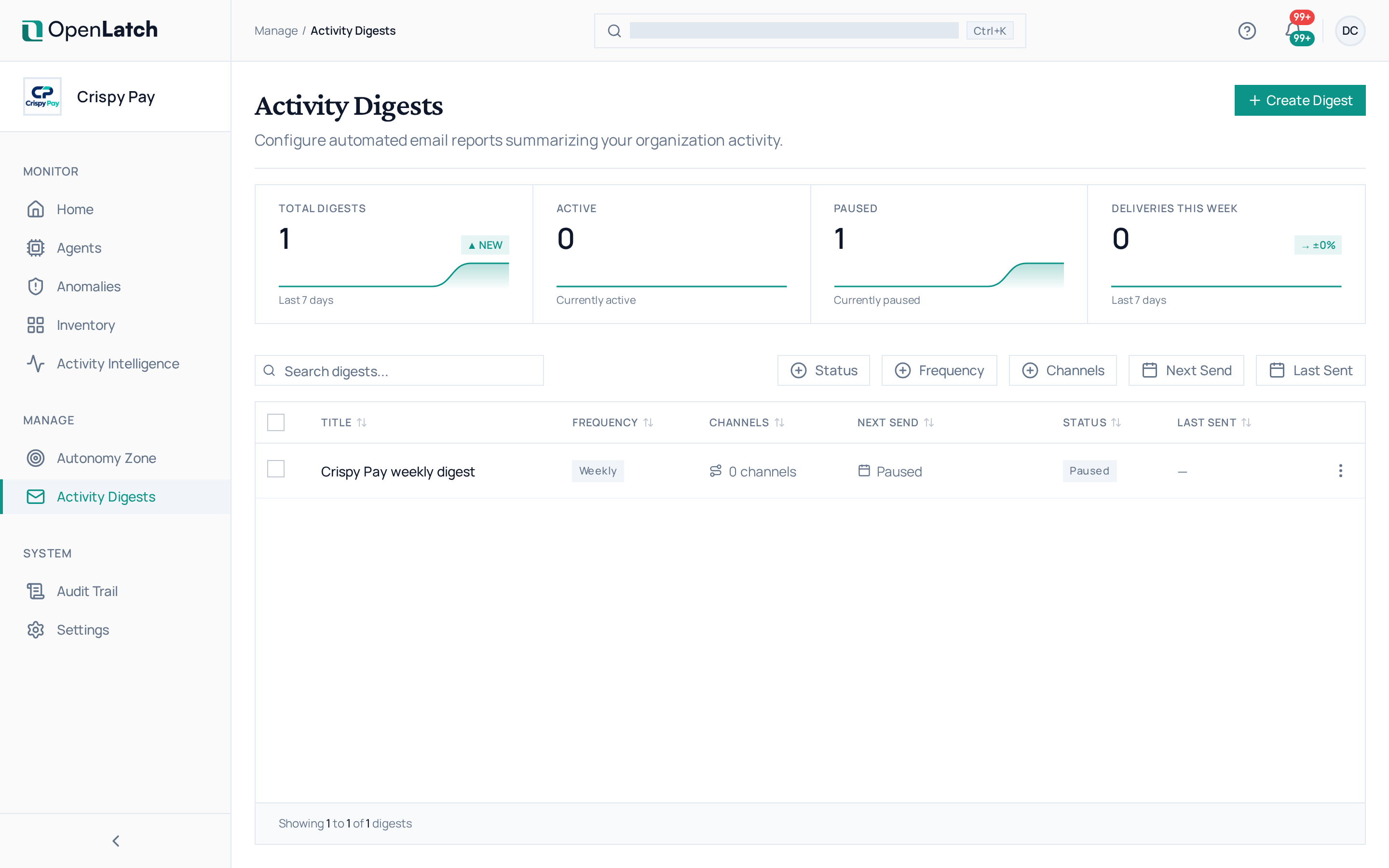
Section titled “Create a digest”- Open Digests and choose Create Digest.
- Give it a title and a subject line. The subject can use
{period}and{organization_name}. - Under Notification Routing, select your Email channel. The recipients field appears only once an Email channel is selected.
- Add the recipients, up to 100 email addresses. Recipients do not need a console account.
- Choose the frequency, daily, weekly, monthly or quarterly, then the day, the send time and the time zone.
- Choose the content sections the report carries, and save.
Digests are sent through the email channel; set it up first in Set up notification channels.
Manage digests
Section titled “Manage digests”The list shows each digest’s frequency, channels, next send, last send and status. Search it, or filter by status, frequency, channel or send date.
| To | Do this |
|---|---|
| Stop a digest for a while | Pause it. Its status reads Paused until you make it active again |
| Change it | Open it and edit its details |
| Read what it sent | Open it, then its Generated Reports tab |
Read a report
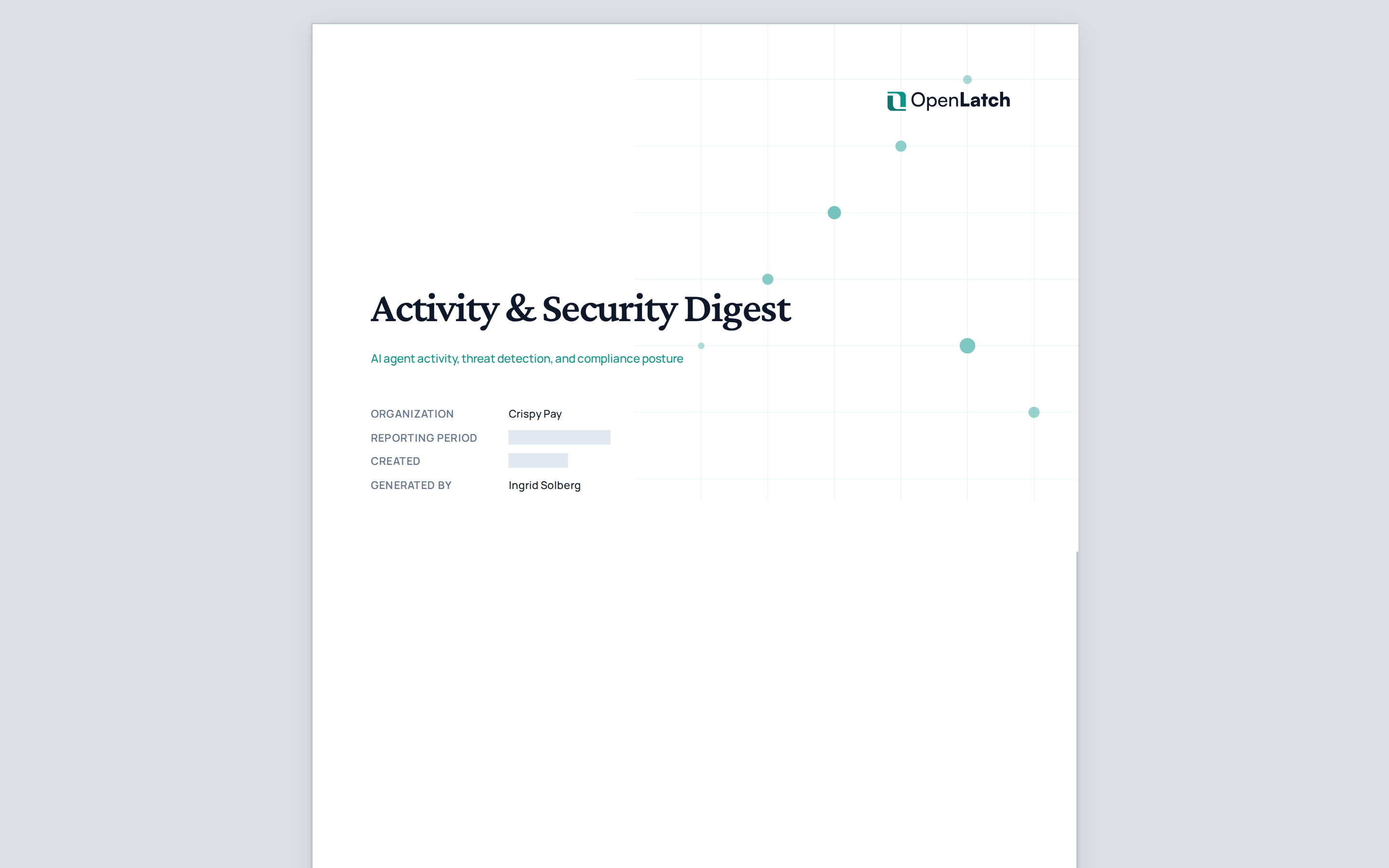
Section titled “Read a report”A generated report opens on its own page, laid out as it is sent: a plain-language summary of the reporting window, the figures behind it, and a section that explains how each figure was derived and what each term means.