

Manage API keys
Use Account › API Keys to create the keys that give a program access to OpenLatch on your behalf. A key serves two purposes:
| Use | How the key is supplied |
|---|---|
| Enrolling a machine without a browser sign-in, for a managed or unattended install | As OPENLATCH_API_KEY in the environment the install runs in. See Deploy the client |
Calling the OpenLatch public REST API, under /api/public/v1 on app.openlatch.ai | In each request’s Authorization: Bearer header |
A key acts with your role in the organization. One created by an editor cannot change an identity setting, and revoking the key or lowering your role both close the same door.
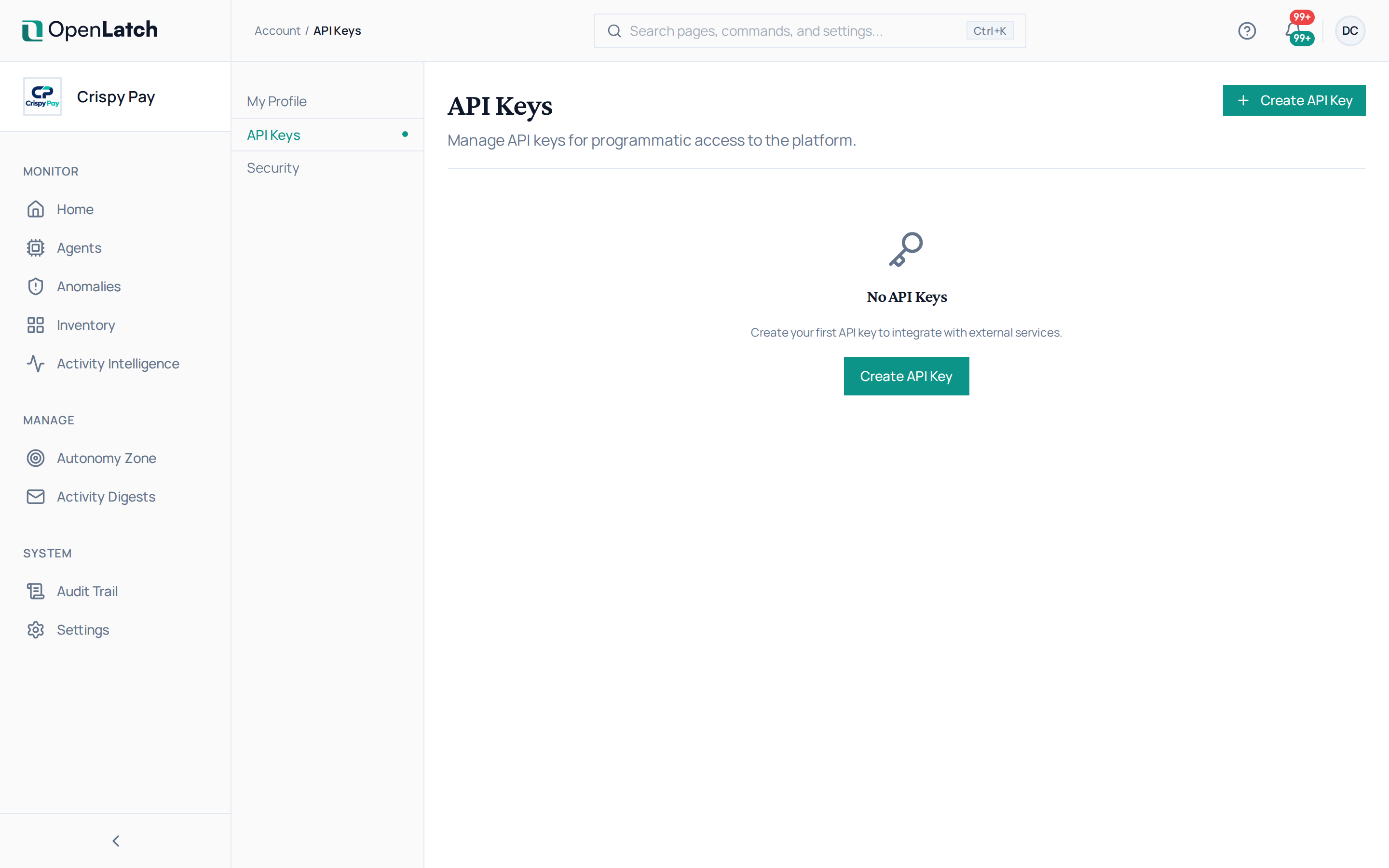
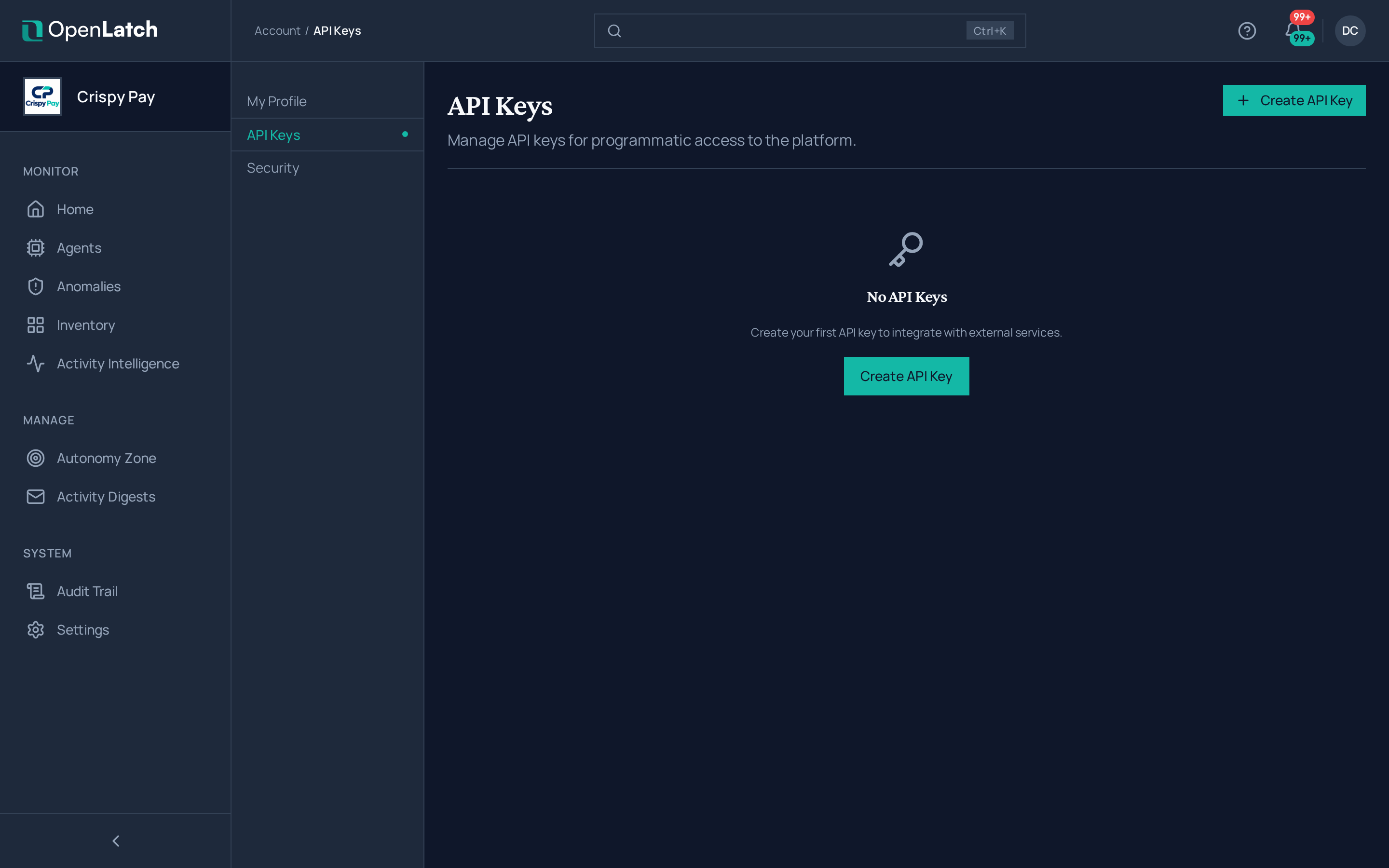
Create a key
Section titled “Create a key”- Open your account’s API Keys page and choose Create API Key.
- Name the key after what will use it, for example the rollout wave or the integration, and choose Create Key.
- Copy the key value now. It is shown once, in full; after you dismiss it, the list shows only a masked value.
- Store it in your organization’s secret store. Never write it into a script, a package, a command line or a shared document.
Use one key per purpose: one per rollout wave, one per integration. A key you can revoke alone is a key you can revoke without disturbing anything else.
Revoke a key
Section titled “Revoke a key”Choose Revoke on the key and confirm. Revoking cannot be undone, and anything that uses the key loses access at once. A machine enrolled with a wave key stores that key and authenticates with it, so revoking the key disconnects the machine. Give such machines a new key first: set it as OPENLATCH_API_KEY and run openlatch init --yes again on each.
The Last used column tells you whether a key is still being presented before you revoke it. A key past its expiry is listed as Expired.