

Review an agent's configuration
Use an agent’s configuration tabs to see what the agent is set up to do on its machine, before it does it: the hooks it declares, the MCP servers it connects to, the rules files it reads and the skills it can run. The client reports this configuration from the machine, so a change made there shows up here. Every role can read these tabs.
Open the agent from the Agents page and pick a tab.
| Tab | What it lists | Figures at the top |
|---|---|---|
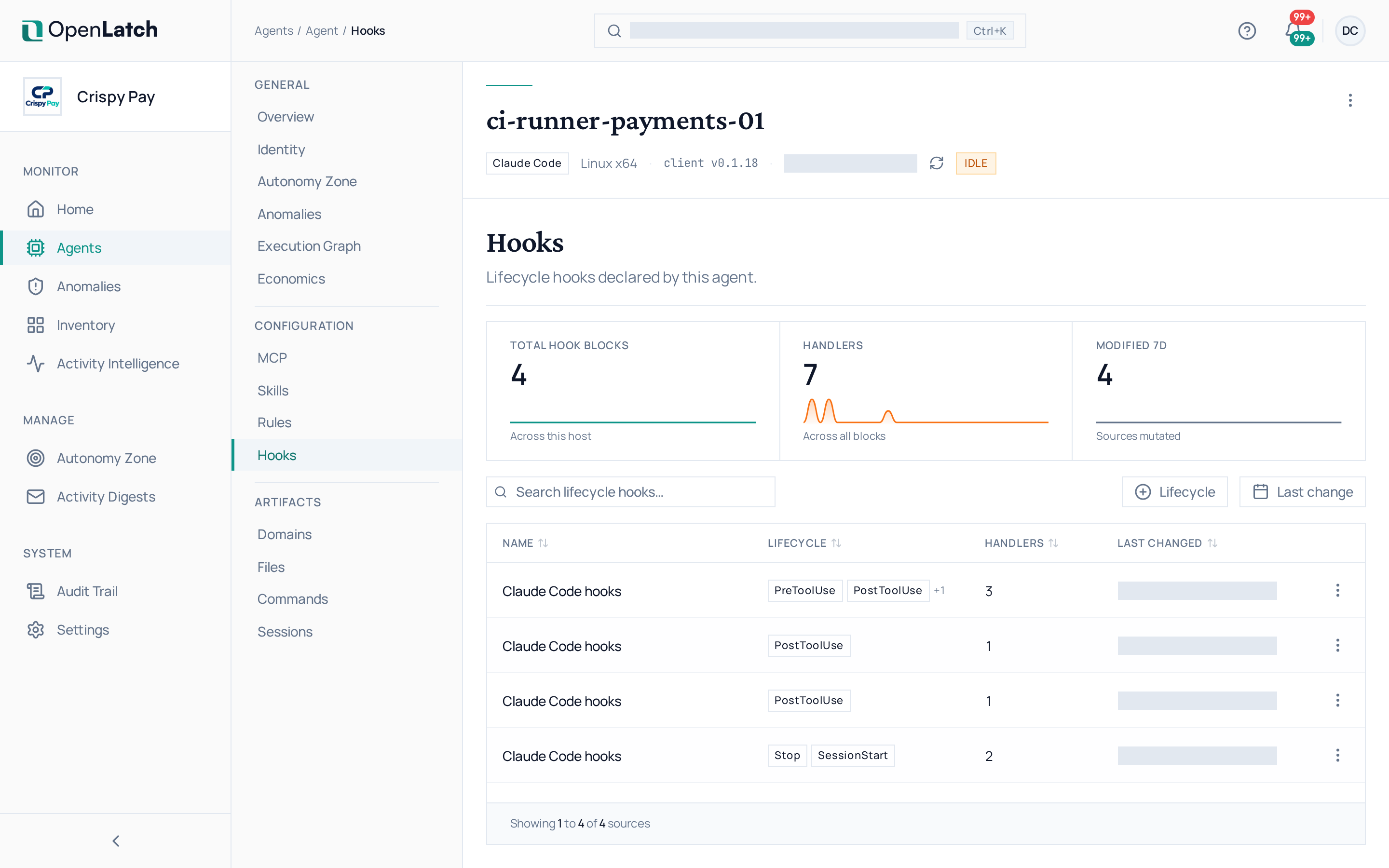
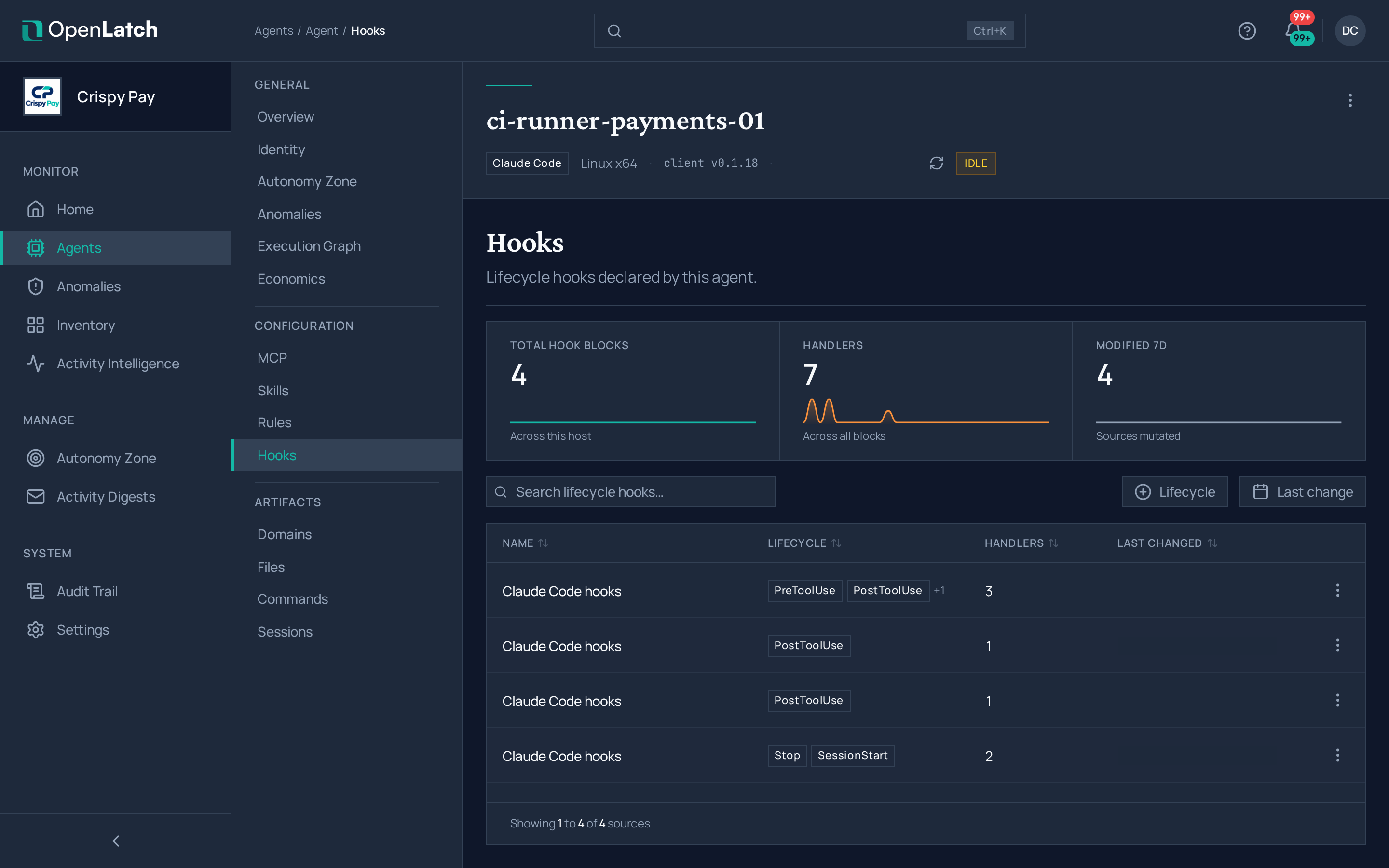
| Hooks | The lifecycle hooks the agent declares, including the ones that connect it to the client | Hook blocks, their handlers, and the sources changed |
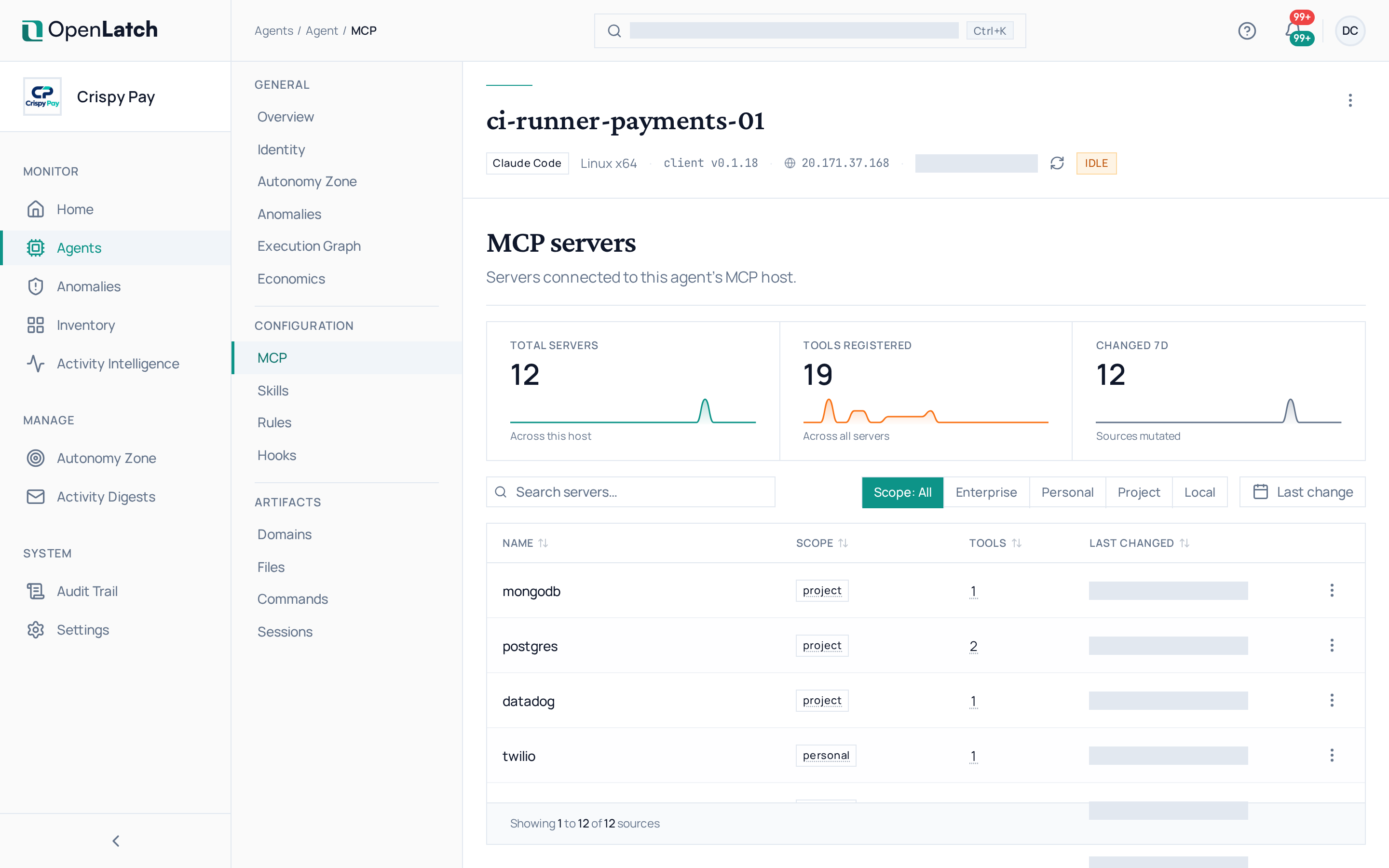
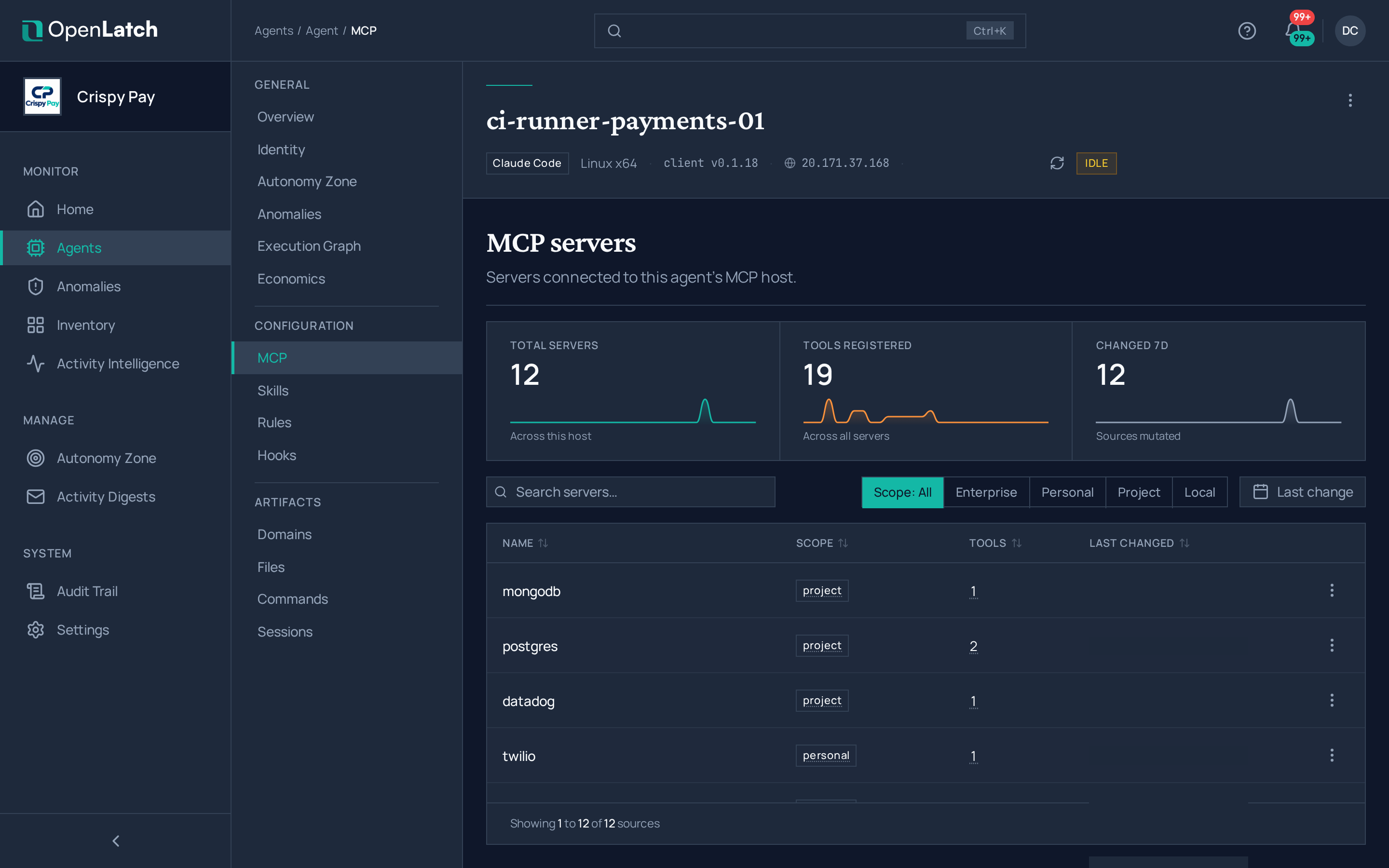
| MCP servers | The servers connected to the agent’s MCP host, with the tools each one exposes | Servers, tools across them, and the sources changed |
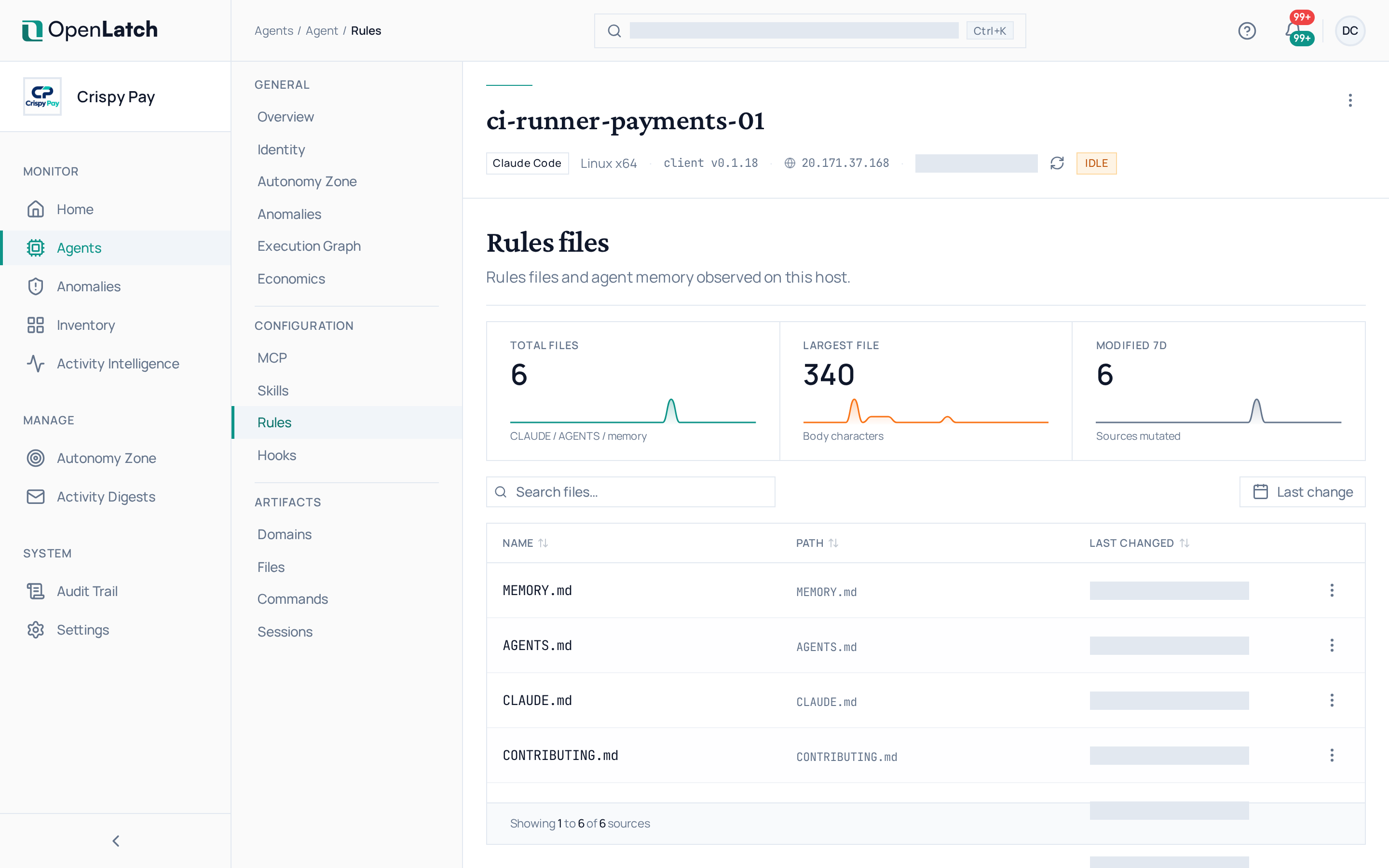
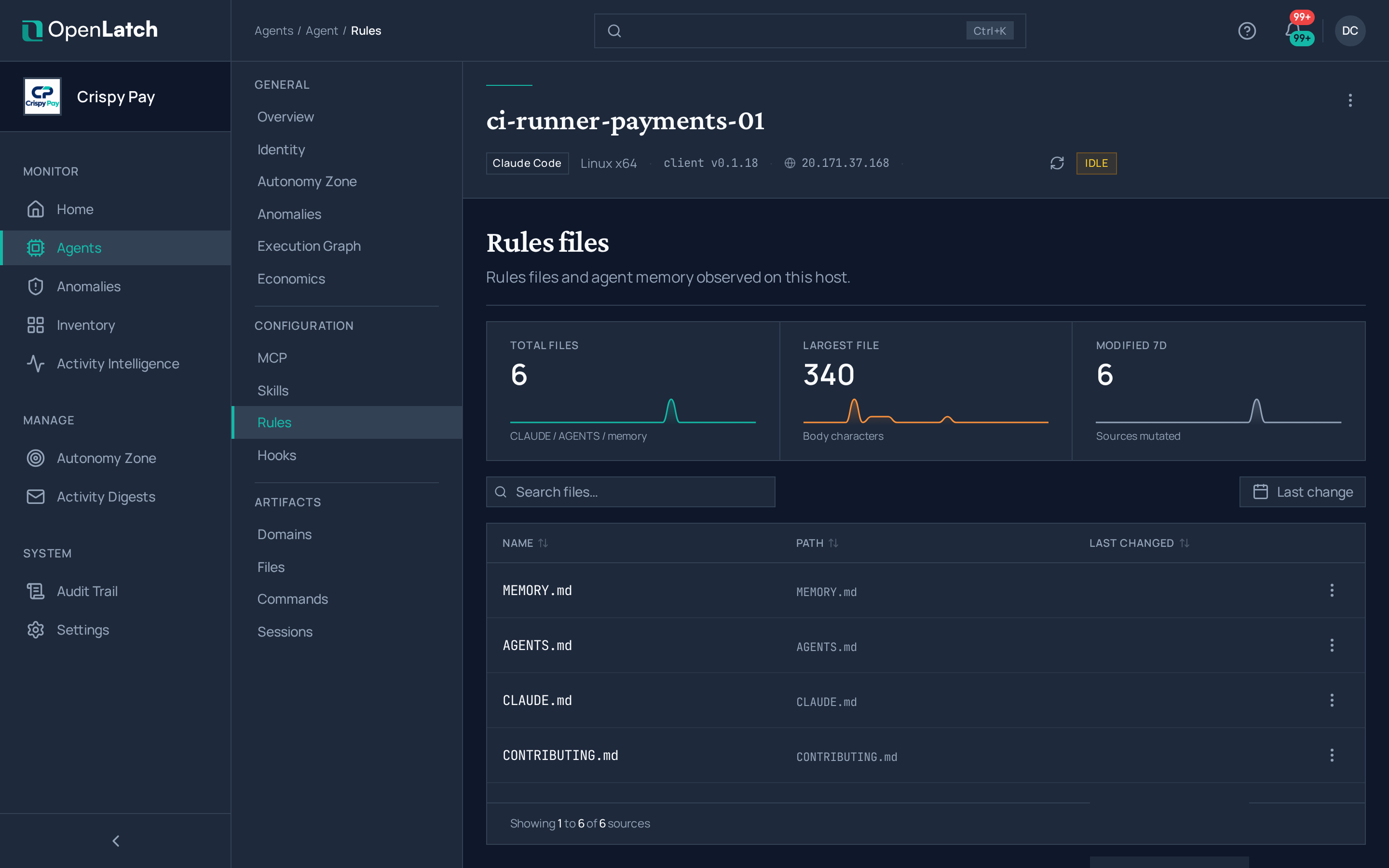
| Rules | The rules files and agent memory found on the host | Files, the sources changed, and the largest file |
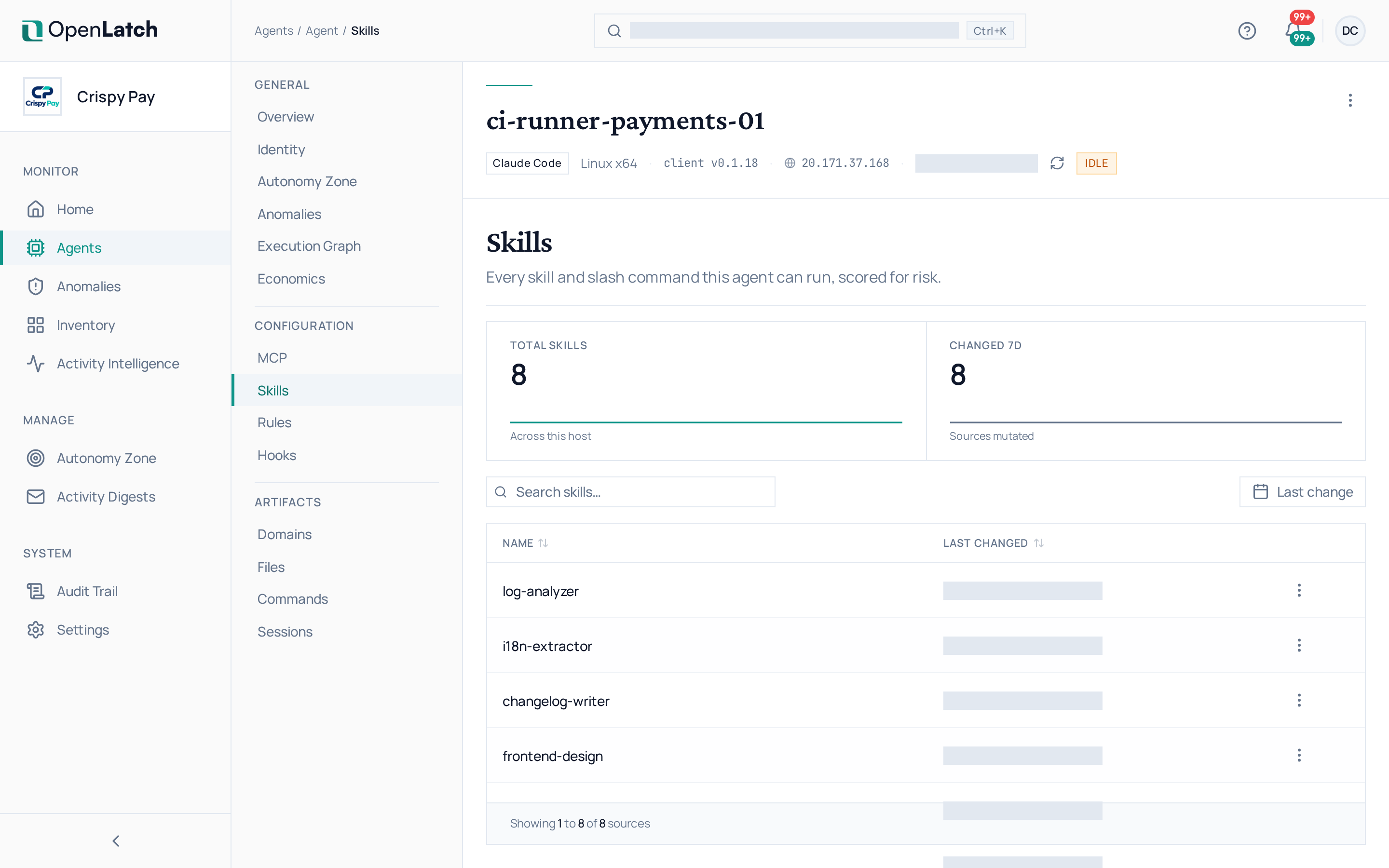
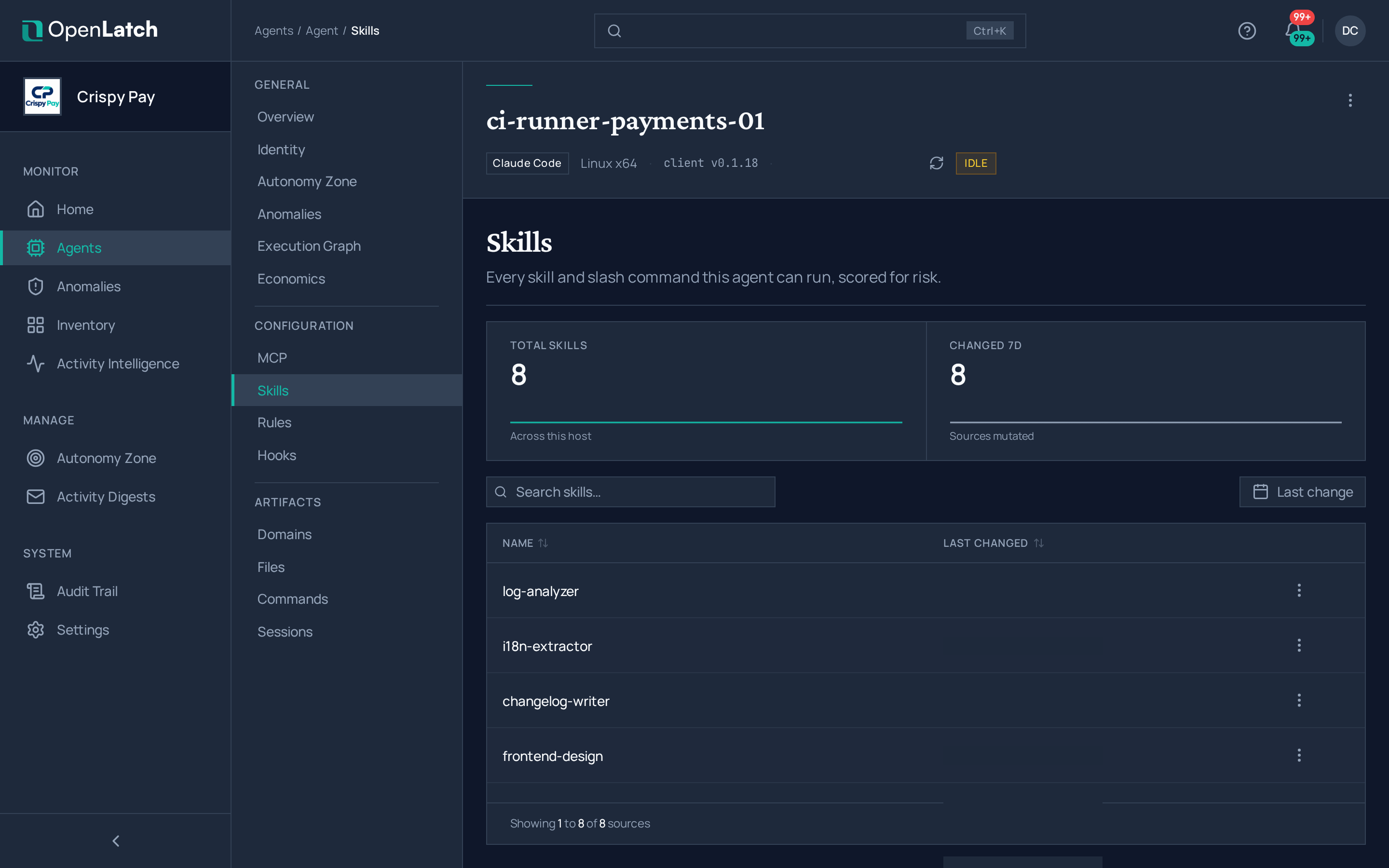
| Skills | Every skill and slash command the agent can run | Skills, and the sources changed |
Select an entry to open its detail: where it was declared, its content, and when it last changed.
What to look for
Section titled “What to look for”| Check | Why |
|---|---|
| The hook that connects the agent to the client is present | Without it, the agent’s actions do not reach the decision point. Run openlatch doctor on the machine if it is missing |
| An MCP server or skill you did not expect | A new server or skill gives the agent new tools to act with. Write an intent policy if its use should be decided |
| A source that changed recently | A change to a rules file or a hook changes how the agent behaves from its next session |
An empty tab means the agent has declared nothing of that kind yet. To see the same configuration across every agent at once, use the inventory.