

Introduction
Read this page to know what you are deploying before you prepare anything.
What OpenLatch is
Section titled “What OpenLatch is”OpenLatch is the execution control layer for enterprise AI agents. It runs inside the agent’s own lifecycle, evaluates each covered action against your organization’s Agent Intent Policies, and returns a deterministic verdict before the action executes: Allow, Ask, Block or Optimize.
Deterministic has a precise meaning here. Every covered action reaches the policy decision point, and the verdict that an explicit policy produced is the verdict that is enforced. Architecture shows the path an action takes to get there.
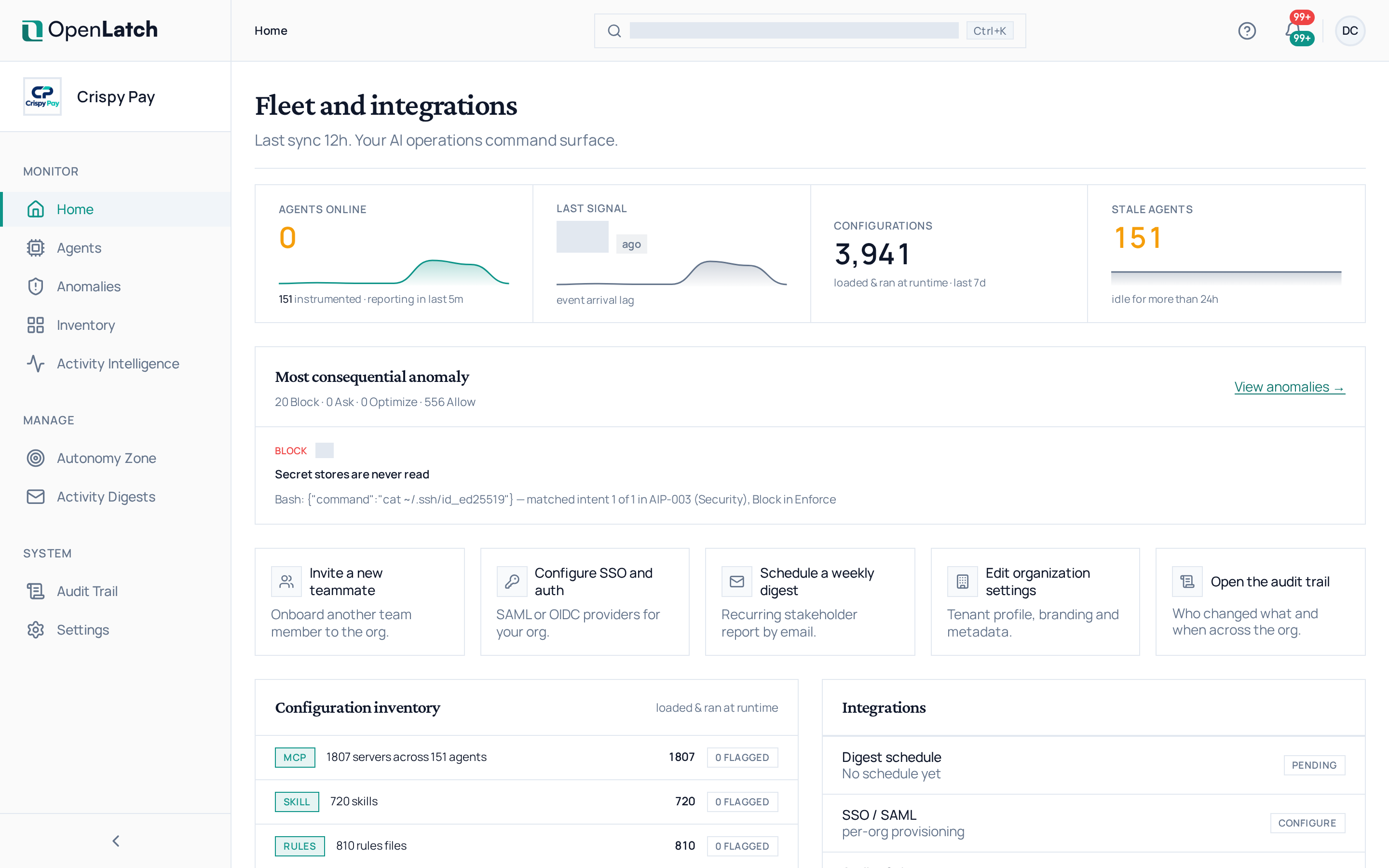
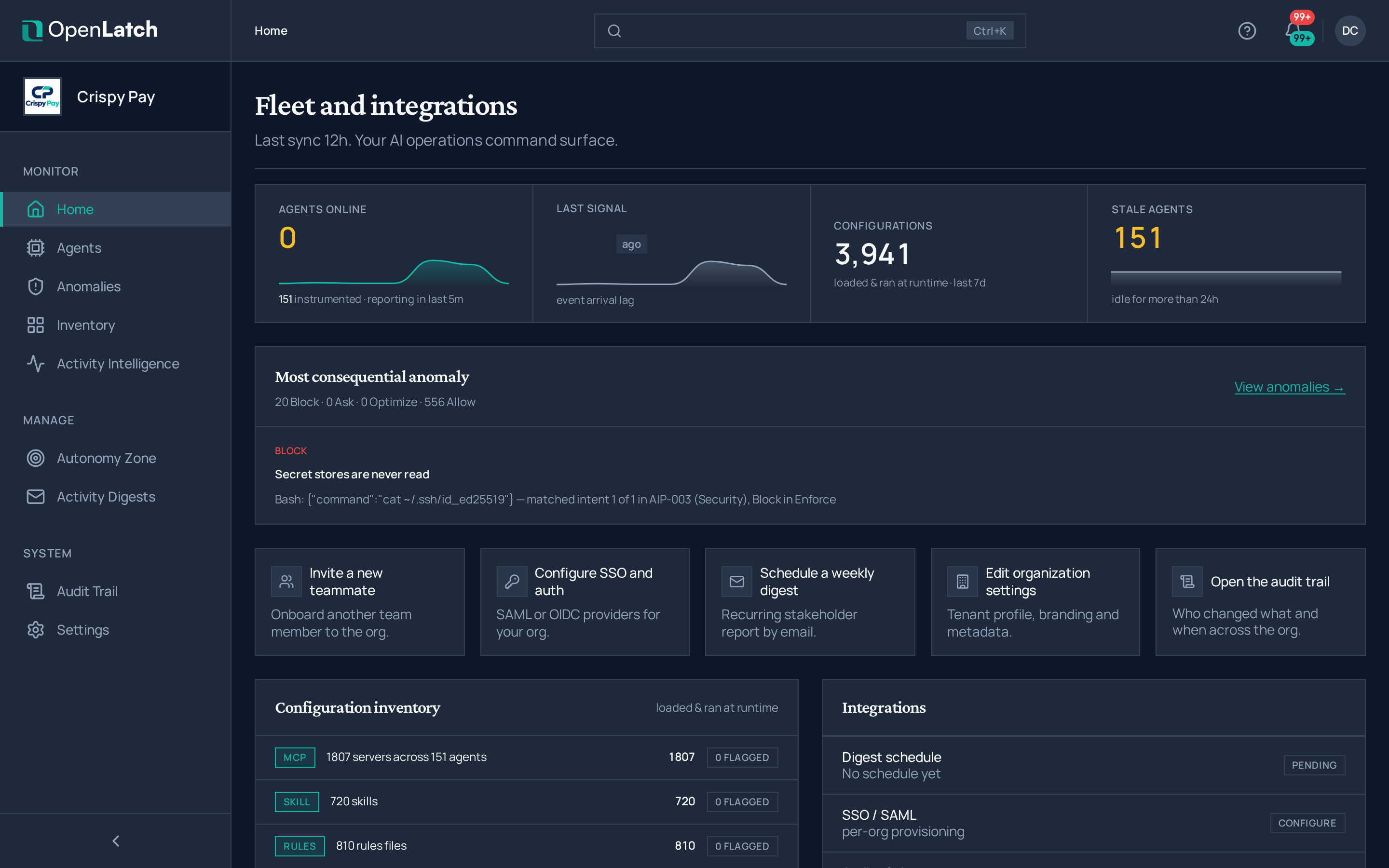
What you end up with is one place that holds every agent in the organization, the rules each one works under, and the decisions already taken on its behalf.
The four verdicts
Section titled “The four verdicts”| Verdict | What happens |
|---|---|
| Allow | The action proceeds |
| Ask | The action proceeds and is flagged for asynchronous review. It waits for an answer only where a policy sets the per-atom opt-in for irreversible actions |
| Block | The action is stopped before it executes |
| Optimize | The path is changed. Applied in Enforce, measured in Monitor |
Verdicts explains each one in full.
What runs where
Section titled “What runs where”OpenLatch has two parts: a console you work in, and a client you install on the machines that run agents.
| Part | What it is | Where it runs |
|---|---|---|
| The console | Holds the organization, its users and roles, the agent record and the audit trail, and is where policies are authored. It never applies a verdict itself | Delivered as a service at app.openlatch.ai. Hosting and data handling are on Data handling and security |
| The client | One installed unit. It evaluates each covered action on the machine, returns the verdict before the action runs, and sends the record of what happened to the console. The install detects the agents present on the machine and wires each one | Each machine that runs an agent, once per machine. It installs and runs at user scope, and no administrator rights are required |
What the deployment does not ask of your network:
| Concern | What OpenLatch needs |
|---|---|
| Inbound ports | None. The client listens only on the loopback interface, and nothing on the machine is reachable from the network |
| Certificates | None. OpenLatch issues no certificate and requires none |
| Traffic interception | None. OpenLatch terminates no traffic and re-signs none |
| Network change | One outbound allowlist entry: app.openlatch.ai, on TCP 443 |
| Your existing proxy | The client works behind it, including under TLS inspection when the interception certificate authority is trusted. See Network requirements |
What you will set up
Section titled “What you will set up”| Step | What it means | Where |
|---|---|---|
| 1 · Create the organization | Sign in, name the organization, invite the administrators and set their roles | Configure the organization |
| 2 · Connect the identity provider | Configure single sign-on over SAML 2.0, and test the exchange before you invite anyone else | Configure the organization |
| 3 · Connect the agents | Deploy the client to each machine, on the developer path or through your managed deployment tooling | Deploy the client |
| 4 · Verify and roll out | Prove each machine is connected, then widen the deployment in three waves | Verify and roll out |
What you need to start
Section titled “What you need to start”| Requirement | Detail |
|---|---|
| An account in the console | OpenLatch creates the organization and invites its owner. That account invites everyone else |
Outbound HTTPS to app.openlatch.ai on TCP 443 | The one destination OpenLatch requires, through your proxy. No inbound port is opened. Allowlist it by name, because there is no static address range |
Prerequisites turns this into a readiness inventory, with the source of every value.
In short
Section titled “In short”- The verdict is produced on the machine, before the action runs. The console is not on the decision path.
- Policies stay in force on the machine when the console is unreachable. Records are held locally and sent when it is reachable again.
- One outbound destination is required. No inbound ports, no certificates to install, no traffic interception.
- Setup is four steps: the organization, the identity provider, the client on each machine, then verification and rollout.