Skip to content

Search the inventory

Use the Inventory page when your question starts from a thing rather than an agent: which agents connect to this MCP server, which ran this command, which reached this domain. Each tab lists one kind of thing across every agent in the organization, counted once however many agents share it. Every role can read it.

TabLists, across all agents
CommandsEvery shell command the agents ran
FilesEvery file the agents read, wrote or deleted
DomainsEvery website the agents reached
SessionsEvery working session, each with the agent it belongs to
HooksEvery hook configuration block the agents declare
MCP serversEvery MCP server the agents connect to
RulesEvery rules file the agents read
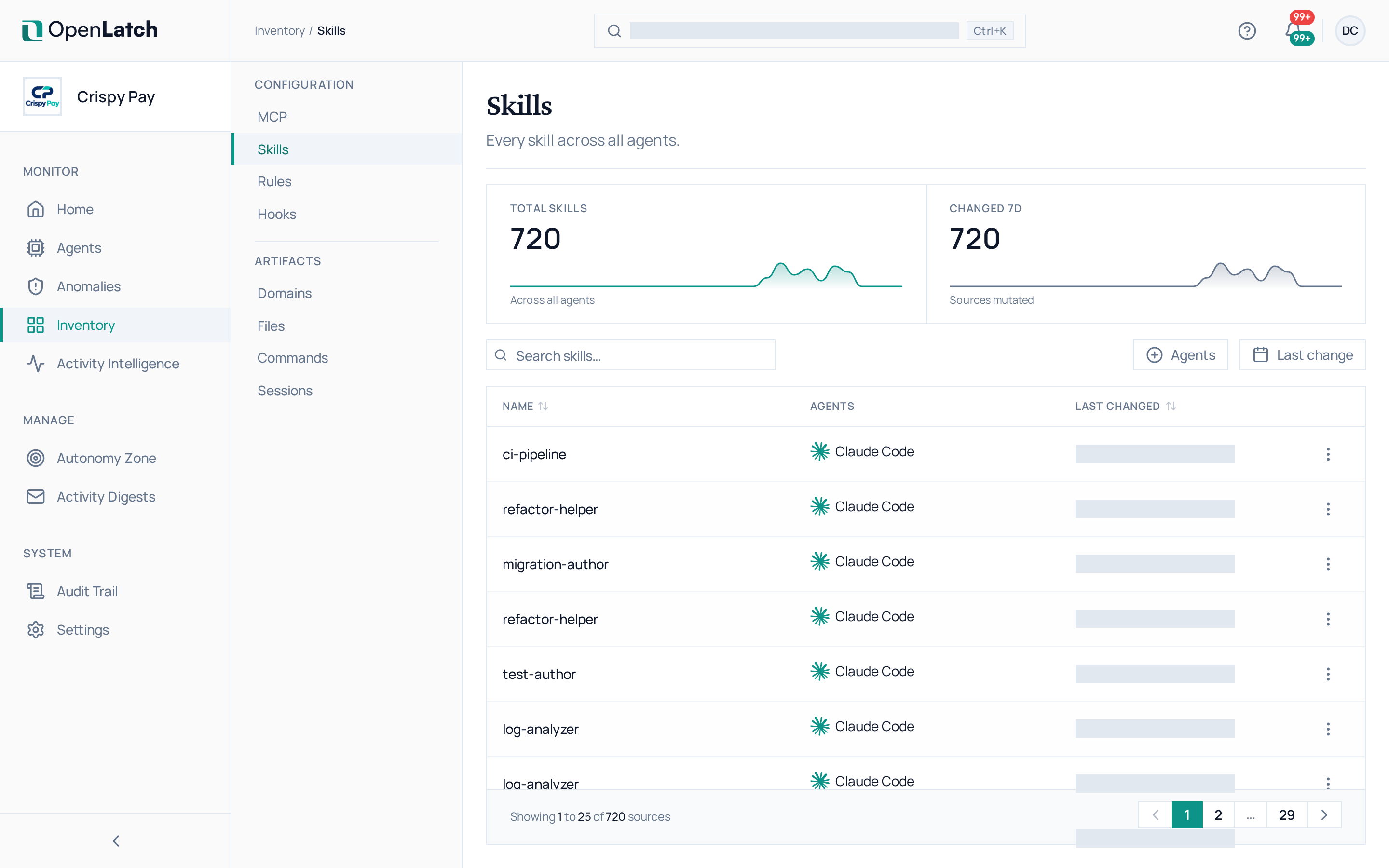
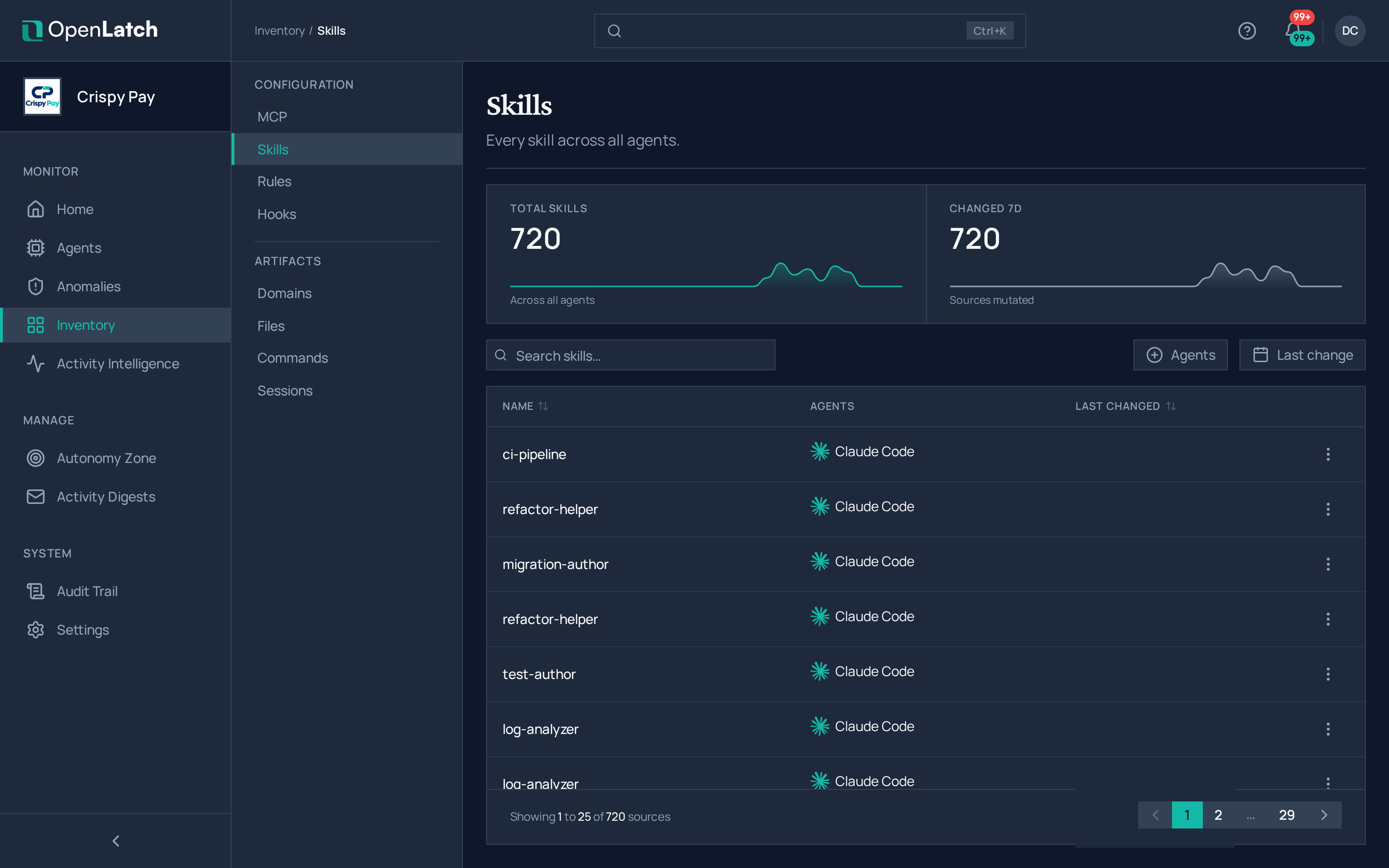
SkillsEvery skill the agents can run
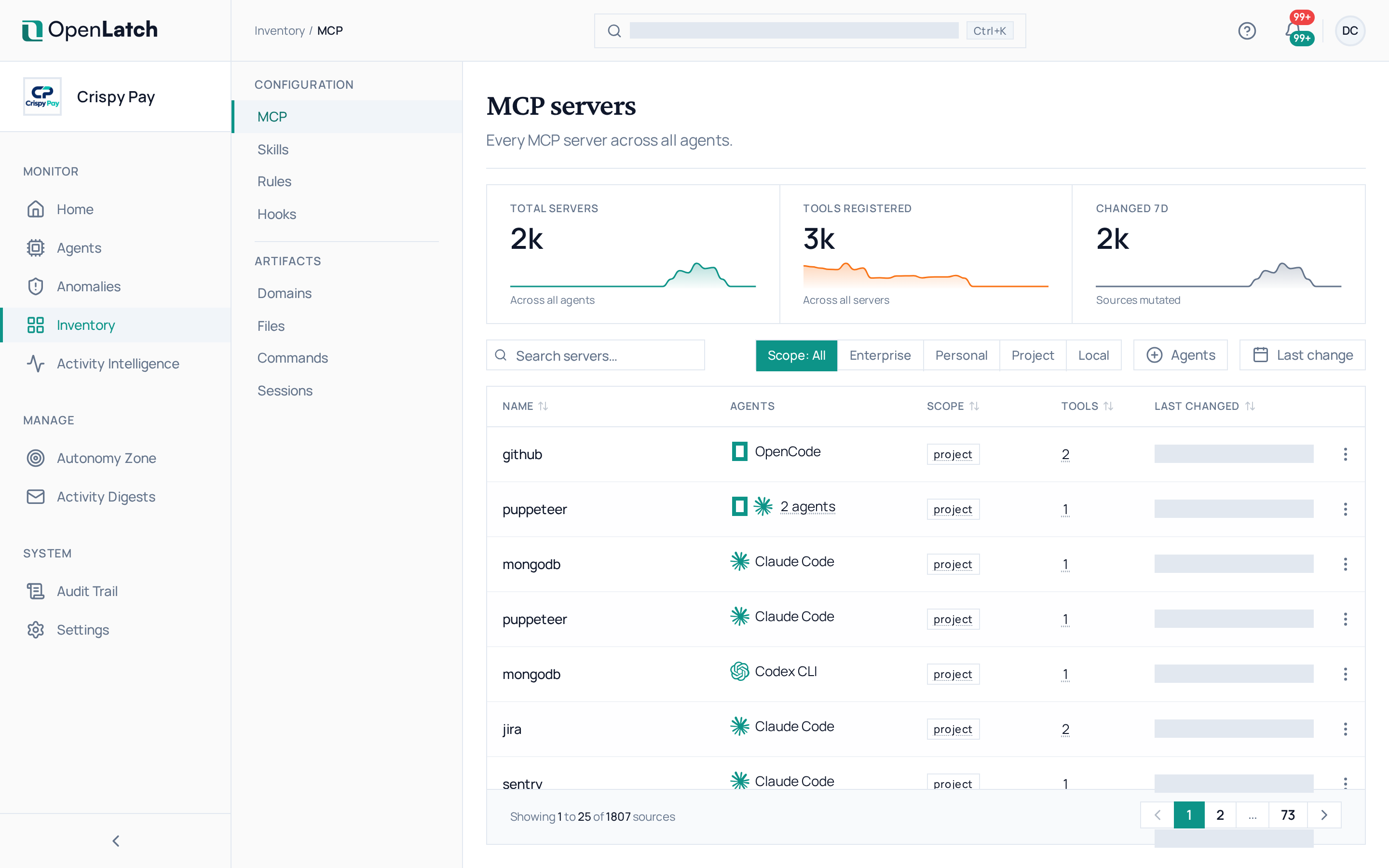
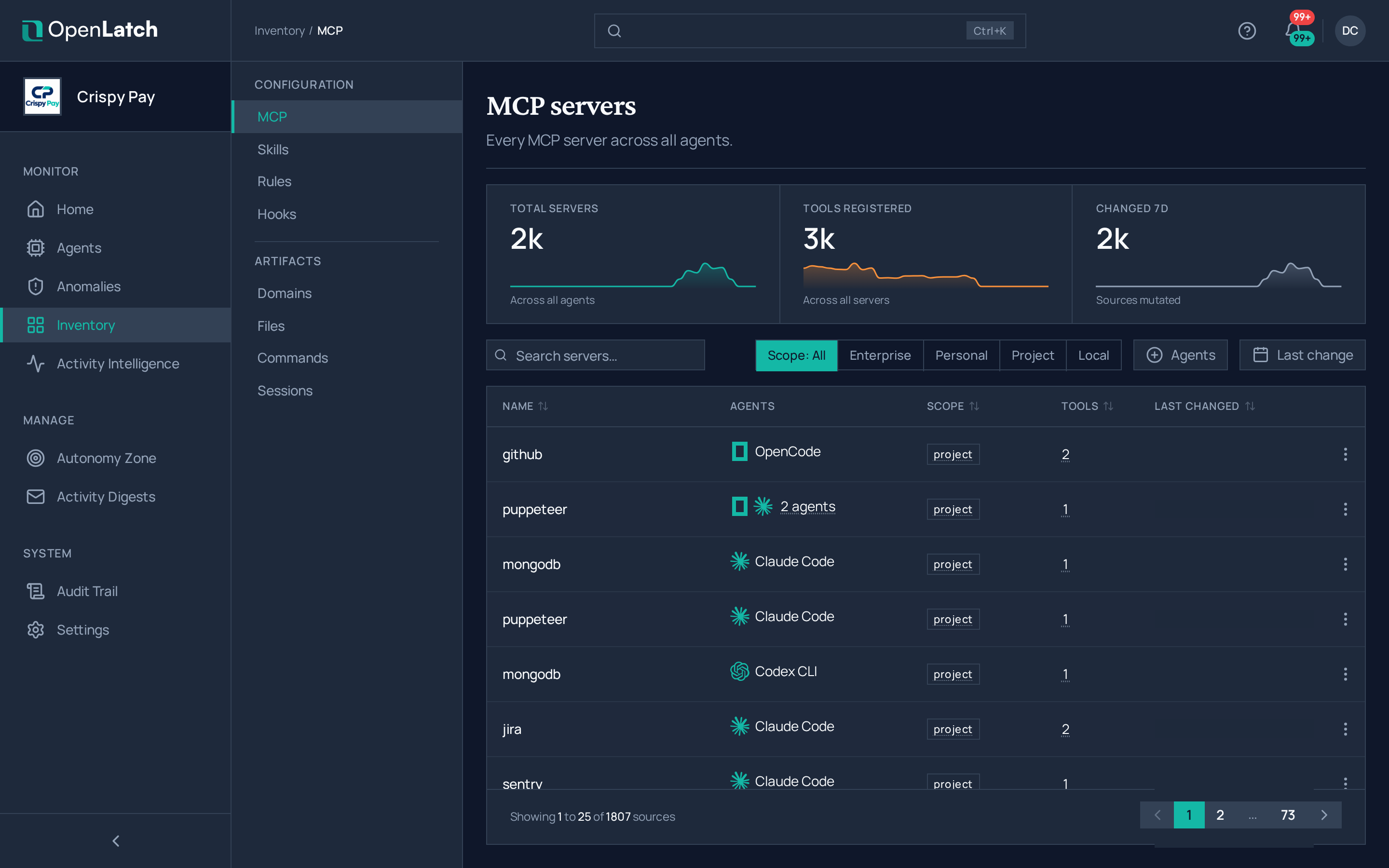
The MCP servers inventory page of the OpenLatch console, in the Crispy Pay demo organization.The MCP servers inventory page of the OpenLatch console, in the Crispy Pay demo organization.
The MCP servers inventory: every server, with the number of agents it was seen on.
  1. Open Inventory and the tab for the kind of thing you are looking for.
  2. Search for it, or filter the list.
  3. Read the Agents column. Hover it to see which agents the entry was seen on, or open the entry for every occurrence, each linked to its agent.

From an occurrence, open the agent to read the action in context; see Investigate what an agent did.
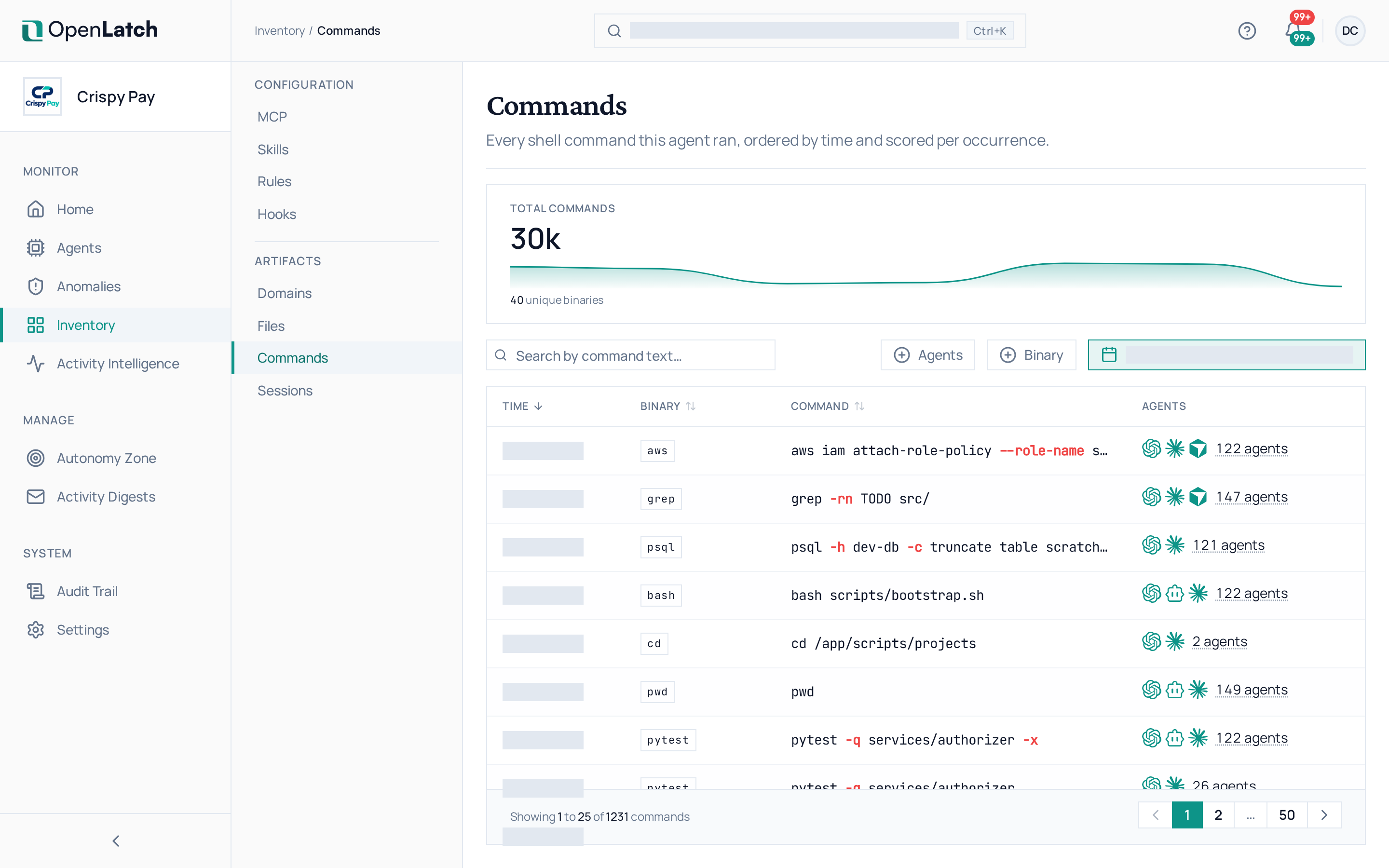
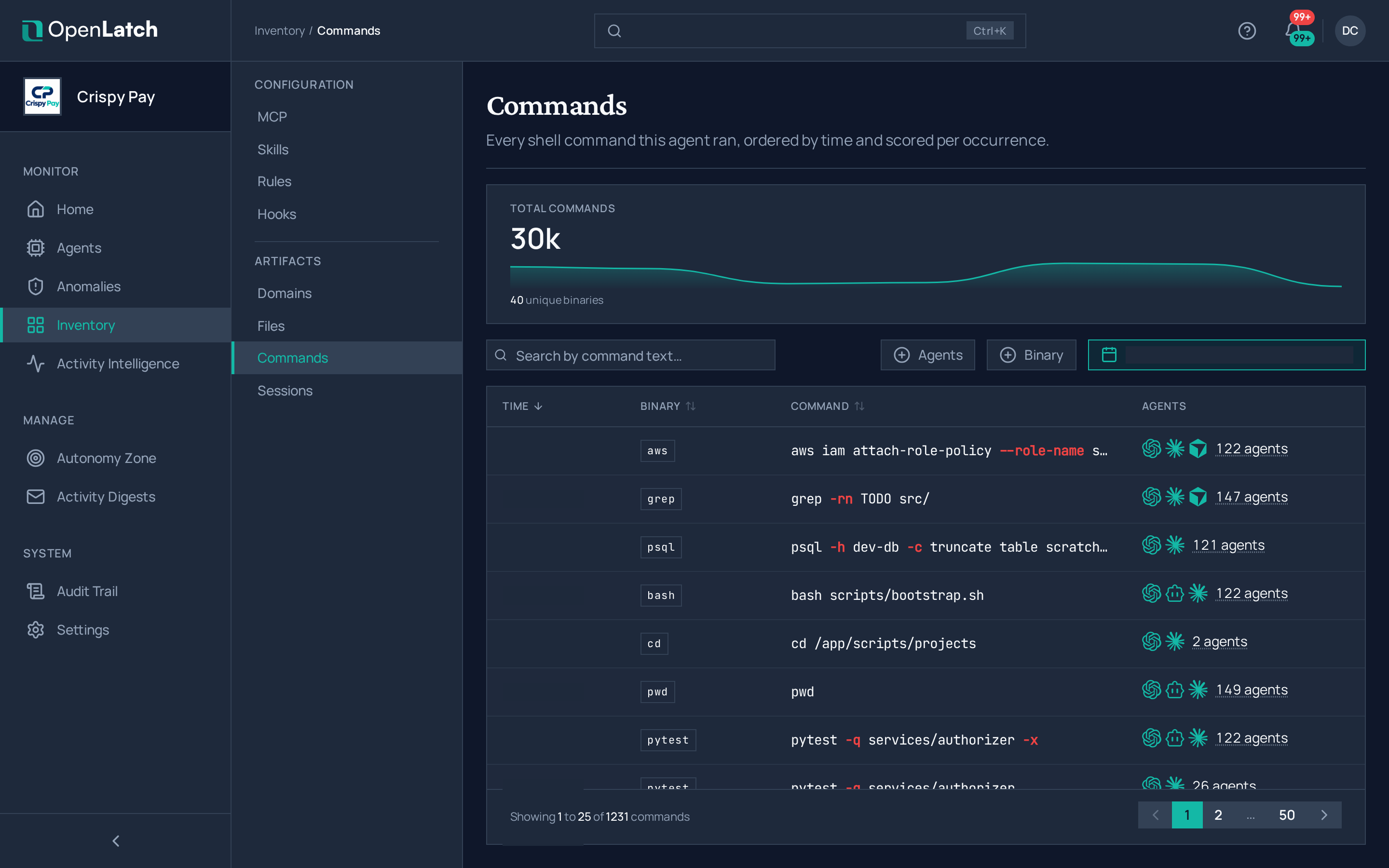
The Commands inventory page of the OpenLatch console, in the Crispy Pay demo organization.The Commands inventory page of the OpenLatch console, in the Crispy Pay demo organization.
The Commands inventory: every shell command, across all agents.
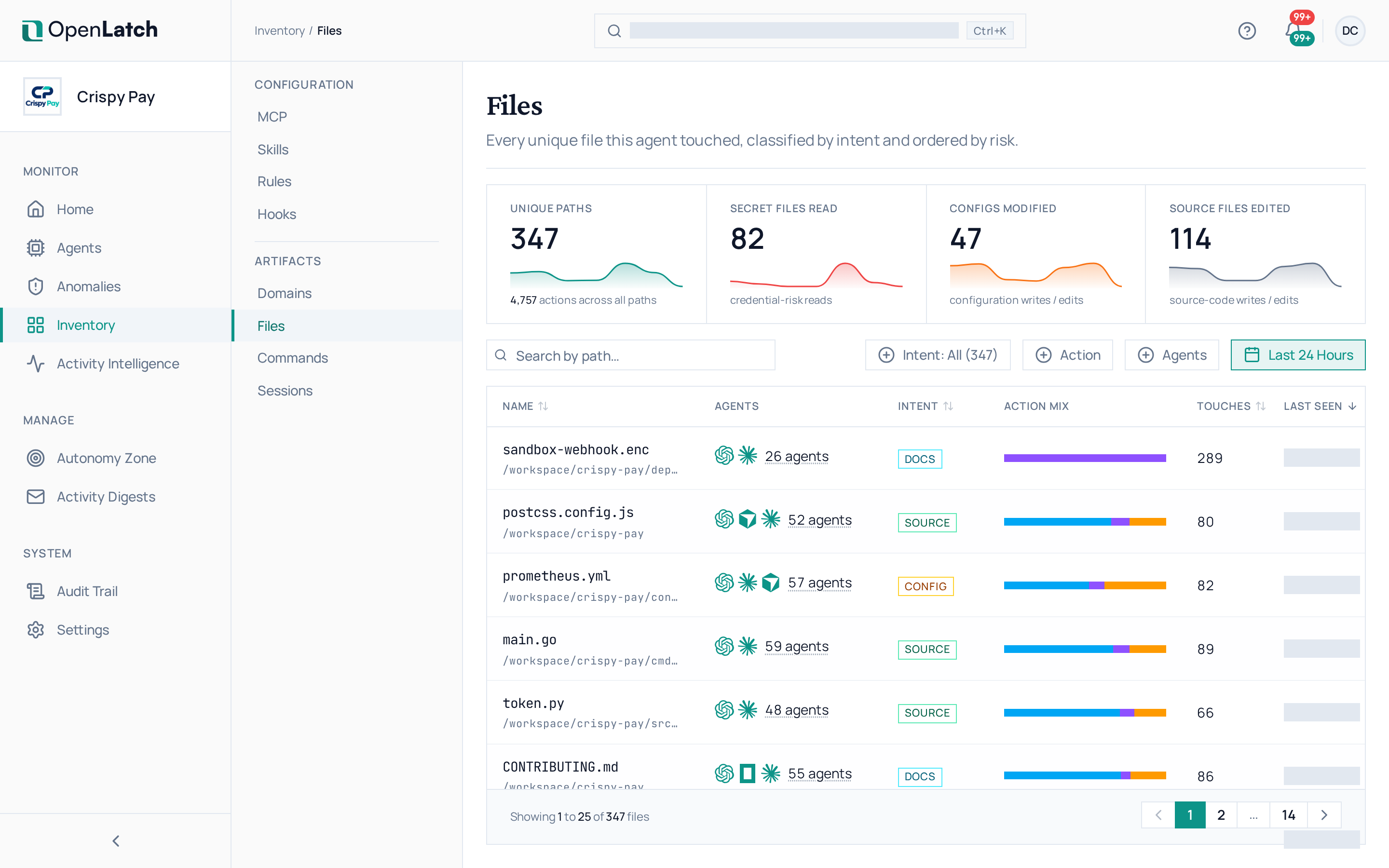
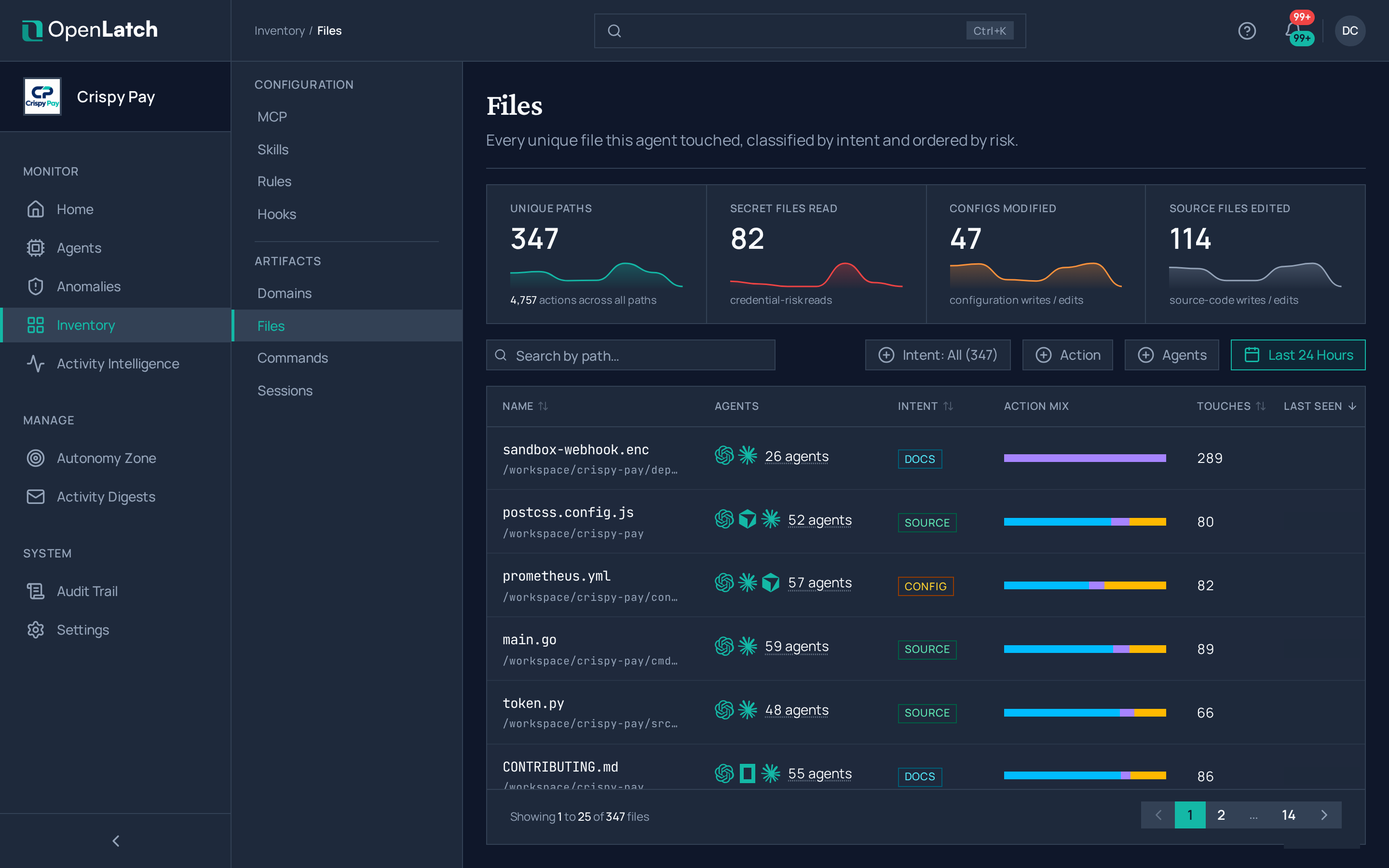
The Files inventory page of the OpenLatch console, in the Crispy Pay demo organization.The Files inventory page of the OpenLatch console, in the Crispy Pay demo organization.
The Files inventory: every file the agents read, wrote or deleted.
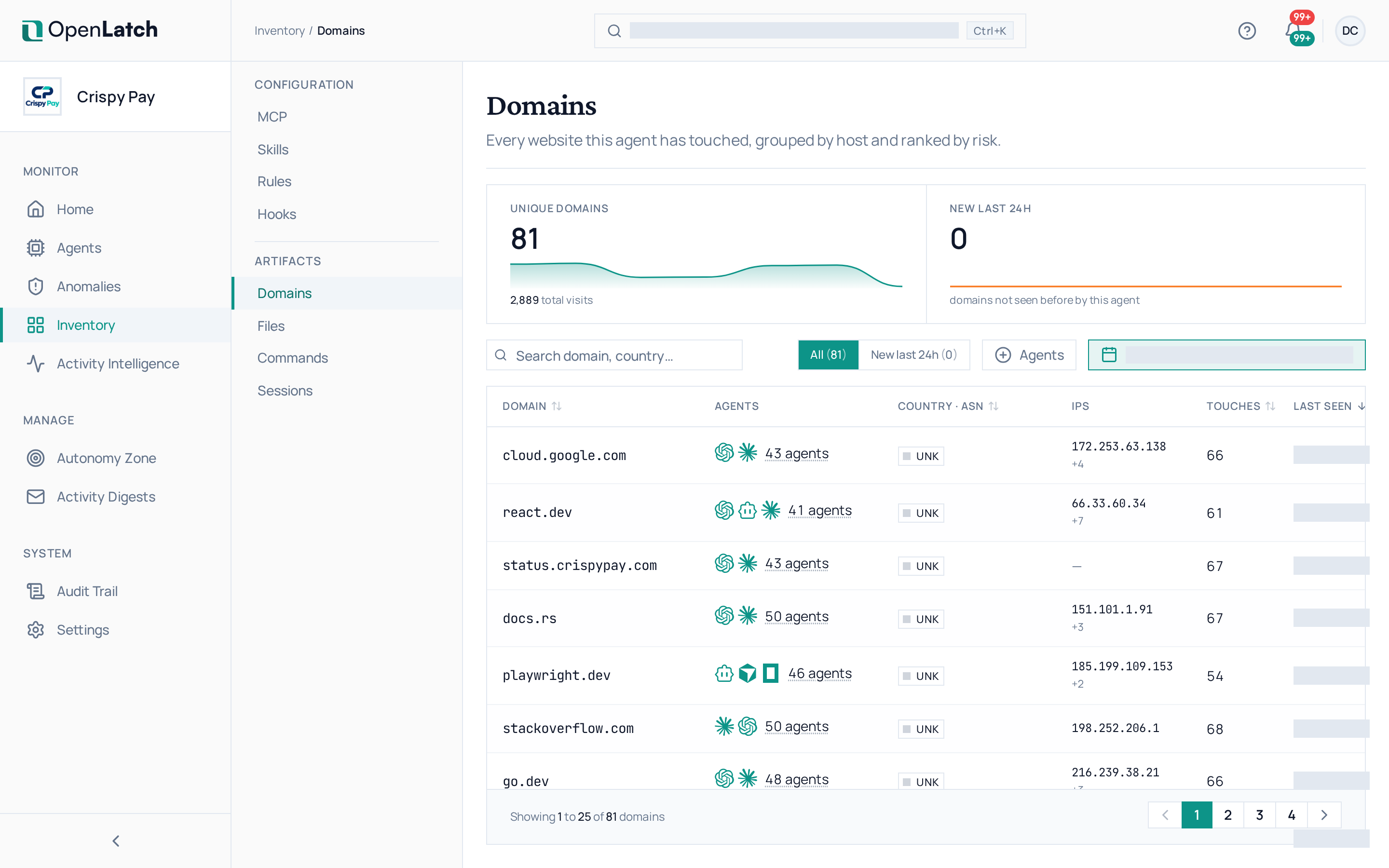
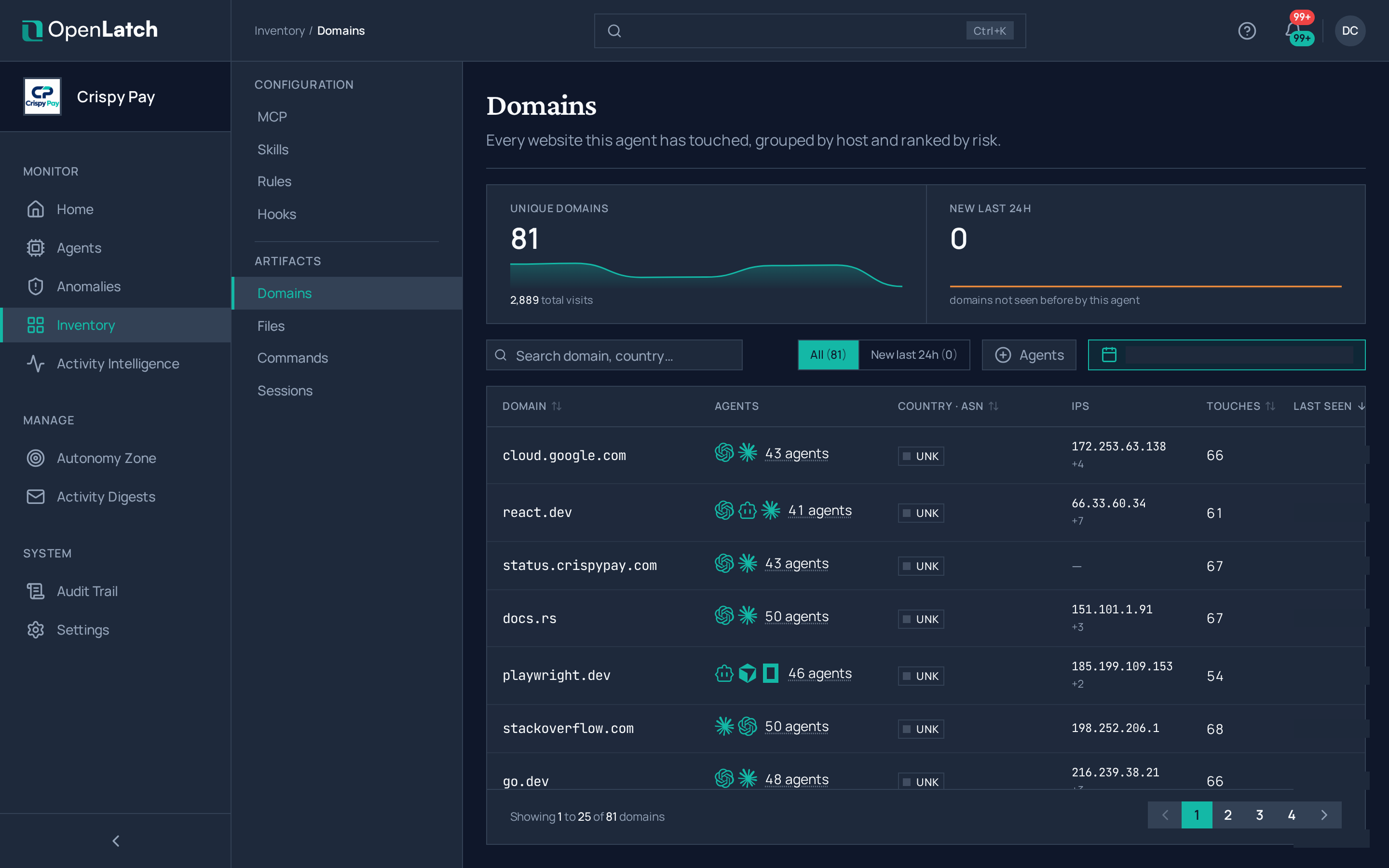
The Domains inventory page of the OpenLatch console, in the Crispy Pay demo organization.The Domains inventory page of the OpenLatch console, in the Crispy Pay demo organization.
The Domains inventory: every website the agents reached.
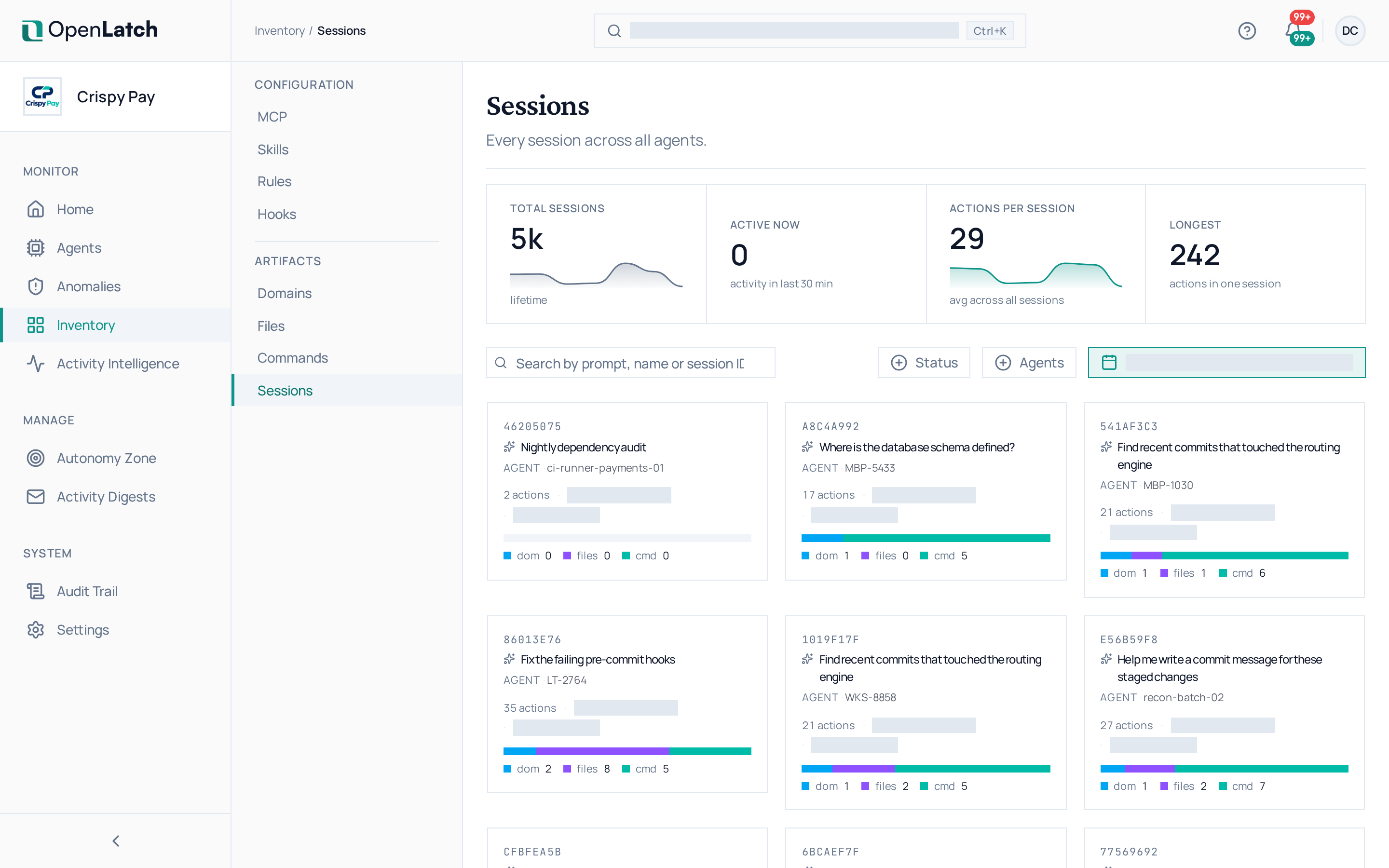
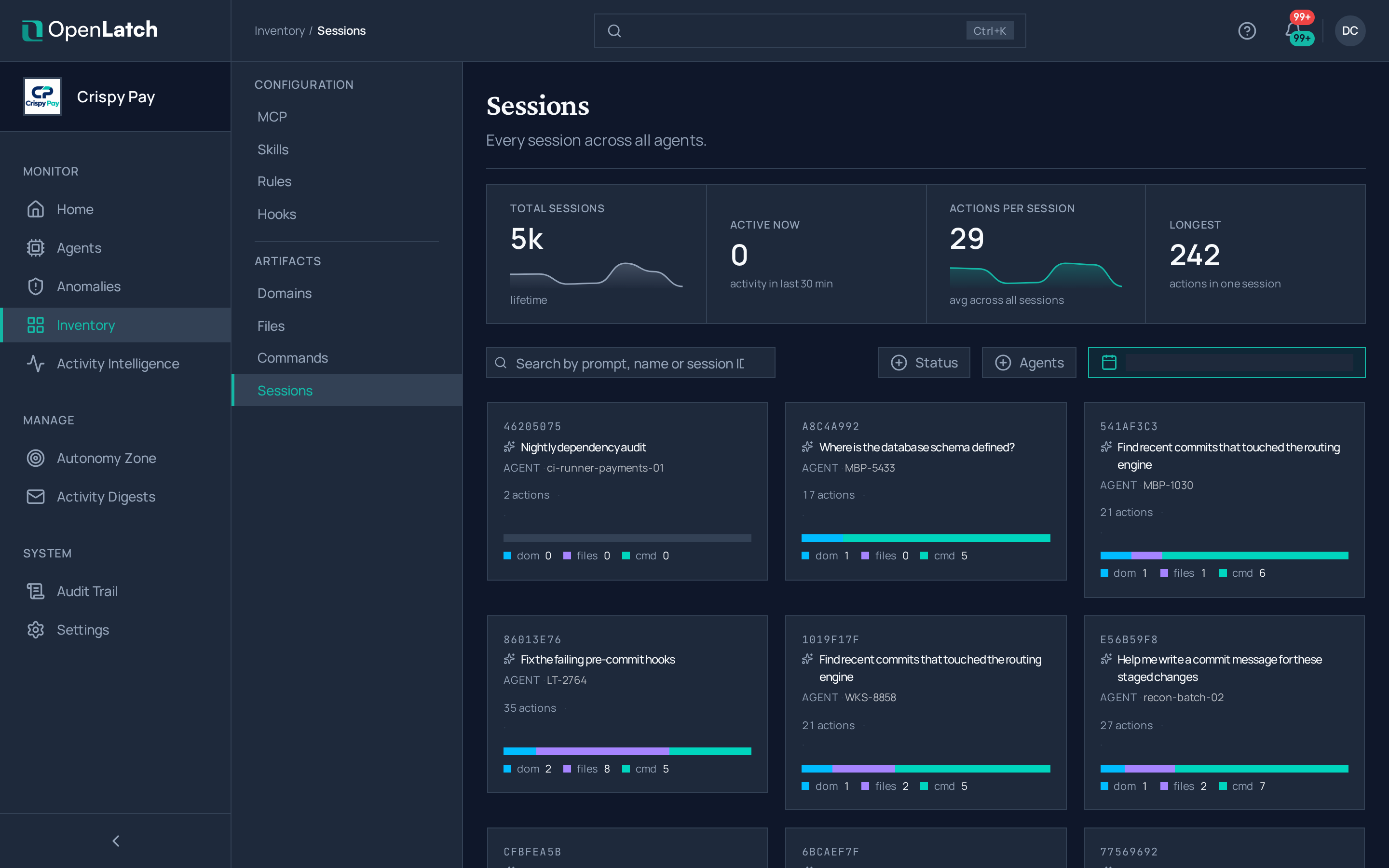
The Sessions inventory page of the OpenLatch console, in the Crispy Pay demo organization.The Sessions inventory page of the OpenLatch console, in the Crispy Pay demo organization.
The Sessions inventory: every working session, with the agent it belongs to.
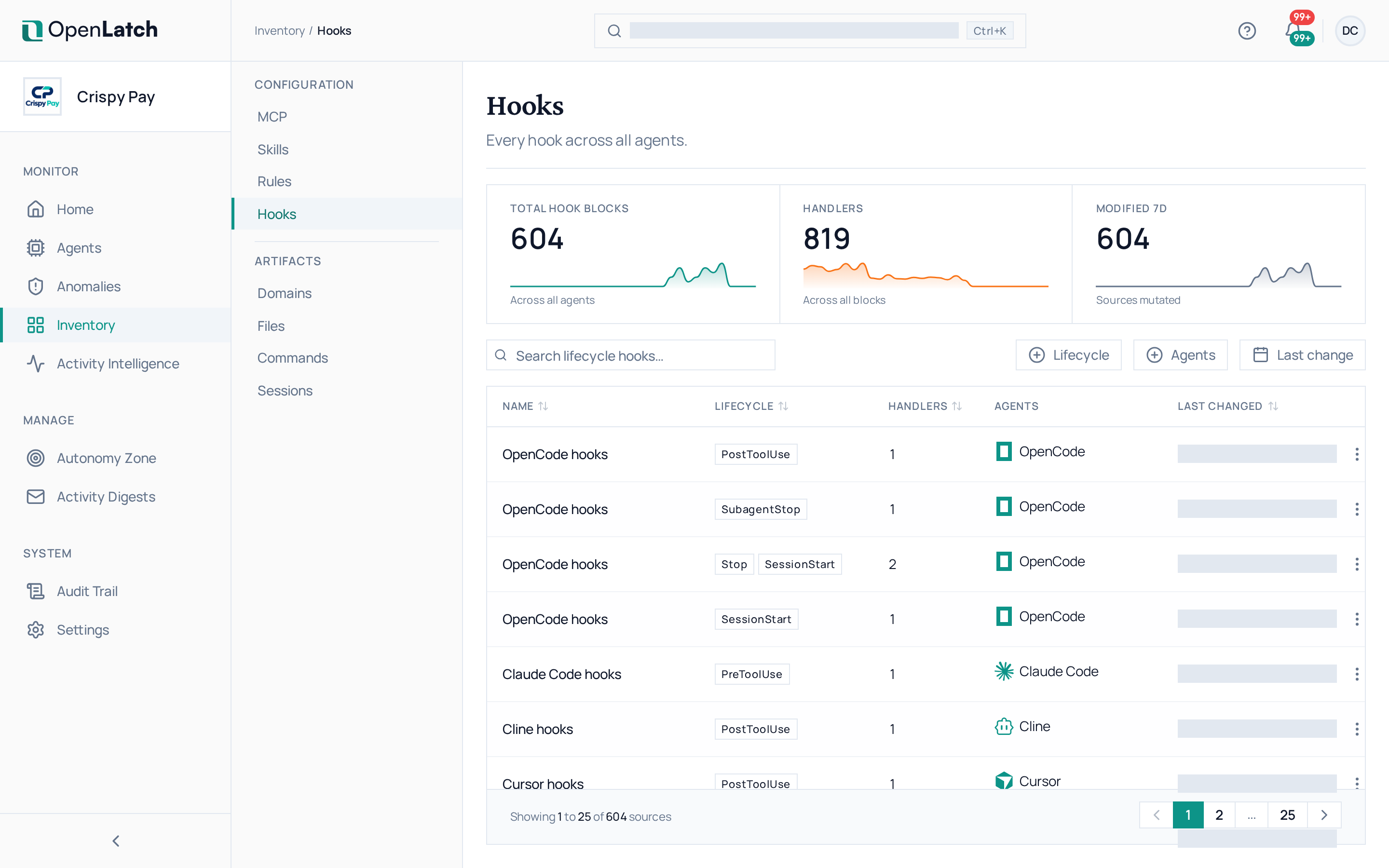
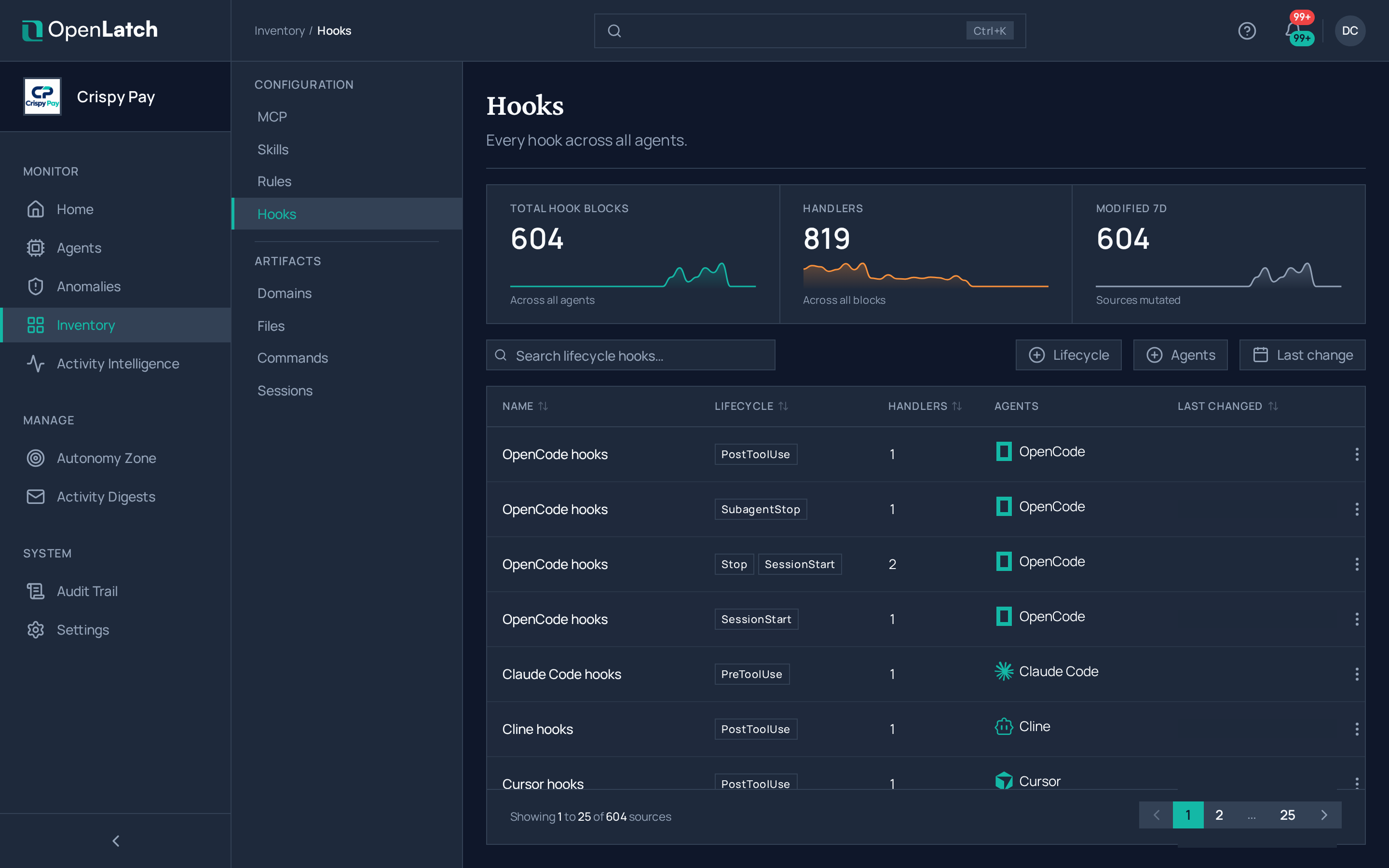
The Hooks inventory page of the OpenLatch console, in the Crispy Pay demo organization.The Hooks inventory page of the OpenLatch console, in the Crispy Pay demo organization.
The Hooks inventory: every hook configuration block the agents declare.
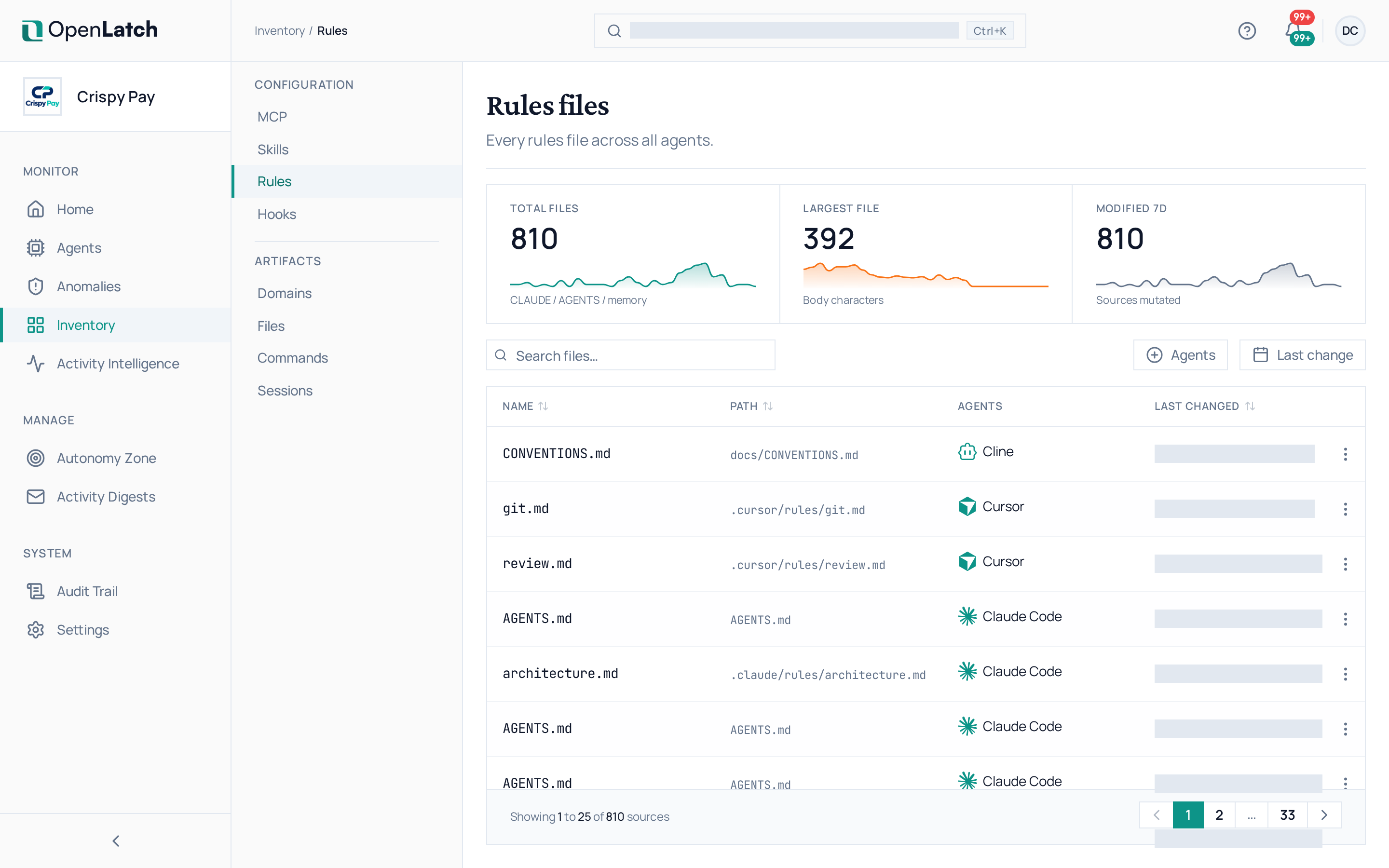
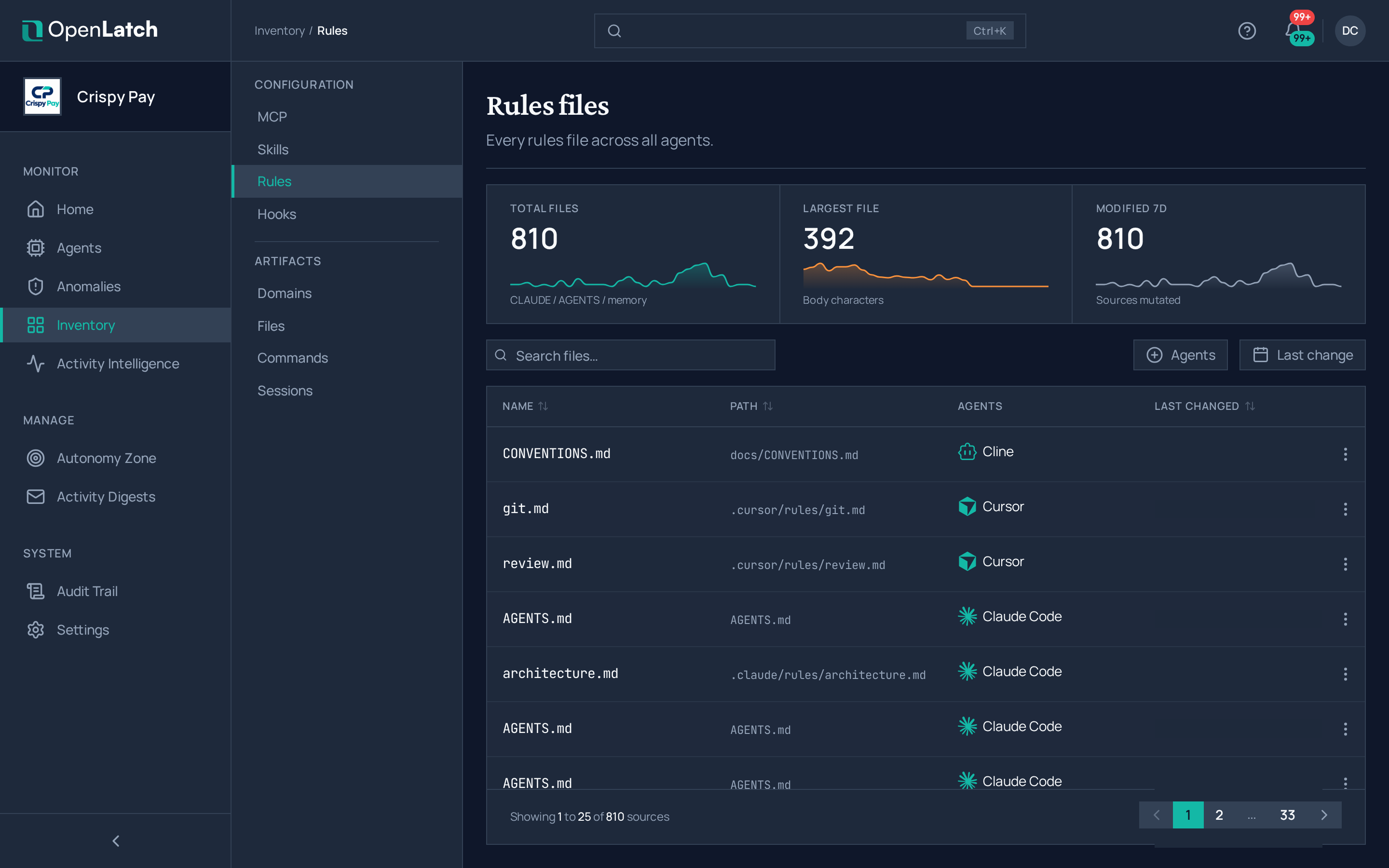
The Rules inventory page of the OpenLatch console, in the Crispy Pay demo organization.The Rules inventory page of the OpenLatch console, in the Crispy Pay demo organization.
The Rules inventory: every rules file the agents read.
The Skills inventory page of the OpenLatch console, in the Crispy Pay demo organization.The Skills inventory page of the OpenLatch console, in the Crispy Pay demo organization.
The Skills inventory: every skill the agents can run.

An empty tab means no agent has declared or done anything of that kind yet.