

Manage users and teams
Use Settings › Users to decide who can use the console and what each person can do, and Settings › Teams to group people. You need the admin role or higher.
Four roles run in a strict order of privilege, each including everything below it:
| Role | What it can do |
|---|---|
| owner | Full ownership: every permission, plus team and organization management |
| admin | Full access: users, teams, settings and all content |
| editor | Manages resources and configuration, such as intent policies, zones and agent ownership |
| viewer | Read-only access to resources and configuration |
Every invitee starts as a viewer. Grant the higher roles deliberately, to the few people who need them. The Role Permissions Reference on the page lists each permission per role.
Invite someone
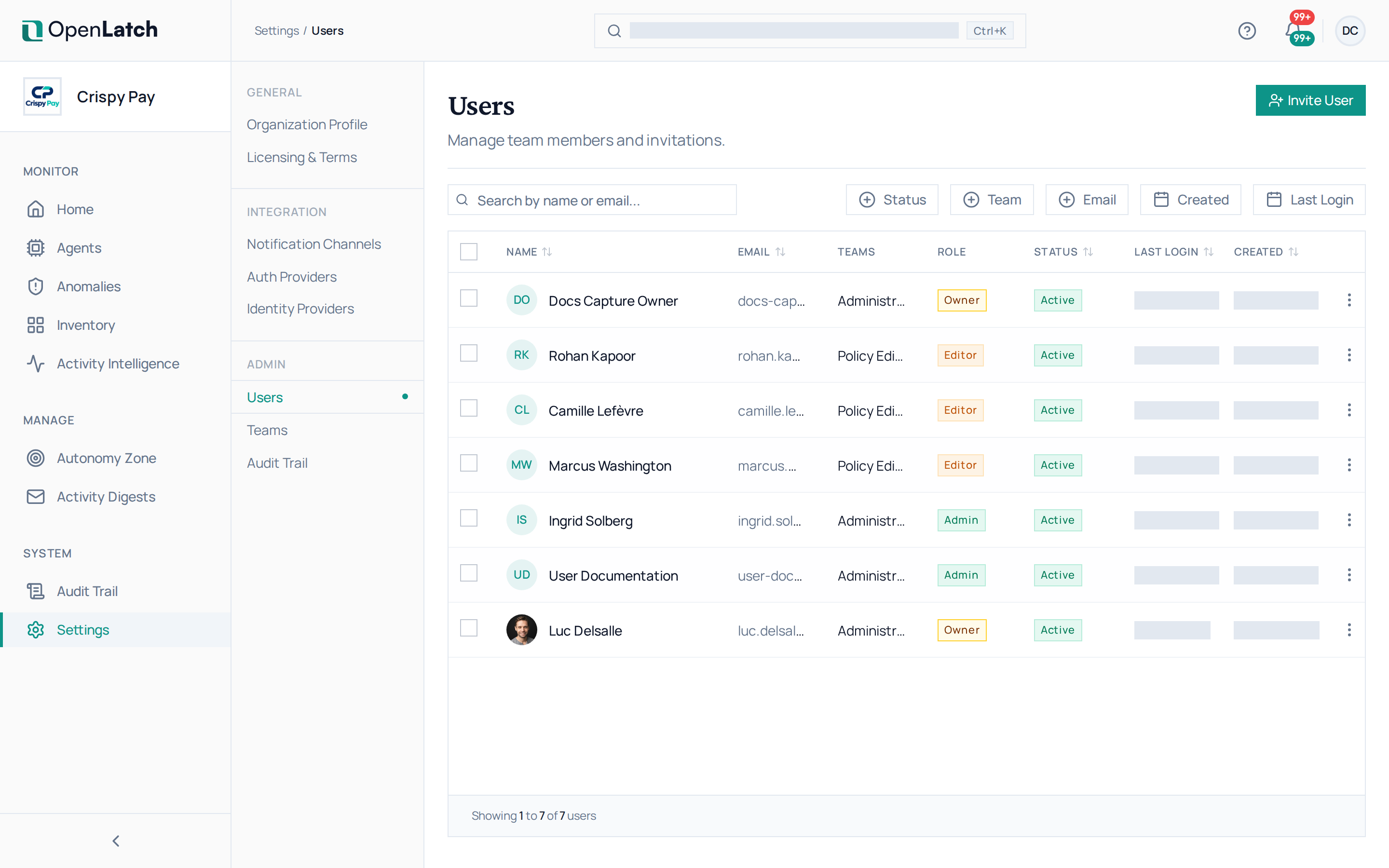
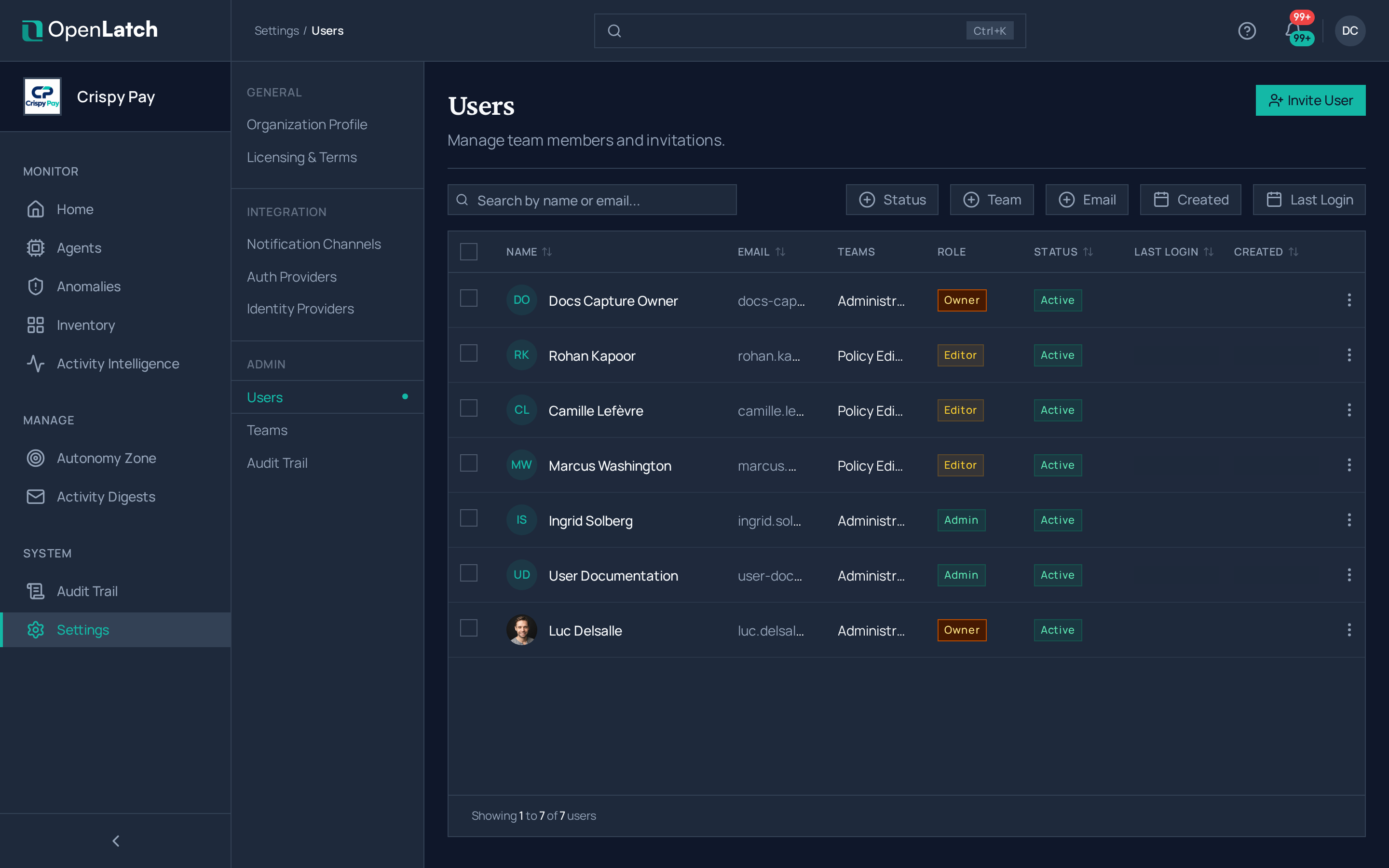
Section titled “Invite someone”- Open Settings › Users and choose Invite User.
- Enter their email address and the role they start with, and send the invitation.
- The person receives an email with a registration link tied to that address. You can also copy the invitation link and share it yourself.
An invitation can expire or be revoked, and each one can be used once. Whoever has an address in one of your organization’s allowed email domains can also join through single sign-on without an invitation; see Set up single sign-on.
Change, deactivate or remove someone
Section titled “Change, deactivate or remove someone”Open a user to change their role or their details, or to reset their password. Select several users to activate, deactivate or delete them together. A deactivated user keeps their history and cannot sign in. Every change of role or membership is recorded in the audit trail.
Organize people in teams
Section titled “Organize people in teams”Teams group users, for example by department or by the agents they look after.
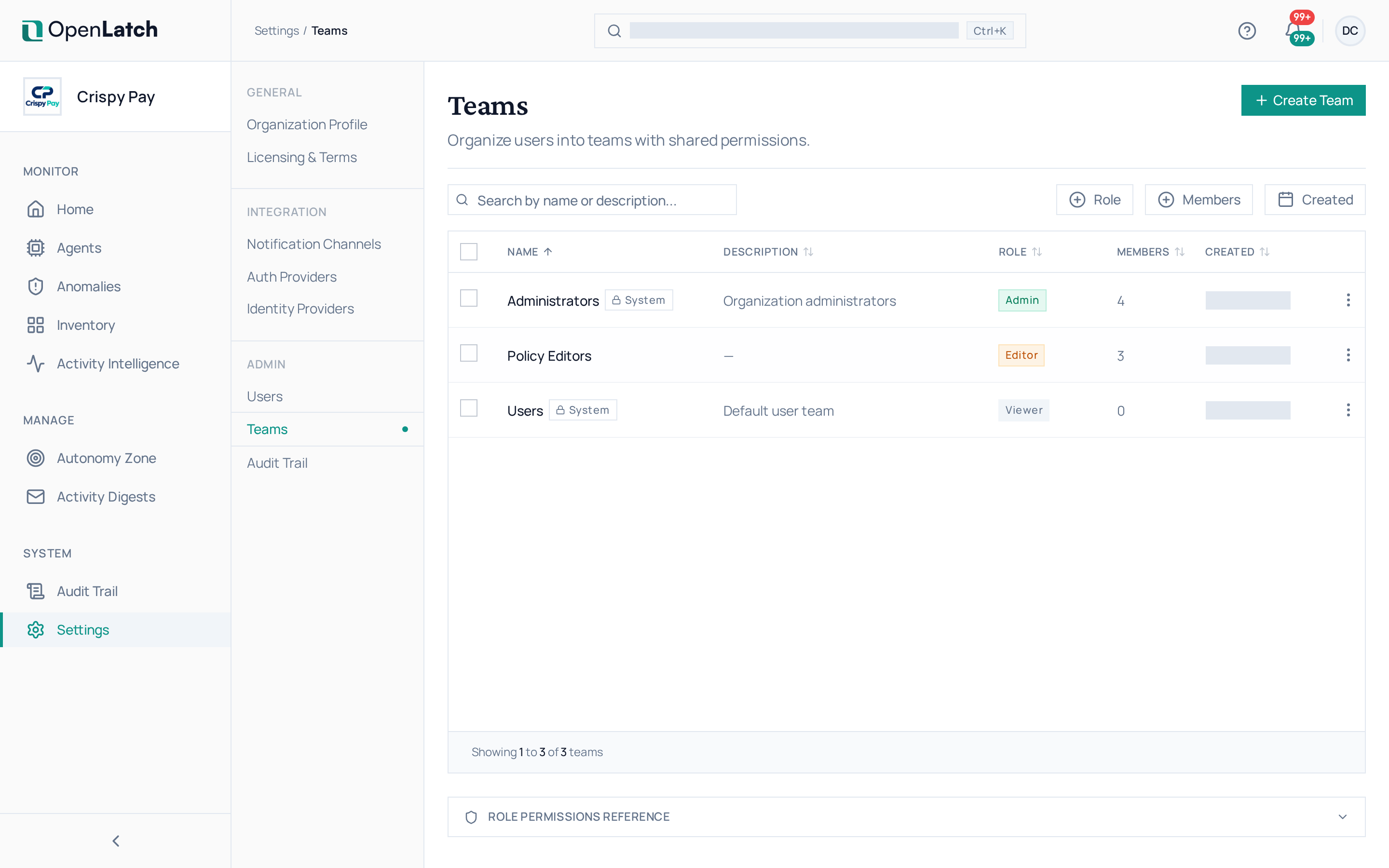
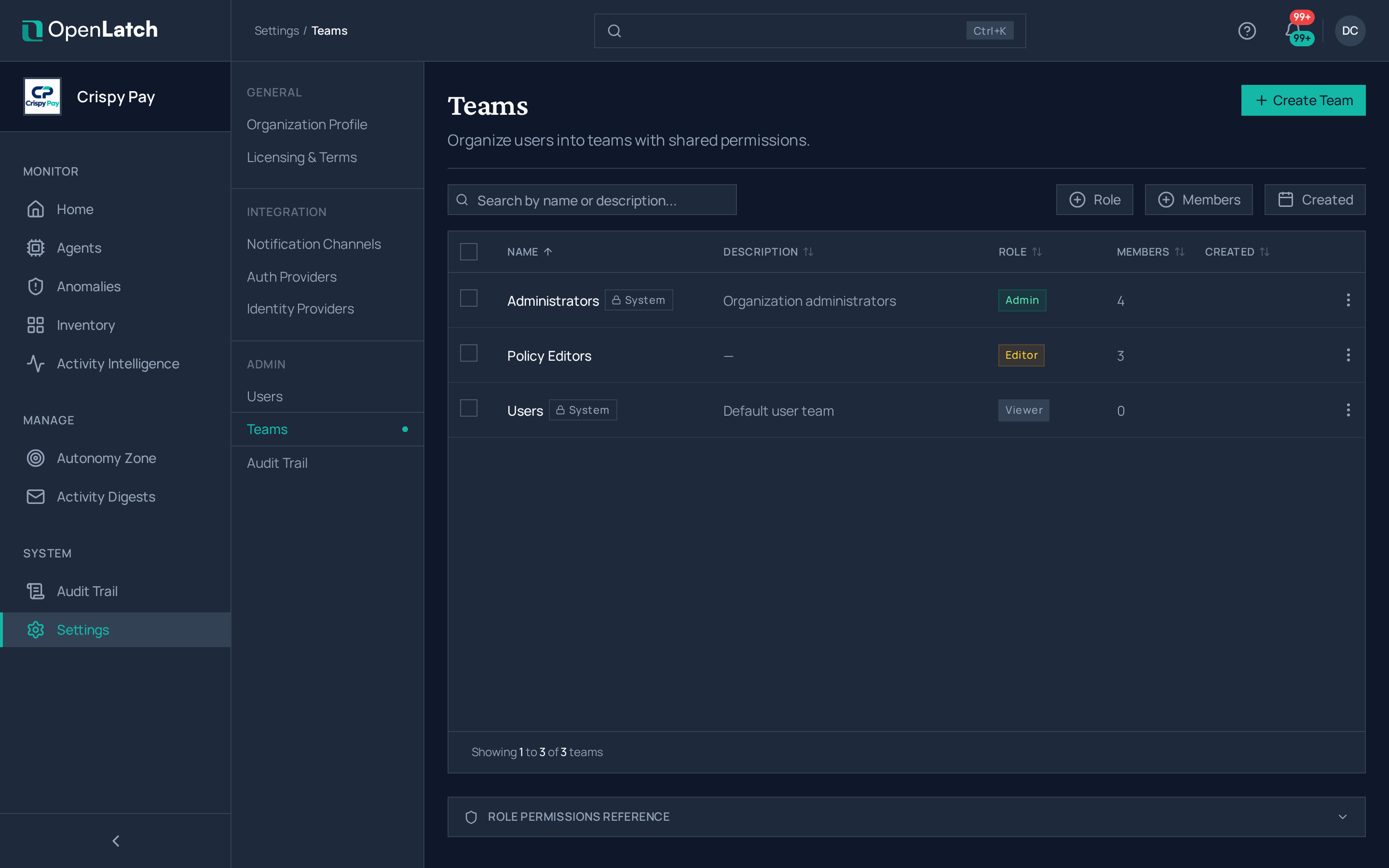
- Open Settings › Teams and choose Create Team.
- Name it, describe what it is responsible for, and add its members.
Deleting a team removes its memberships; the users themselves stay in the organization.