

Verify and roll out
A machine is deployed when openlatch doctor reports no problem and the console holds its record. This page proves both, then widens the deployment in three waves.
Verify a machine
Section titled “Verify a machine”Run both commands on every machine you install, in this order.
openlatch statusopenlatch doctoropenlatch status answers one question: is this machine covered right now? A good result shows the machine connected to the console, policies present on the machine, and every agent on the machine wired.
openlatch doctor answers the harder question: is that report true? It prints a cause and a remedy against each thing it finds. A good result is that it finds no problem. This is the acceptance step for a machine, so count a machine with an unresolved finding as a failed machine in the wave report. When it reports something, follow the remedy it names and run it again, until it is clean.
| What you are confirming | What a good result looks like |
|---|---|
| The machine is connected | It has reached the console and holds a current record there |
| The policies are present | Policies are on the machine. This is what lets it keep deciding when the console is unreachable |
| The agents are wired | Every agent installed on the machine is wired, and none is still waiting for its developer to confirm the connection |
Build a diagnostic archive
Section titled “Build a diagnostic archive”When a machine has a problem you cannot resolve from the remedy it prints, build a diagnostic archive.
openlatch doctor --rescueThe command produces one redacted ZIP archive holding the diagnosis, the client’s configuration and a recent window of the machine’s local records.
| Option | What it does |
|---|---|
--since 24h | Bounds the window of local records the archive includes |
--yes | Skips the confirmation, for an unattended run |
The archive lets a problem be investigated from the machine’s own evidence rather than from a description of the symptom. It is redacted for that purpose, so send the archive rather than the directory itself.
Confirm in the console
Section titled “Confirm in the console”A clean report on the machine is half the check. The other half is the console holding a record for the machine, with the agents it detected and the person its actions are attributed to.
-
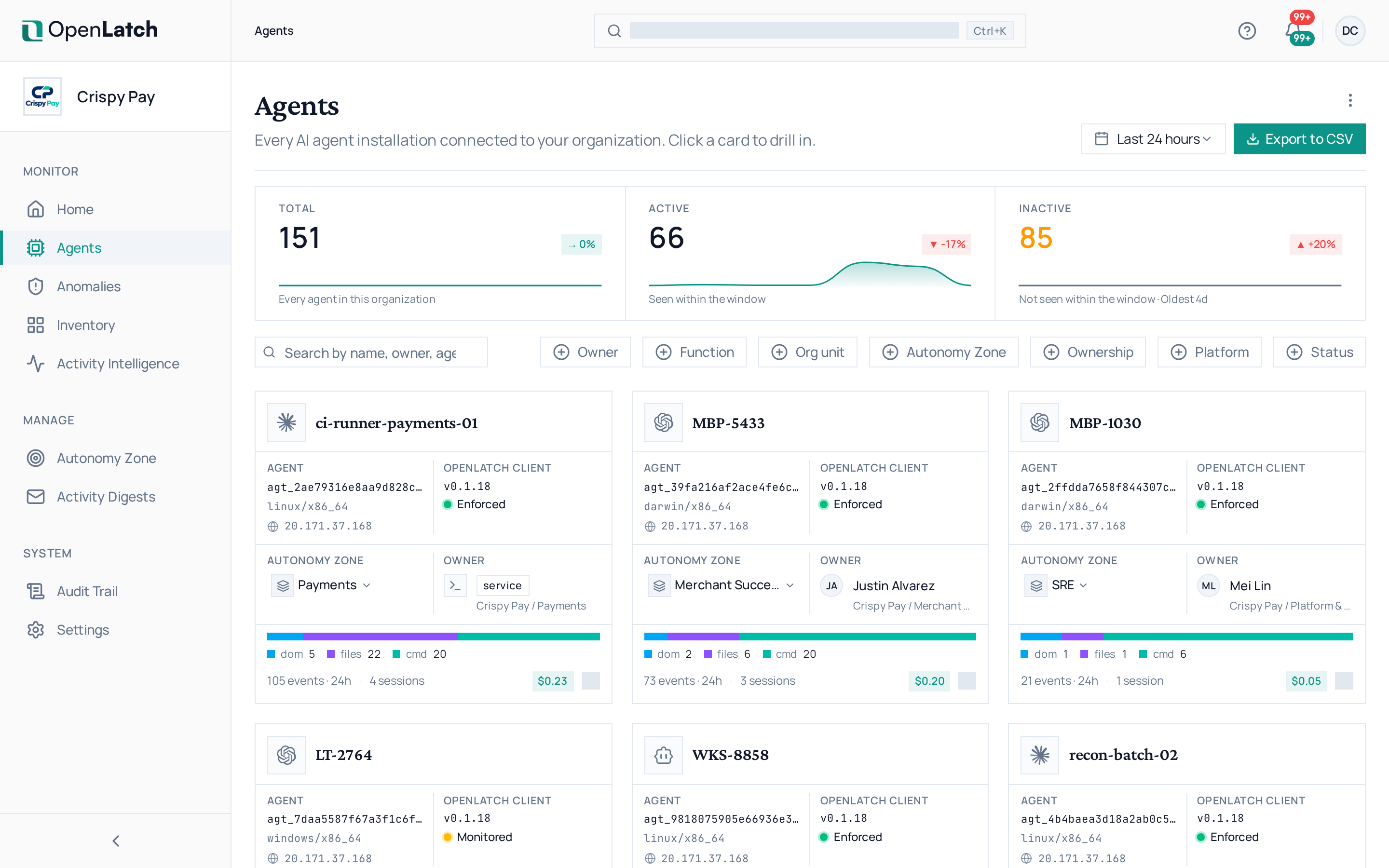
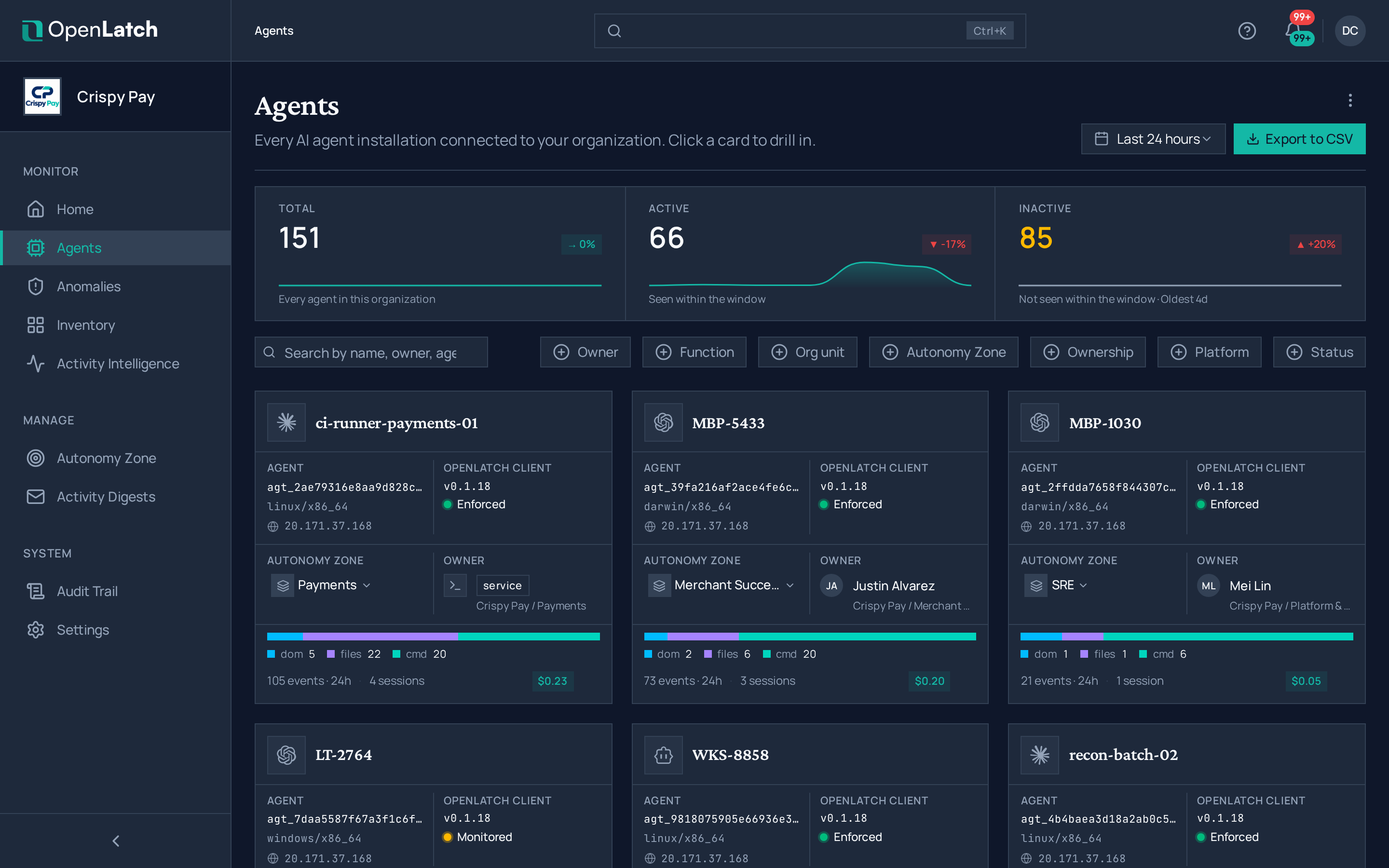
Open the agent record. Sign in at
app.openlatch.aiand open Agents.Expected: one row per agent that has reported.
-
Find the machine. Search by hostname or by the operating system user the install ran as.
Expected: the machine appears within 24 hours of install, and within minutes on a healthy network.
-
Confirm the agents on the machine. Open an agent and read its details, including its control level.
Expected: every agent installed on that machine is listed, each with its control level. A missing agent is an install problem, not a console problem: go back to the machine checks above.
-
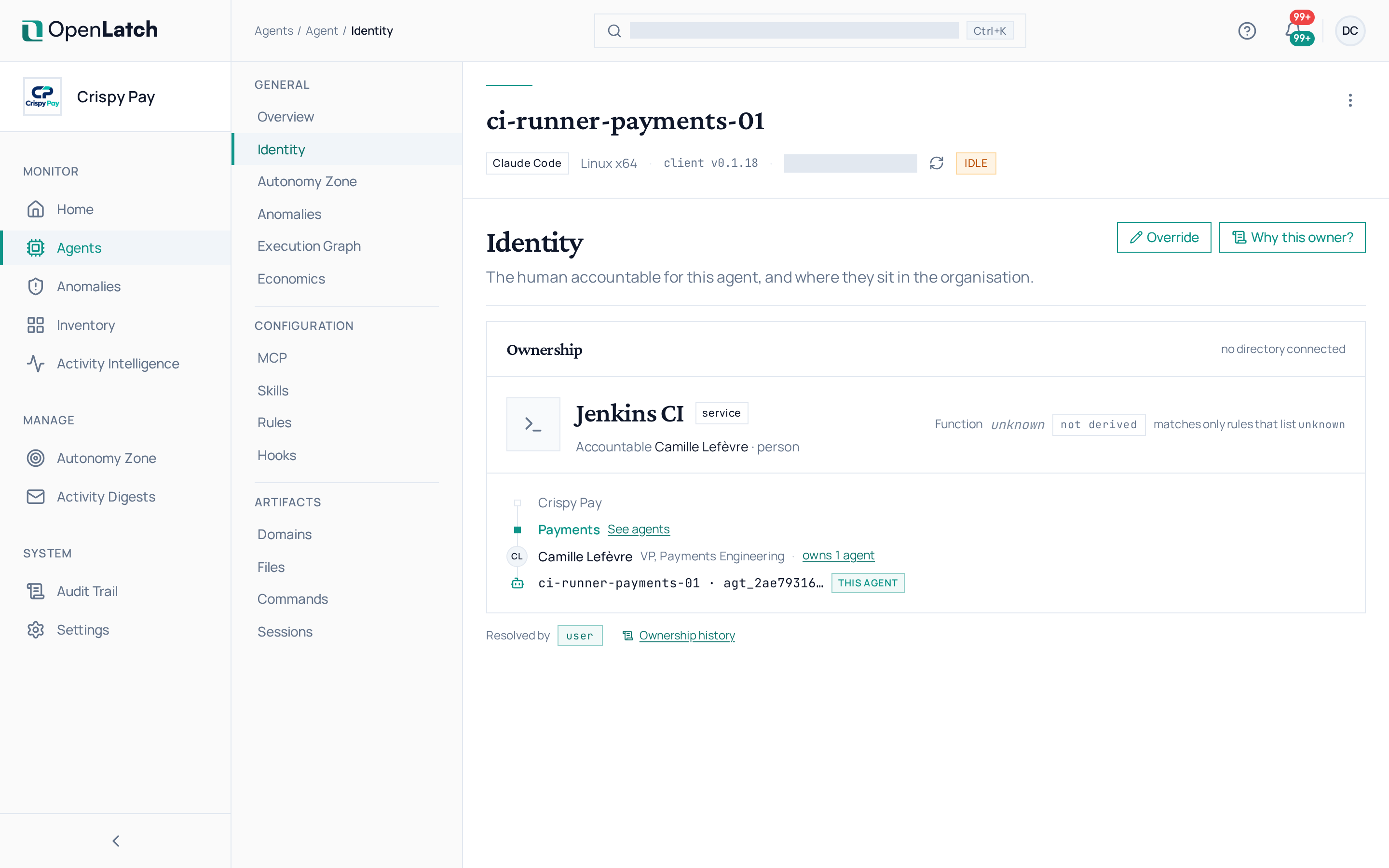
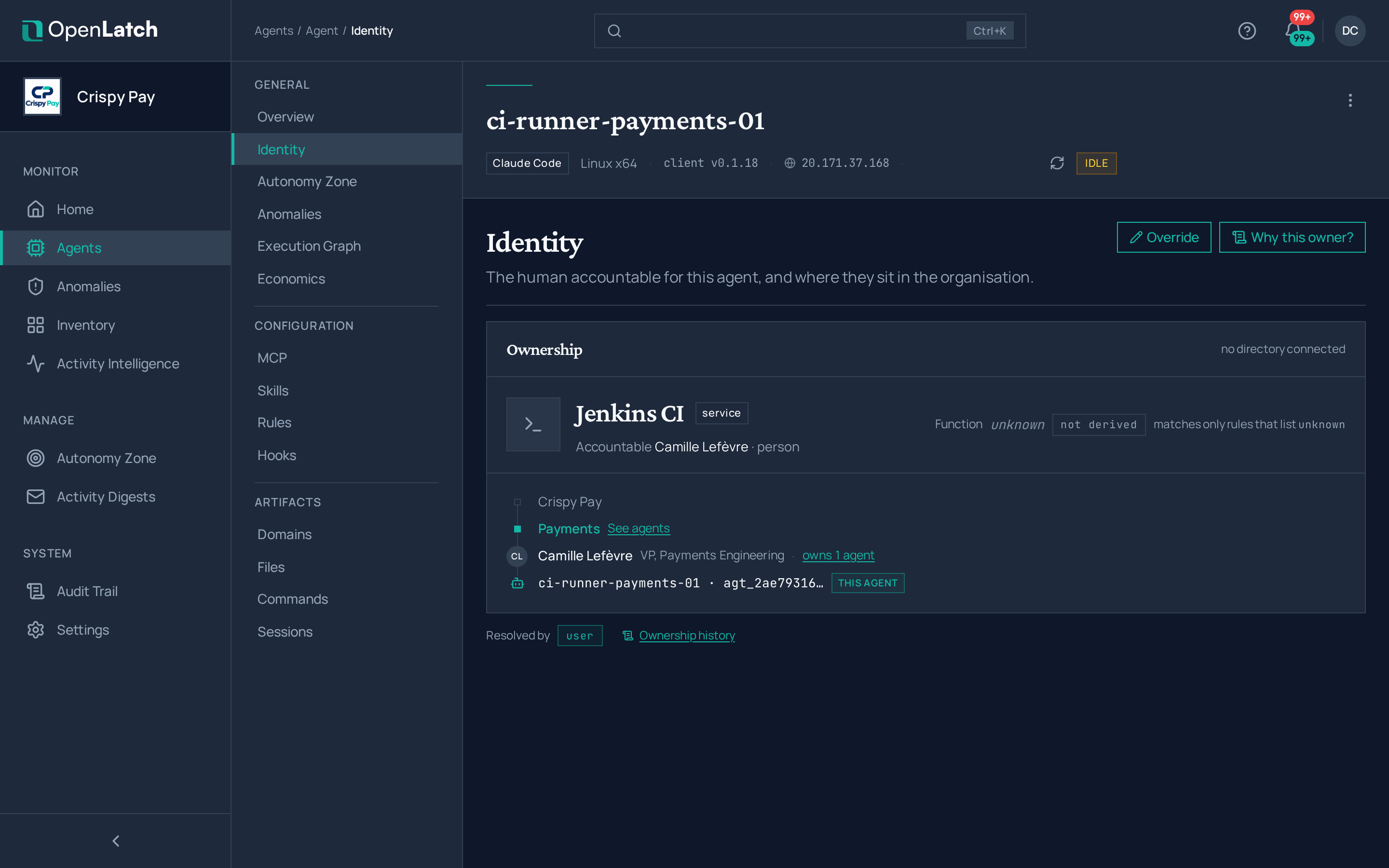
Confirm the resolved owner. The agent’s Identity tab names the person its actions are attributed to, with their role and where they sit in the organization. With a directory connected, the owner resolves through it by read-only lookup; without one, OpenLatch works from what the machine reports.
Two controls sit beside the name: one explains how that owner was arrived at, and the other overrides it by hand. Correcting ownership is the editor role’s job.
Expected: a named person rather than an empty field.
-
Confirm records are arriving. Read the last-seen time on the agent while a developer works on that machine.
Expected: the time moves. A record that stops moving points back at the route out of the machine.
Roll out in waves
Section titled “Roll out in waves”Three waves of two weeks each, each one proving something the next depends on. Wave 1 proves the install on the developer path. Wave 2 proves the managed route. Wave 3 proves the perimeter. Issue one client credential per wave and revoke it in the console when the wave completes.
| Attribute | Wave 1 | Wave 2 | Wave 3 |
|---|---|---|---|
| Scope | About ten developer machines | About fifty machines | The full perimeter |
| Install route | Developer path, in the developer’s own terminal | Managed route, unattended | Managed route, unattended |
| Duration | Two weeks | Two weeks | Two weeks |
| Activity | Enroll each machine, verify it, chase the agents still waiting on their developer, and write down what people hit | Package the install, prove it on one machine of each operating system, then run it unattended and read the report it collects | Run the same package across the perimeter, and chase the machines that never report |
| Entry criteria | The organization is configured, and a credential is issued for the wave | Wave 1 met its exit criteria, and the managed script runs cleanly on one machine of each operating system | The managed route is proven on every operating system in the estate, and the proxy scheme is confirmed on every subnet in scope |
| Exit criteria | Every enrolled machine reports to the console within 24 hours of install; openlatch doctor reports no problem on each; no agent is left waiting on its developer; the proxy route is confirmed on every operating system in the wave | The same four, plus every machine installed without a developer opening a terminal | The same four, plus the decision to run it as normal operations |
| Rollback | openlatch uninstall on the affected machine | The same, delivered through the tool that installed it | The same, delivered through the tool that installed it |
Problems you are most likely to hit
Section titled “Problems you are most likely to hit”| Symptom | Likely cause | Do this |
|---|---|---|
| The machine reports, but one agent on it is not wired | That agent was not installed when the install ran, or its configuration lives at a customized path | Install the agent, then run openlatch init again on the machine. The client is already there, so this needs no download. Where the path is customized, set it in the environment the enrollment runs under |
| An agent is listed as waiting | Some agents ask the developer to confirm the connection once, the first time they run after installation | Have the developer open the agent once and confirm. Where the estate locks agent configuration centrally, deliver the connection through that managed channel instead |
| Policies never arrive on the machine | The machine has not reached the console since it was installed, or its credential was revoked or rotated | Confirm the route out first, per Network requirements. Where the credential was rejected, issue one for the wave and run the install again |
| The machine is connected, but its agents behave as though nothing is there | The agents’ own model endpoints are blocked at the proxy, or their streamed responses are buffered | Exempt those endpoints from response buffering and streaming inspection. They are the agents’ own traffic and must stay reachable as before |
| The machine never appears in the console | The route out is blocked, or the enrollment never completed | Run openlatch doctor on the machine. It names what failed, which tells a proxy problem from an install that stopped early |
In short
Section titled “In short”- An install is verified when
openlatch doctorreports no problem and the console shows the machine’s agents, each with a control level and a resolved owner. openlatch statusreports whether the machine is covered.openlatch doctorproves it, with a cause and a remedy against each finding.openlatch doctor --rescuebuilds one redacted archive with the diagnosis, the configuration and a recent window of local records. Open every support case with it.- An agent still waiting for its developer to confirm the connection is connected on paper and not in practice. Chase those before closing a wave.
- Three waves of two weeks: about ten developer machines, about fifty on the managed route, then the perimeter. One client credential per wave, revoked when the wave completes.