

Review anomalies
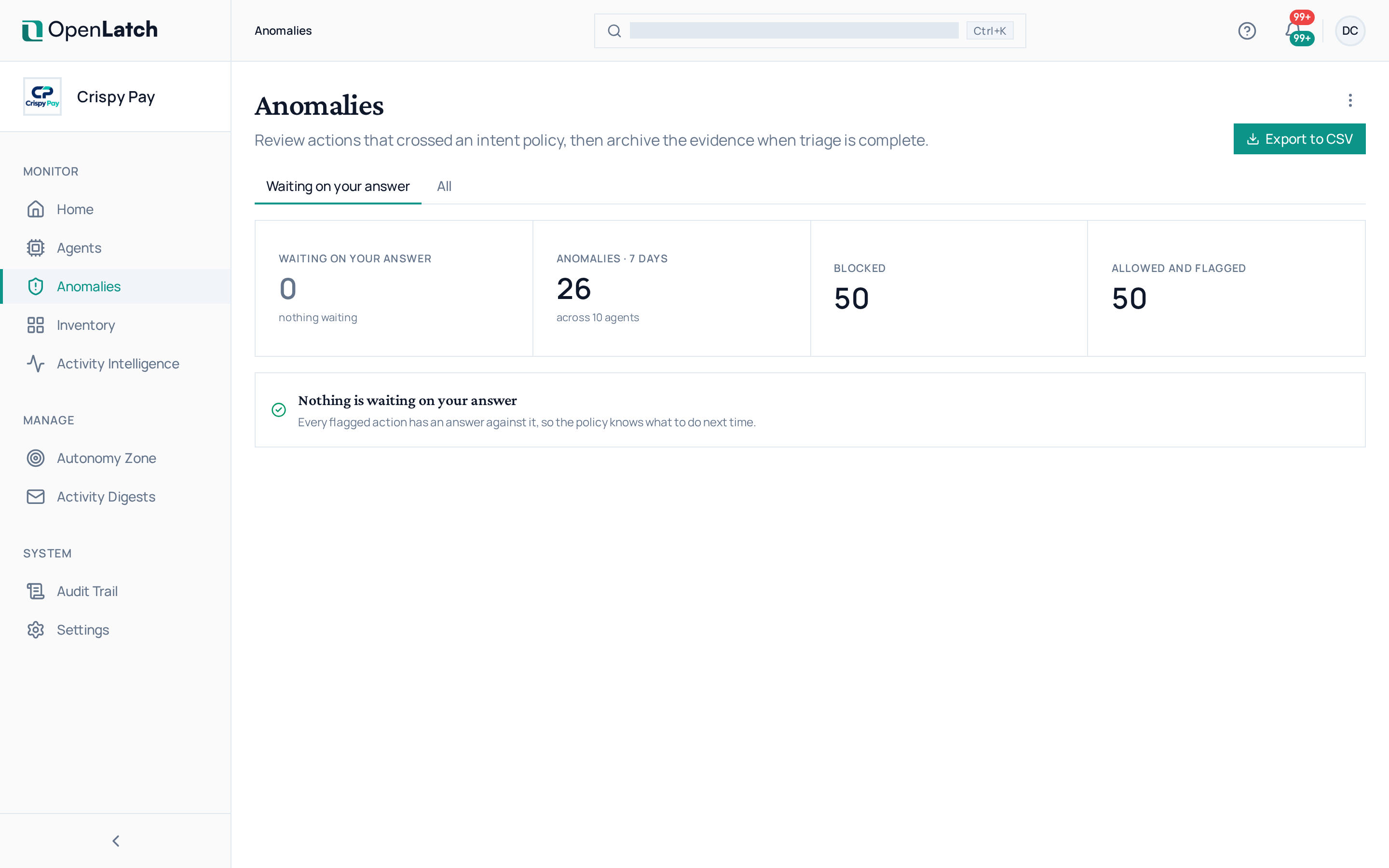
Use the Anomalies page to work through every agent action in your organization that violated an intent policy. Every role can read it; answering an Ask needs the editor role or higher.
An anomaly is an agent action that violates an intent policy of one of the dimensions of the agent’s Autonomy Zone. Each one names the policy, its dimension, the zone the policy came from and the verdict the action received. Anomalies explains the model.
Work through the list
Section titled “Work through the list”- Set the time window and use the filters to narrow the list to what you are reviewing.
- Open an anomaly. Its detail shows which Autonomy Zone and which policy it came from, which intent matched, the action that raised it, how often this happens, and the agent.
- Open the agent from the anomaly to read the action in its session; see Investigate what an agent did.
What an anomaly means depends on the policy’s mode:
| Policy mode | What happened to the action |
|---|---|
| Monitor | It proceeded, and the anomaly records what the policy would have decided |
| Enforce | It received the policy’s verdict before it ran, and the anomaly records it |
Answer an Ask
Section titled “Answer an Ask”When a zone’s ASK delivery includes the platform, the actions flagged by an Ask wait at the top of this page for a person to answer. By default those actions have already run: your answer does not undo them, it decides what the policy applies the next time it meets a similar action. Ask prevents the recurrence, not the first occurrence.
| Answer | Effect |
|---|---|
| Allow next time | The policy lets similar actions run from now on |
| Block next time | The policy stops similar actions from now on |
| Not now — 24 h | The question comes back in a day. Until you answer, it fires again on the same ground |
Where a policy opted in, per atom, to stop an irreversible action until someone answers, the action is listed as blocked until answered. Every answer is recorded in the audit trail with your name. Manage Autonomy Zones covers ASK delivery.
From an anomaly’s detail, Promote to Enforce switches its policy to Enforce in one step, when the policy has enforceable intents.
Tune the policy behind an anomaly
Section titled “Tune the policy behind an anomaly”An anomaly on work you consider normal means the policy says more than you meant. Open the policy from the anomaly, answer No to its sentence with what you meant, and ratify the new version; see Write an Agent Intent Policy. A policy whose anomalies are all ones you want acted on is ready to graduate to Enforce.
To see one agent’s anomalies only, open its Anomalies tab from the Agents page.