

Edit the organization profile
Use Settings › Organization Profile to manage how your organization appears and the defaults that apply to all of it. Opening Settings lands you on this page. You need the admin role or higher to change it.
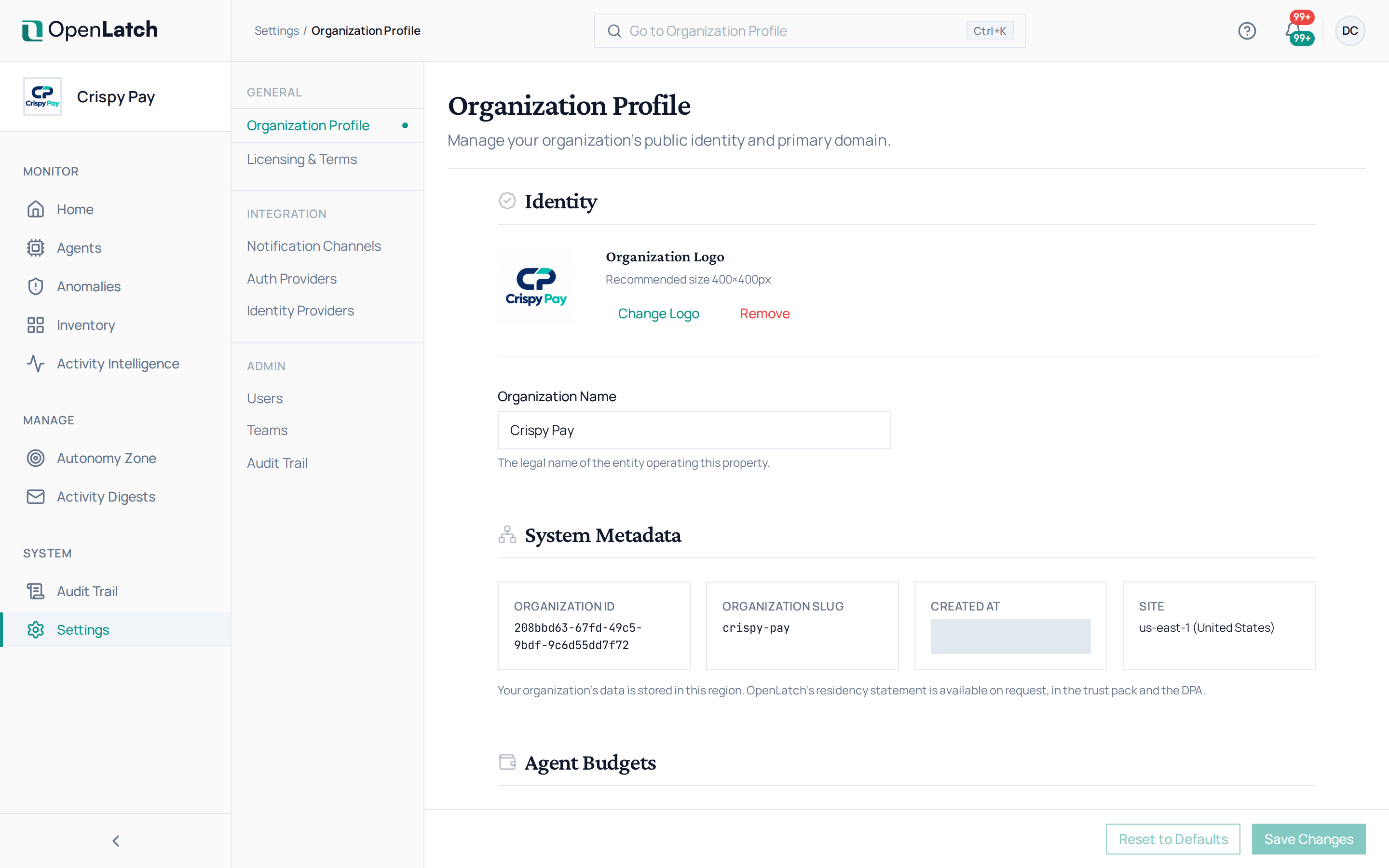
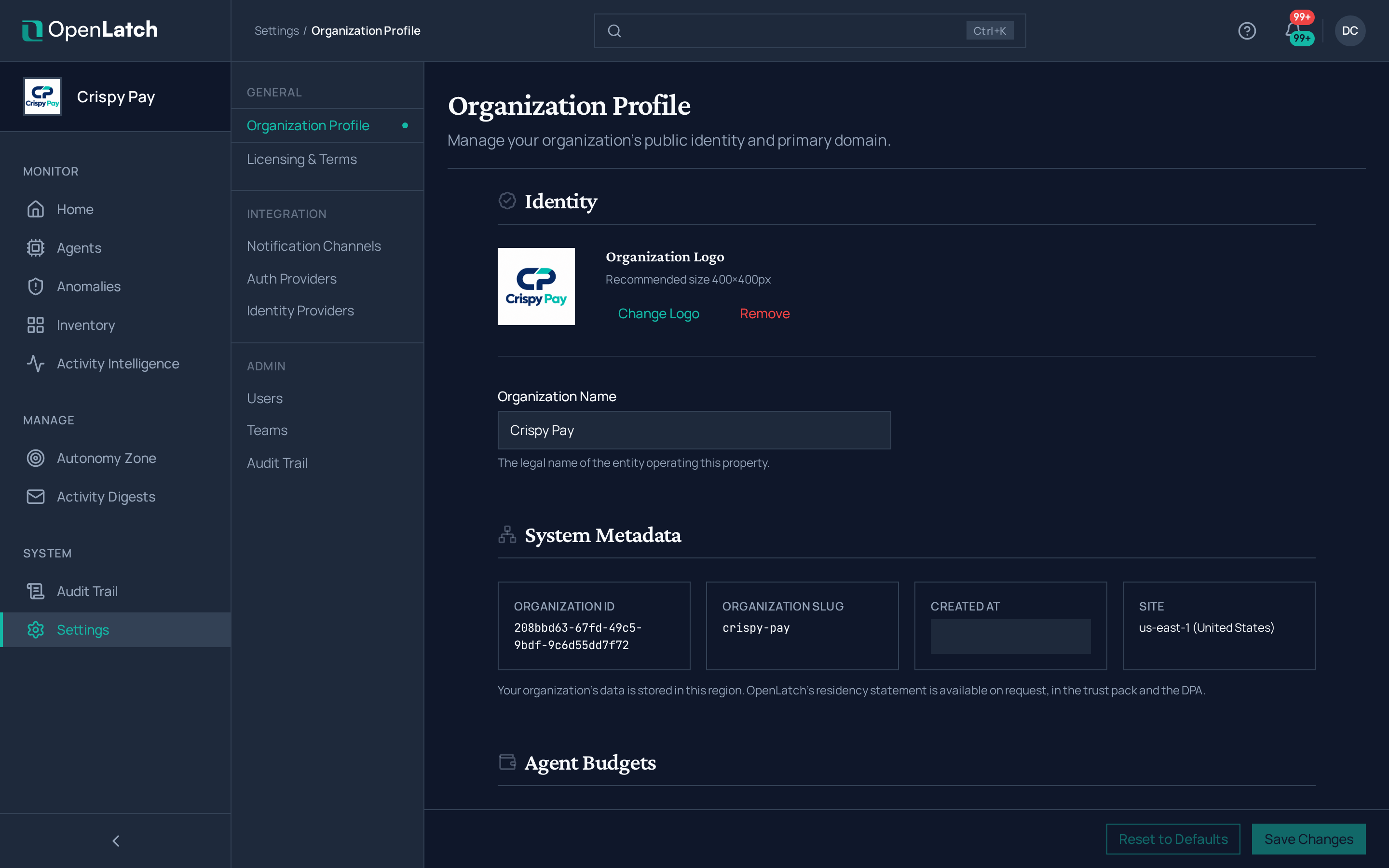
| Section | What you can do |
|---|---|
| Identity | Change the organization’s name, the legal name of the entity it represents, and upload or remove its logo, ideally 400×400 pixels. The name is the one your audit trail carries |
| System metadata | Read the organization ID, its slug, when it was created, and its site: the region where your organization’s data is stored. Quote the ID when you contact support |
| Agent budgets | Set a default monthly spend target for every agent that has no budget of its own. The default applies to each such agent separately: a default of $500 gives each one $500 a month, not $500 shared. Clearing it never overwrites a budget someone set on an agent |
| Setup | Re-run the setup wizard to review the organization’s connection and profile |
Save your changes with Save Changes. An agent’s own budget is set from its Economics tab; see Track an agent’s spend.
The other settings pages each have their own guide: users and teams, single sign-on, identity providers, notification channels, the audit trail, the catalogue and licensing.