

Review the audit trail
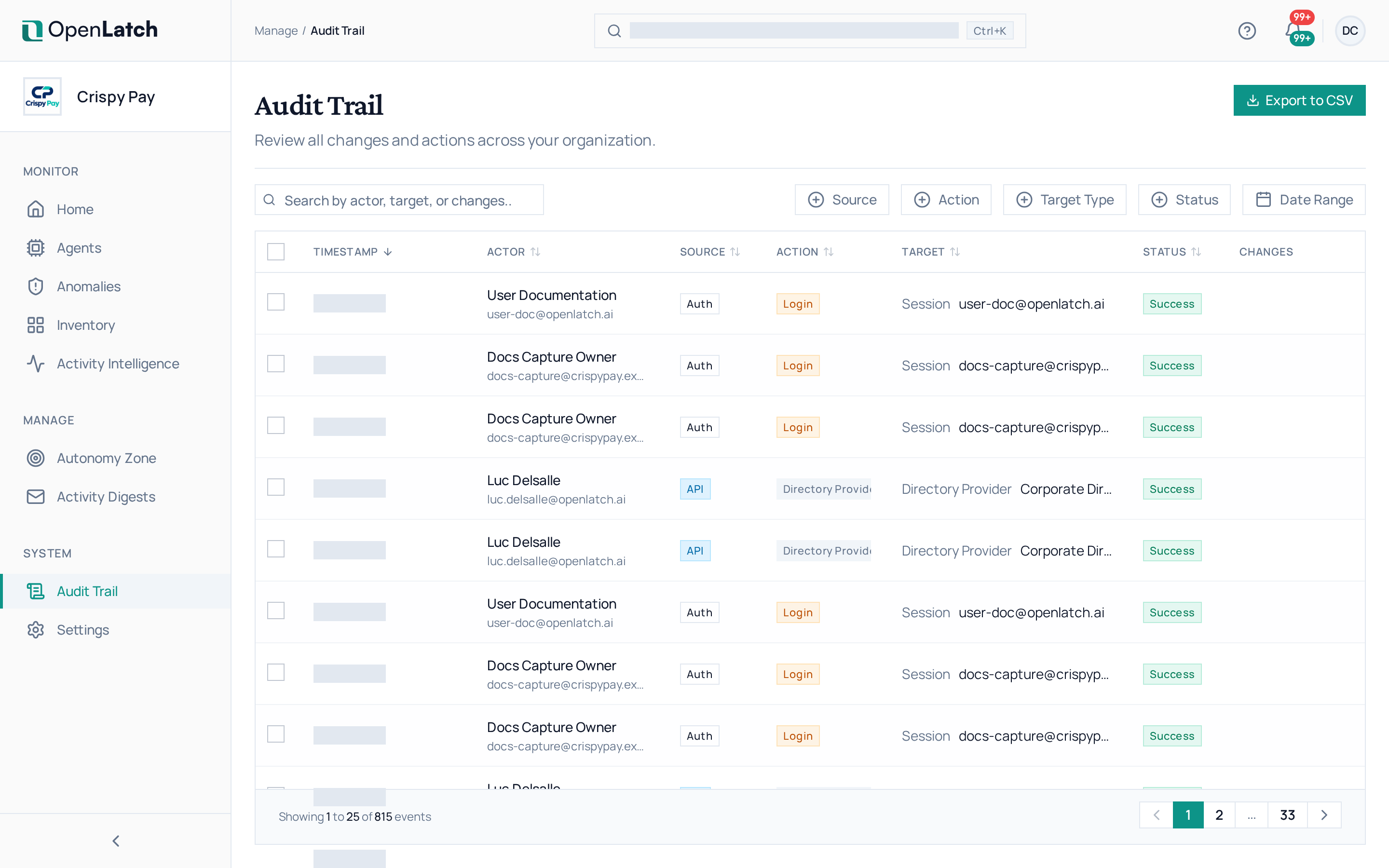
Use the Audit Trail page to review every change and action across your organization: who did what, to what, and when. The trail is append-only and hash-chained, so an edited or removed entry breaks the chain. Its settings, under Settings › Audit Trail, need the admin role or higher.
Find an event
Section titled “Find an event”- Open Audit Trail.
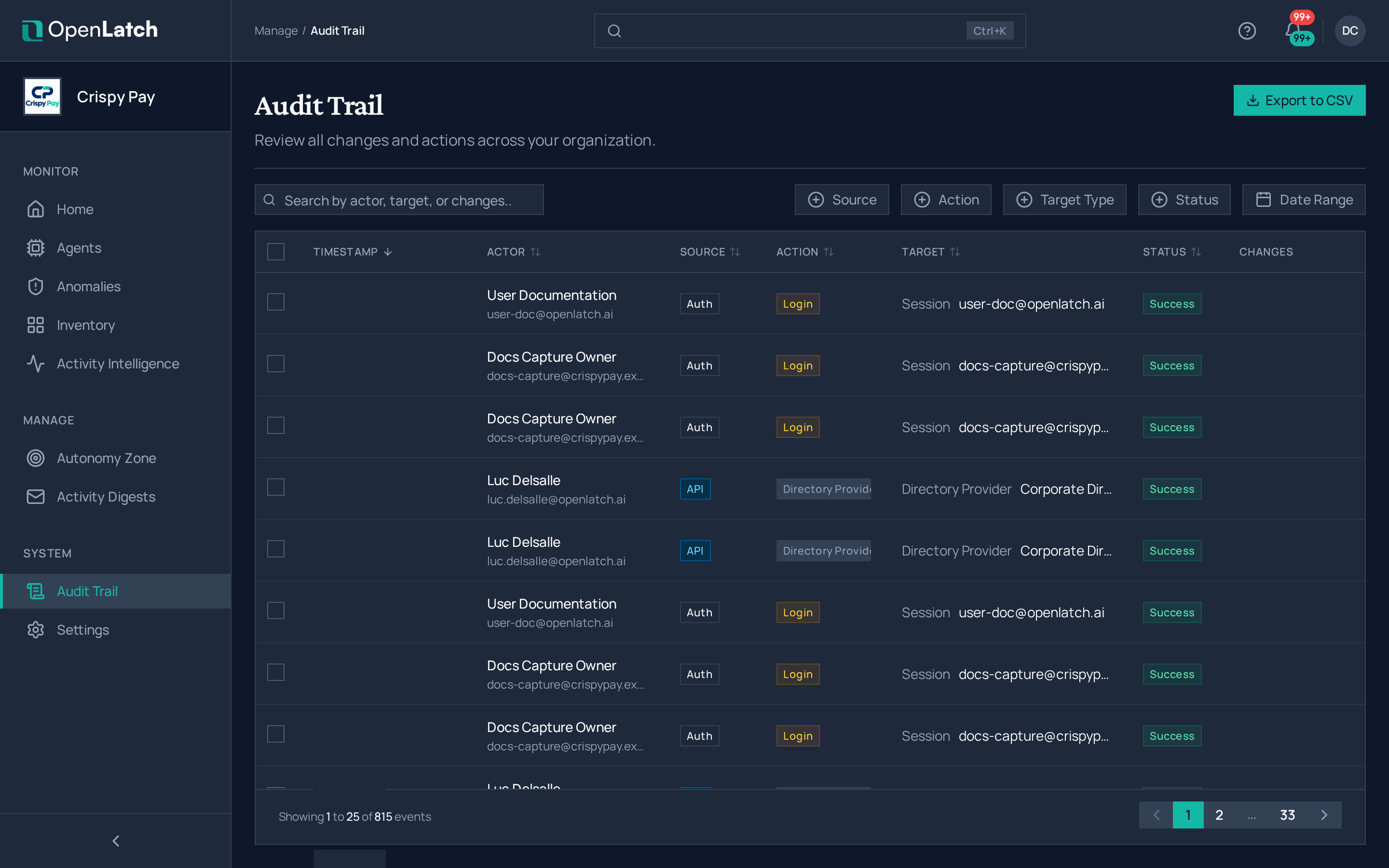
- Search by actor, target or change, or filter by source, action, target type, status and date range.
- Open an event. Its detail shows the actor, the context, the status, each changed field with its old and new value, and the event’s place in the integrity chain.
Every policy change appears here with the actor and the state before and after, and so does every answer given to an Ask.
Export it
Section titled “Export it”Choose Export to download the events that match your search and filters, as CSV or JSON. The export itself is recorded as an audit event.
Set retention and check integrity
Section titled “Set retention and check integrity”Open Settings › Audit Trail.
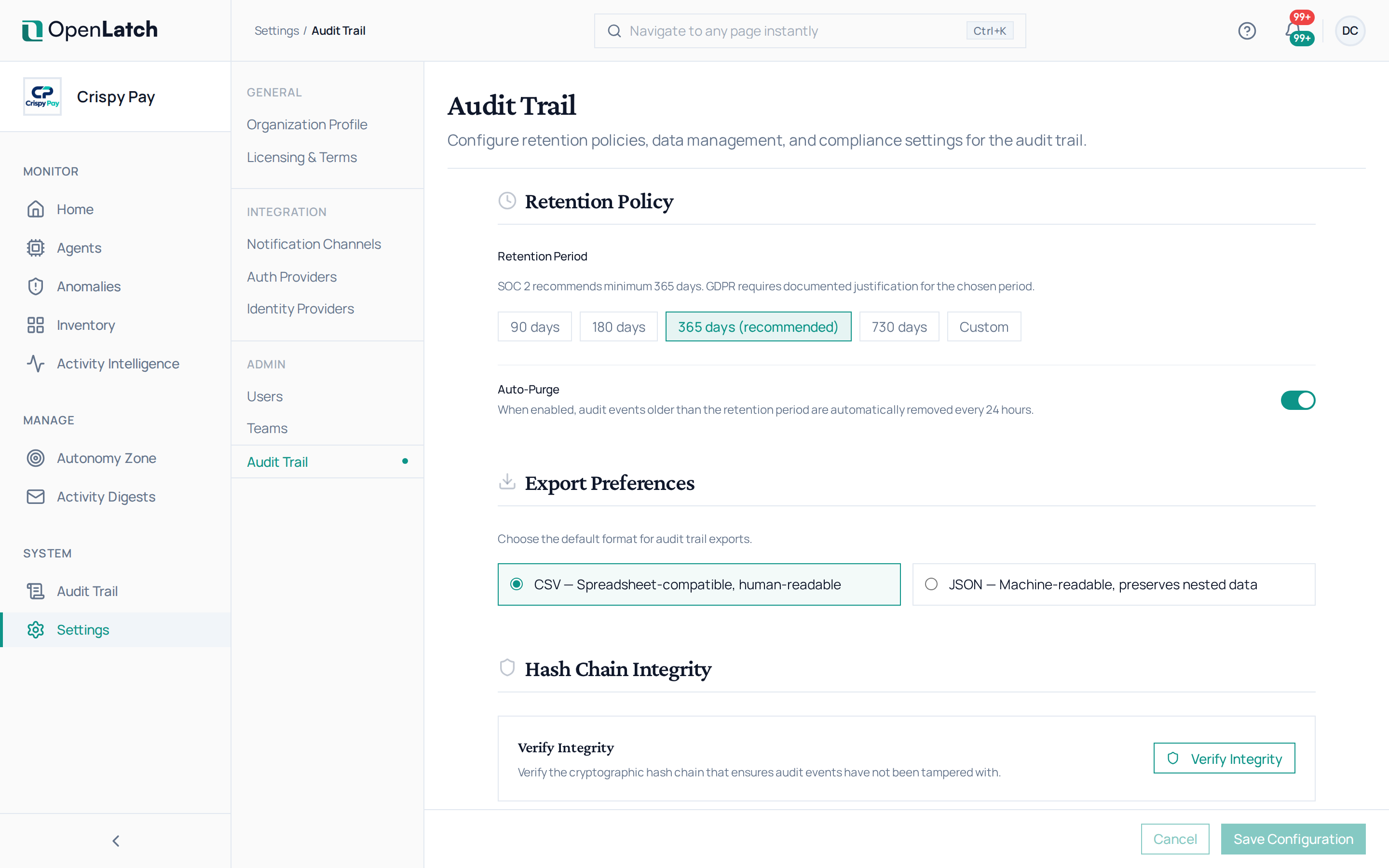

| Setting | What it does |
|---|---|
| Retention period | How long events are kept: 90, 180, 365 or 730 days, or a custom period. The console recommends 365 days |
| Auto-purge | When on, events older than the retention period are removed every 24 hours |
| Export format | The default format of an export: CSV, readable in a spreadsheet, or JSON, which keeps nested data |
| Verify integrity | Checks the hash chain of every event. A purge breaks the chain where it removed events, and the check reports that break |
The same page holds two irreversible actions: anonymizing the trail, which replaces the actor’s email, name and user ID on every event with anonymized values while keeping the records and the chain (IP addresses and the other details of each event stay as recorded), and deleting every audit event, which breaks the chain. Each asks you to type a confirmation word.
The audit trail is the one record whose retention you set. Data handling and security lists the fixed retention of every other record.