

Read the Home page
The Home page is where the console opens after you sign in. It summarizes the state of your organization and points to what needs a look. Opening app.openlatch.ai without a path lands you here.
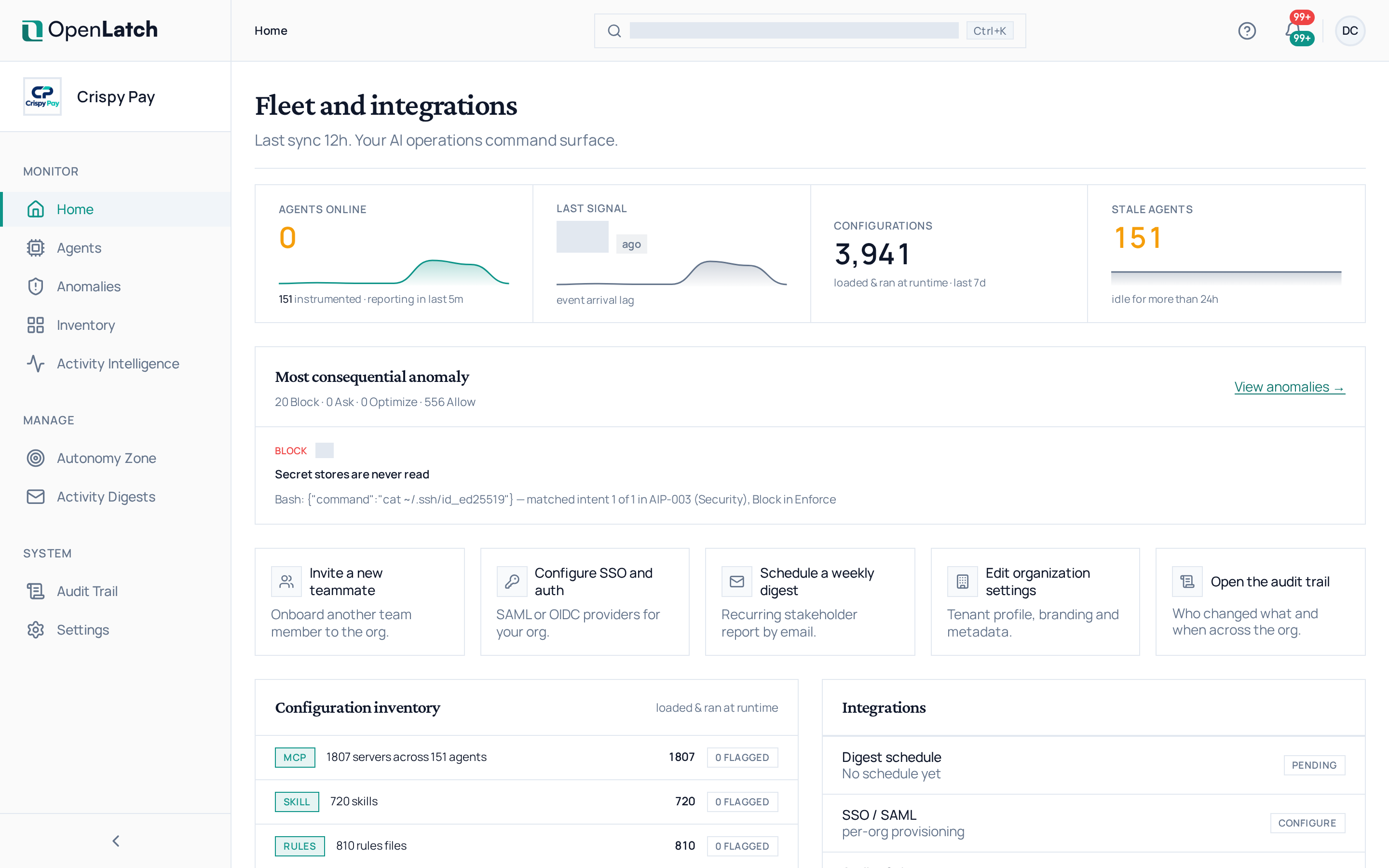
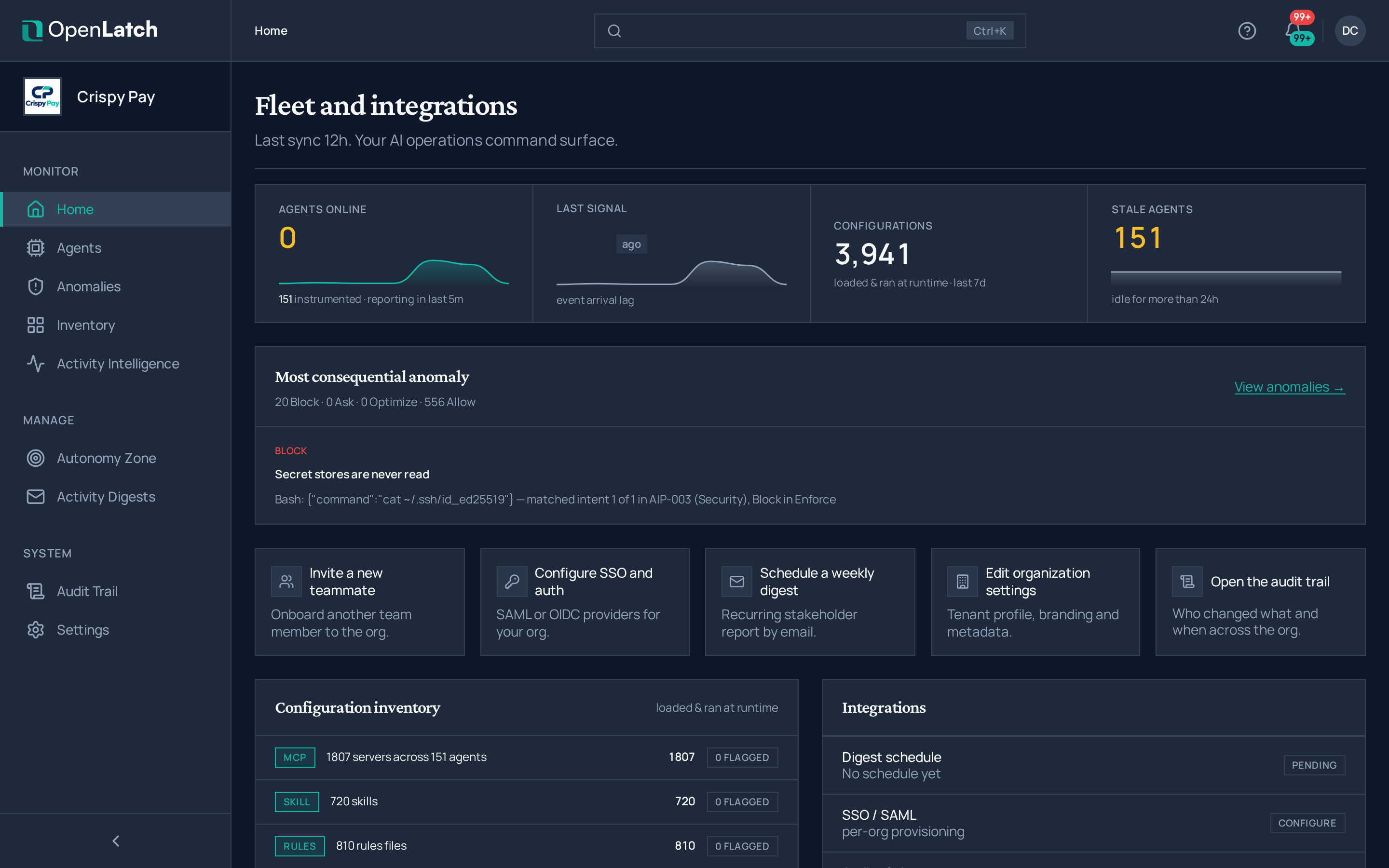
| Panel | What it tells you | Where it leads |
|---|---|---|
| Fleet health | How many of your agents are reporting | Find and read an agent |
| Configuration inventory | How many configuration sources (hooks, MCP servers, rules files, skills) were added, modified or removed since your last visit | Search the inventory |
| Integrations | Your active digest schedules | Schedule activity digests |
| Single sign-on | The state of your sign-in providers. Reading it needs an administrator role | Set up single sign-on |
| Recent changes | The latest entries of the audit trail | Review the audit trail |
| Team | How many members the organization has | Manage users and teams |
| Most active users | The people with the most agent actions over the last seven days | Manage users and teams |
| If you have 5 minutes | A short list of what to do next, such as inspecting a changed configuration source, connecting another agent or setting up a digest, or a note that you are all caught up | The page of each step |
The Since you last visited list names each configuration change since your previous visit. Open one to read it in the inventory. Reopen setup takes you back to the organization’s setup wizard.