

Investigate what an agent did
Use an agent’s activity tabs to answer “what did this agent do, and why was it decided that way?”. Open the agent from the Agents page, set the time window at the top, then pick the tab that matches your question. Every role can read them.
| Your question | Tab |
|---|---|
| What did it do in one working session? | Sessions |
| How do its runs, tools and the things it touched fit together? | Execution graph |
| Which shell commands did it run? | Commands |
| Which files did it read, write or delete? | Files |
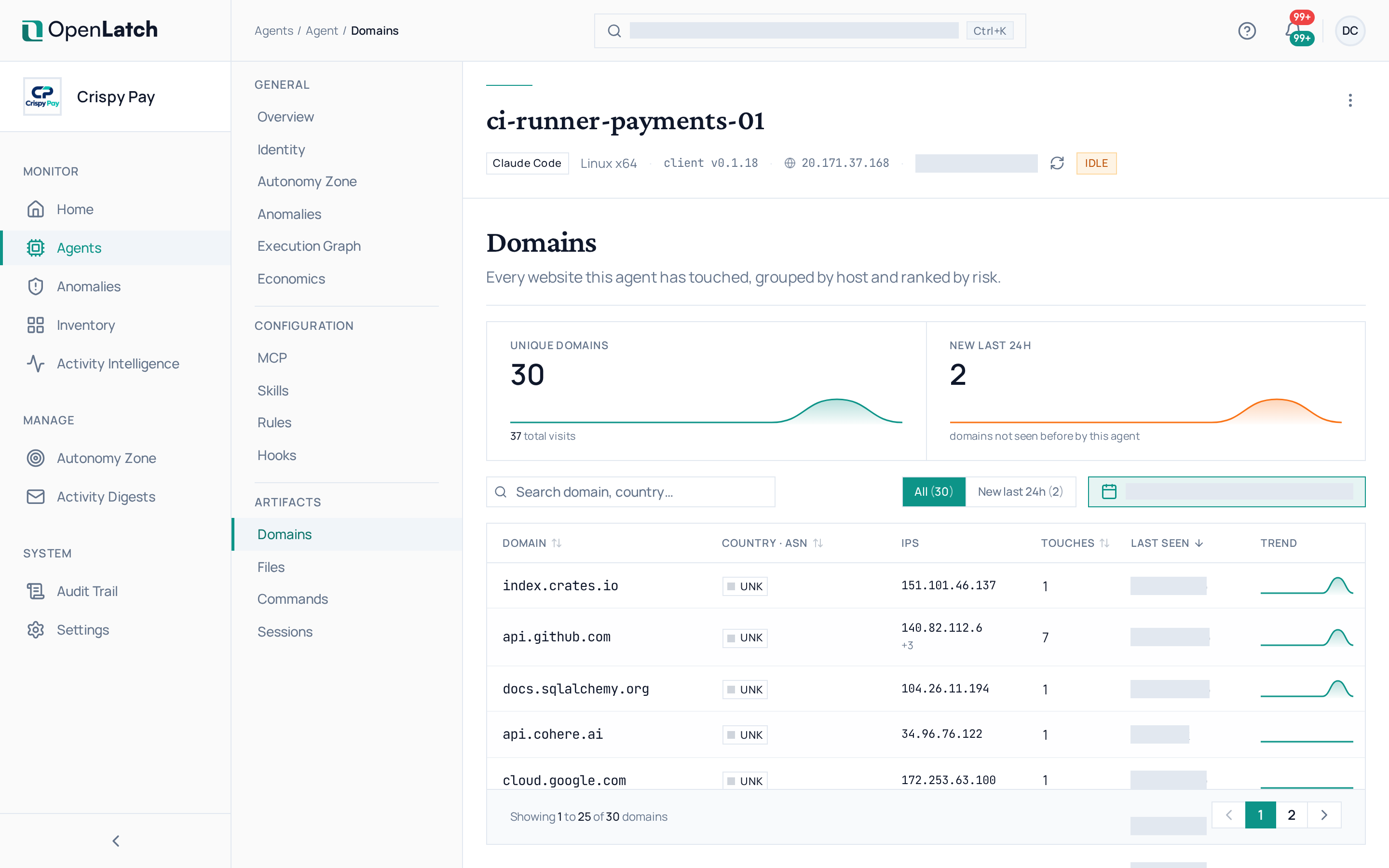
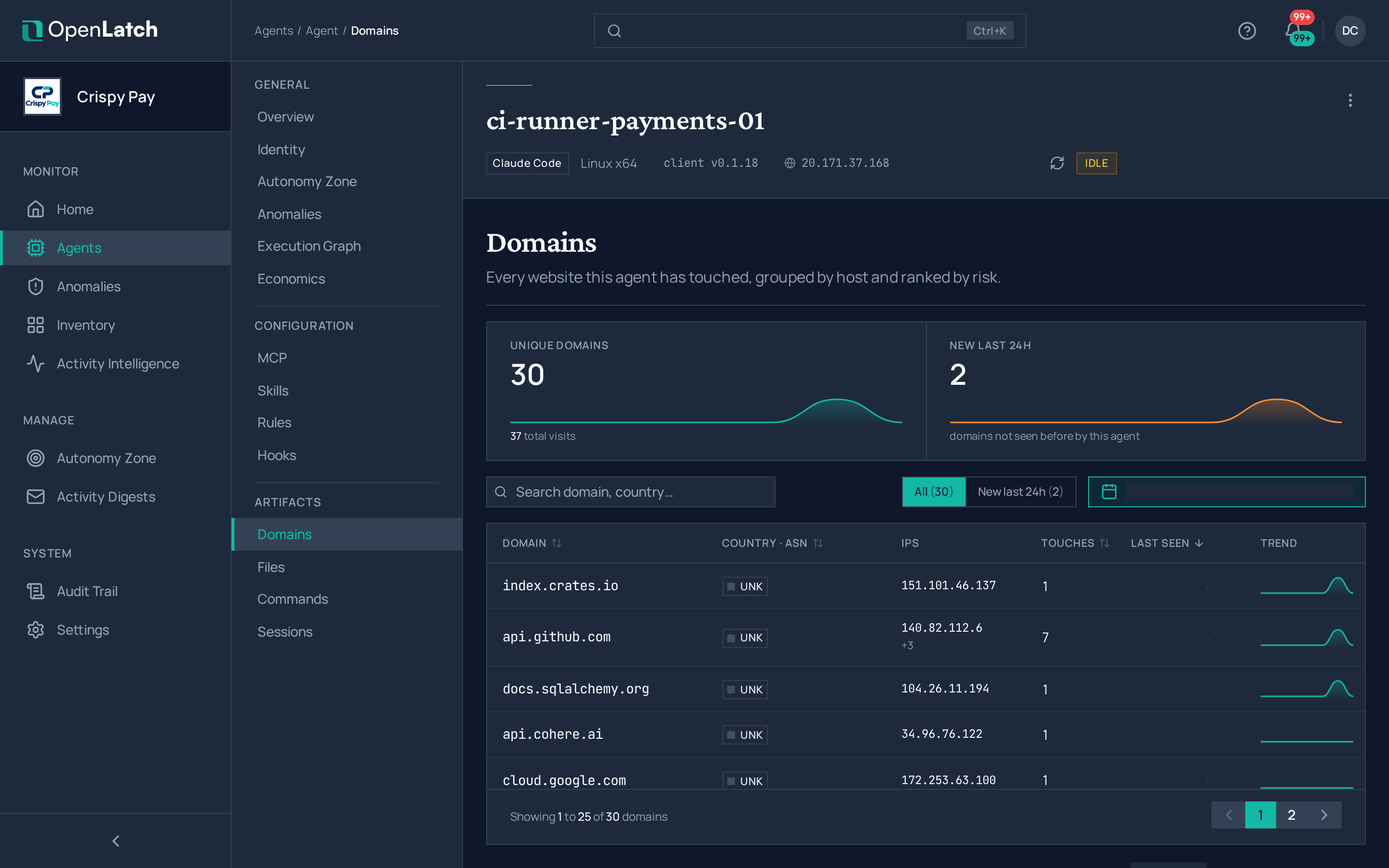
| Which websites did it reach? | Domains |
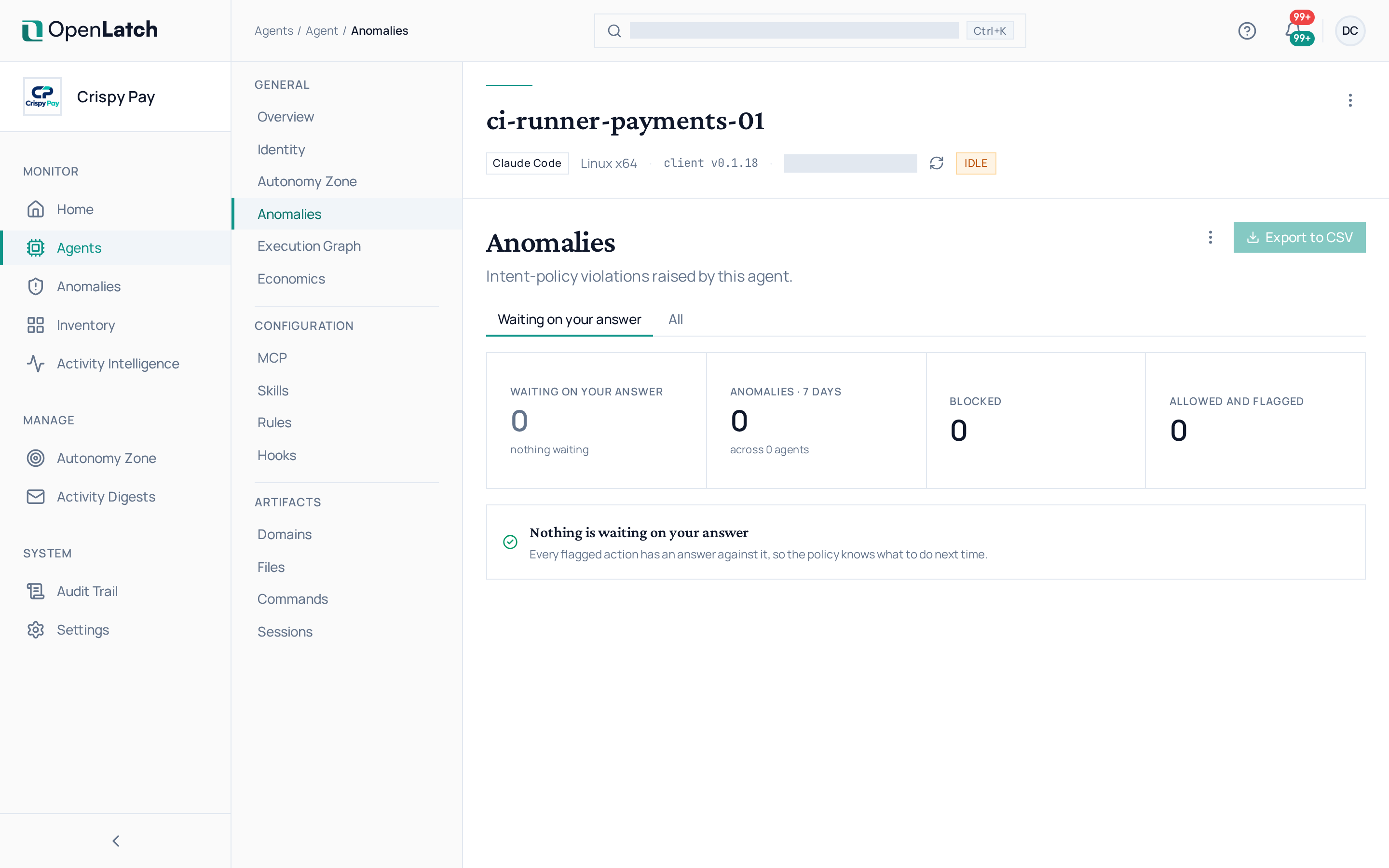
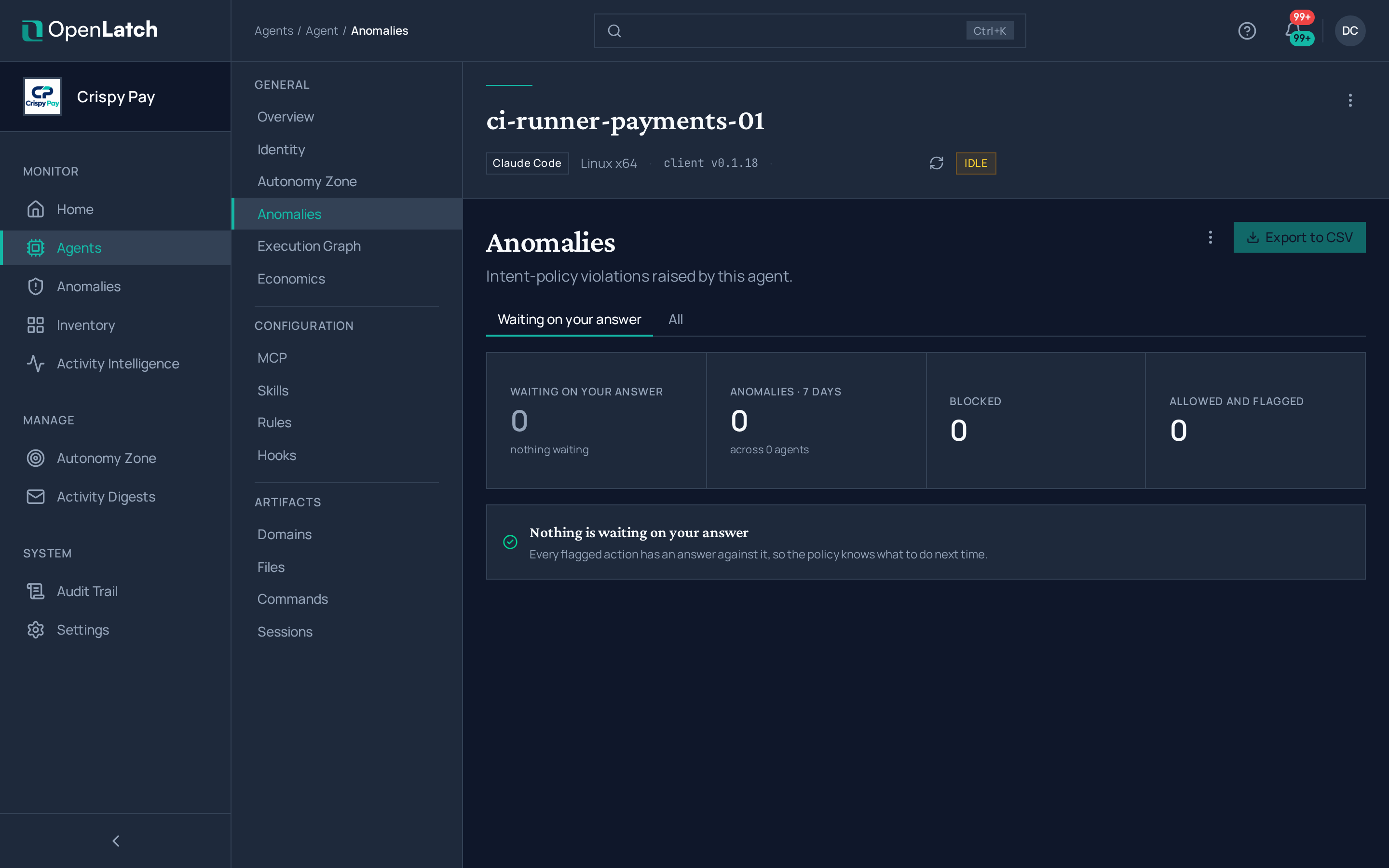
| Which of its actions violated an intent policy? | Anomalies |
Sessions
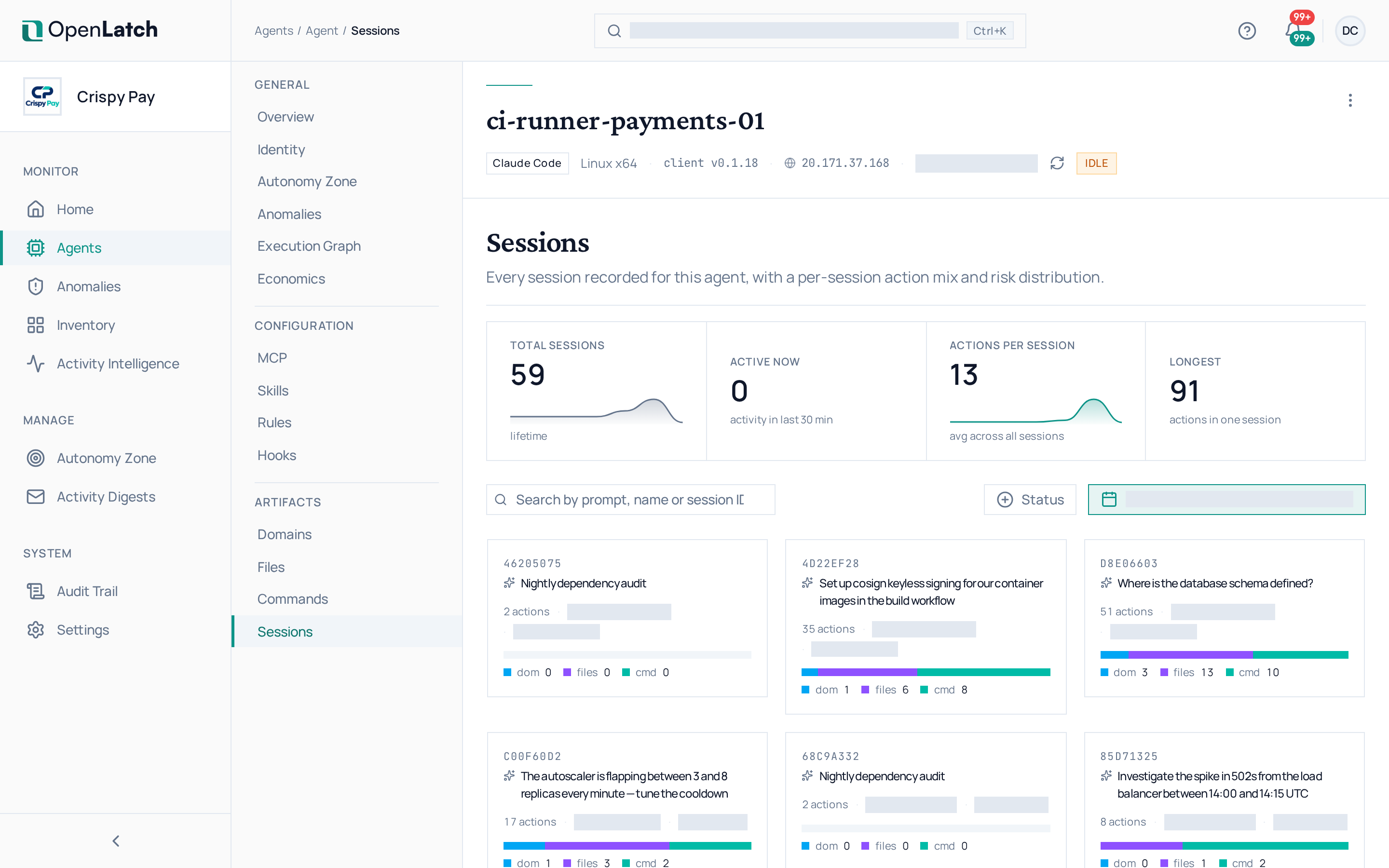
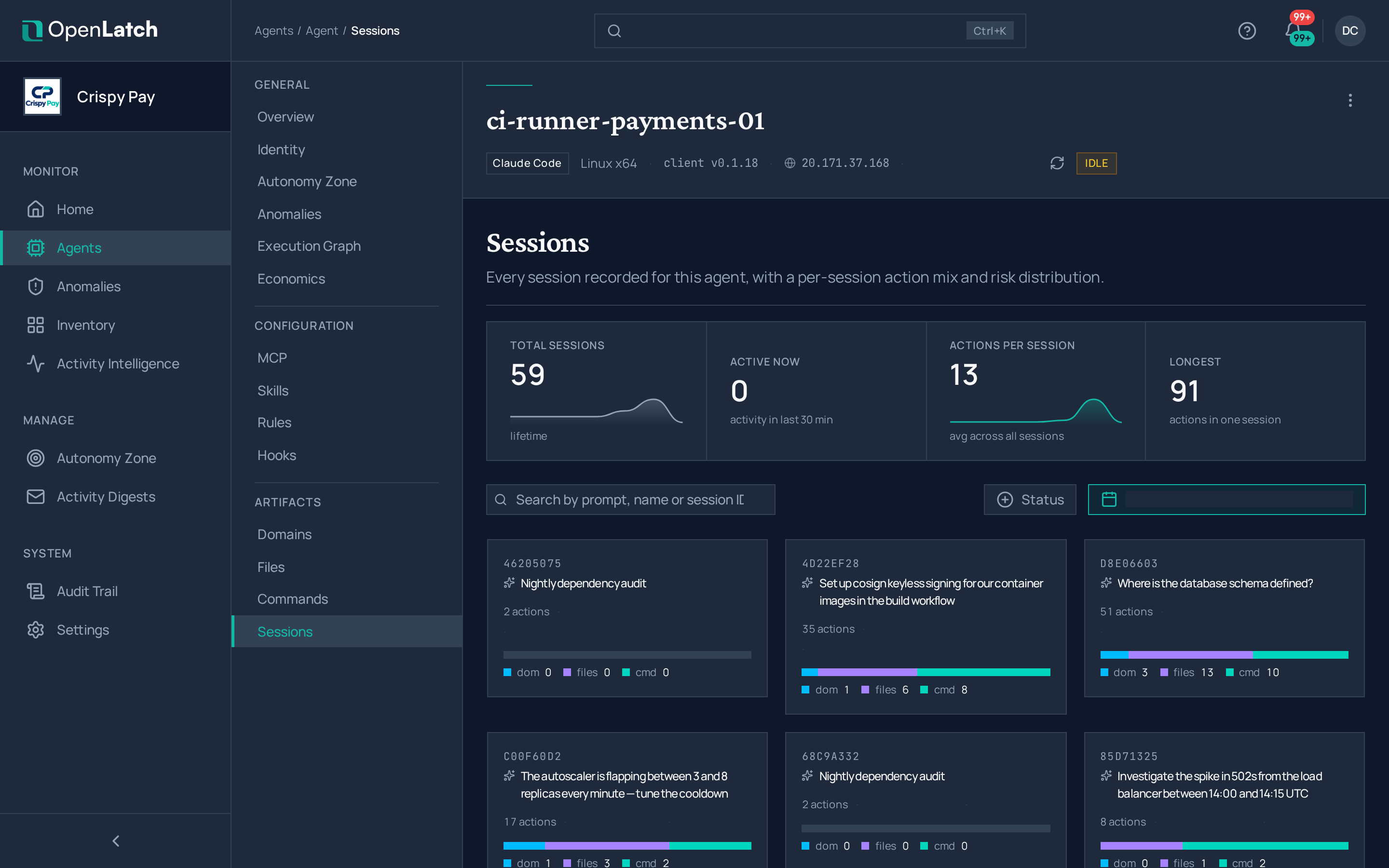
Section titled “Sessions”The Sessions tab lists the agent’s working sessions, newest first. Open one to read its actions in order, each with the verdict it received and the rule that decided it.
Execution graph
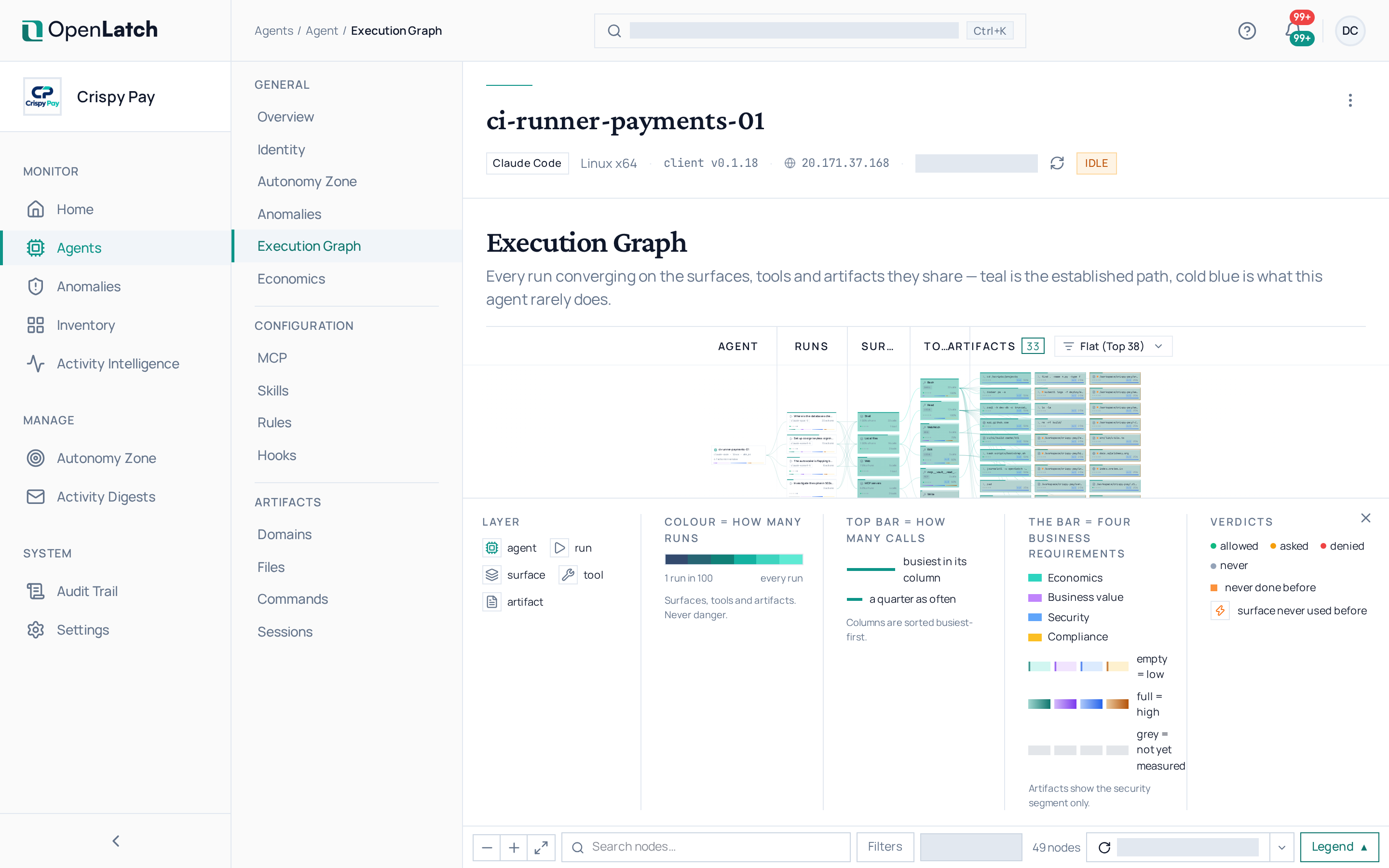
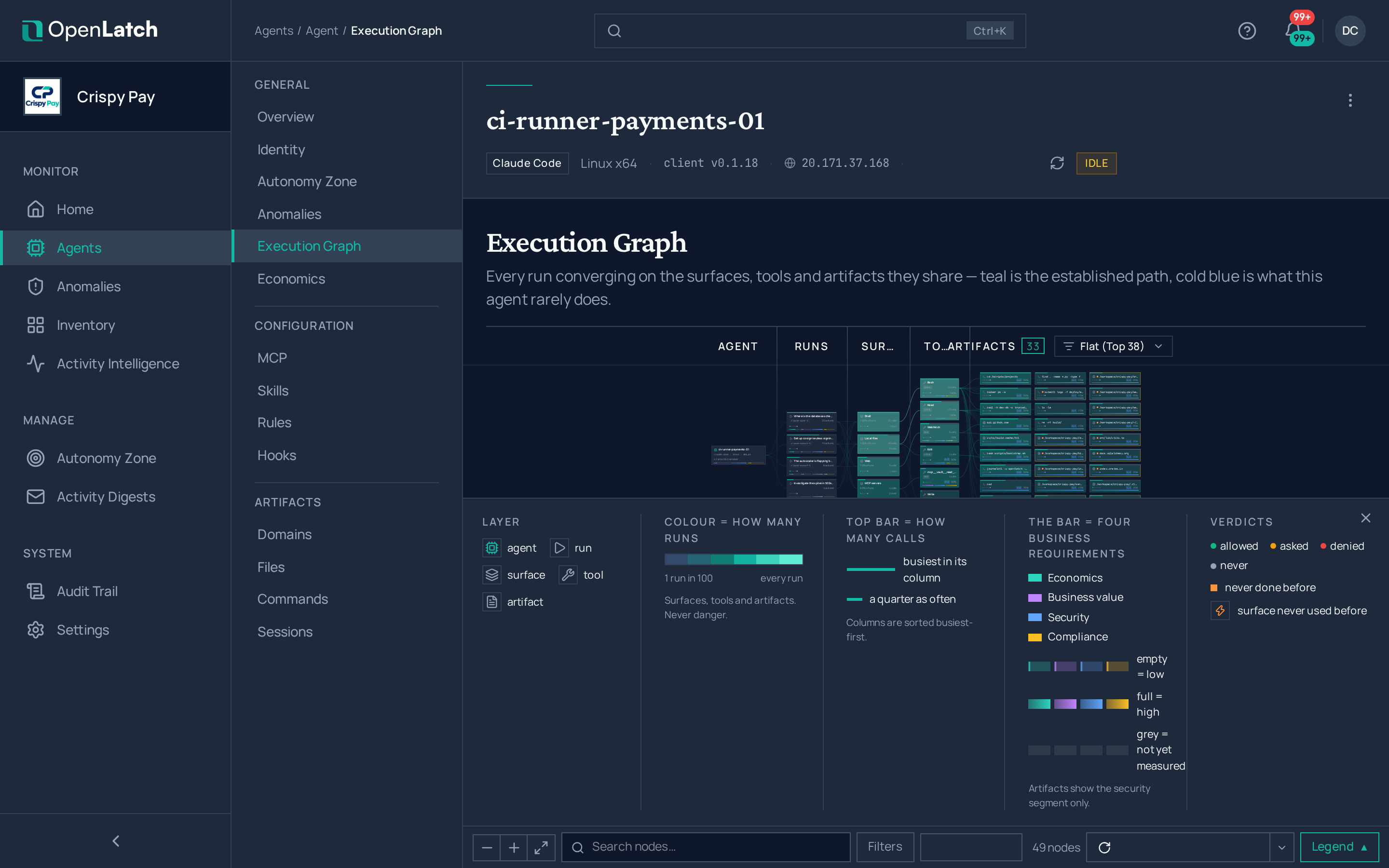
Section titled “Execution graph”The Execution graph tab draws the agent’s runs over the window, converging on the surfaces, tools and artifacts they share: the agent, then its runs, then what each run reached for, what it invoked, and the files, hosts and commands it touched or ran. The colour of a path shows how often it occurs in the window. Select a node to read the actions behind it. Execution graph explains the model.
Commands, files and domains
Section titled “Commands, files and domains”These three tabs list each kind of action the agent took, with figures over the window at the top. Select a row to open its detail, with every occurrence and the decision each received.
| Tab | What it lists |
|---|---|
| Commands | Every shell command the agent ran, parsed into its program and arguments |
| Files | Every file the agent read, wrote or deleted, with reads of credential files and writes to configuration and source code counted apart |
| Domains | Every website the agent reached, with the domains it reached for the first time |
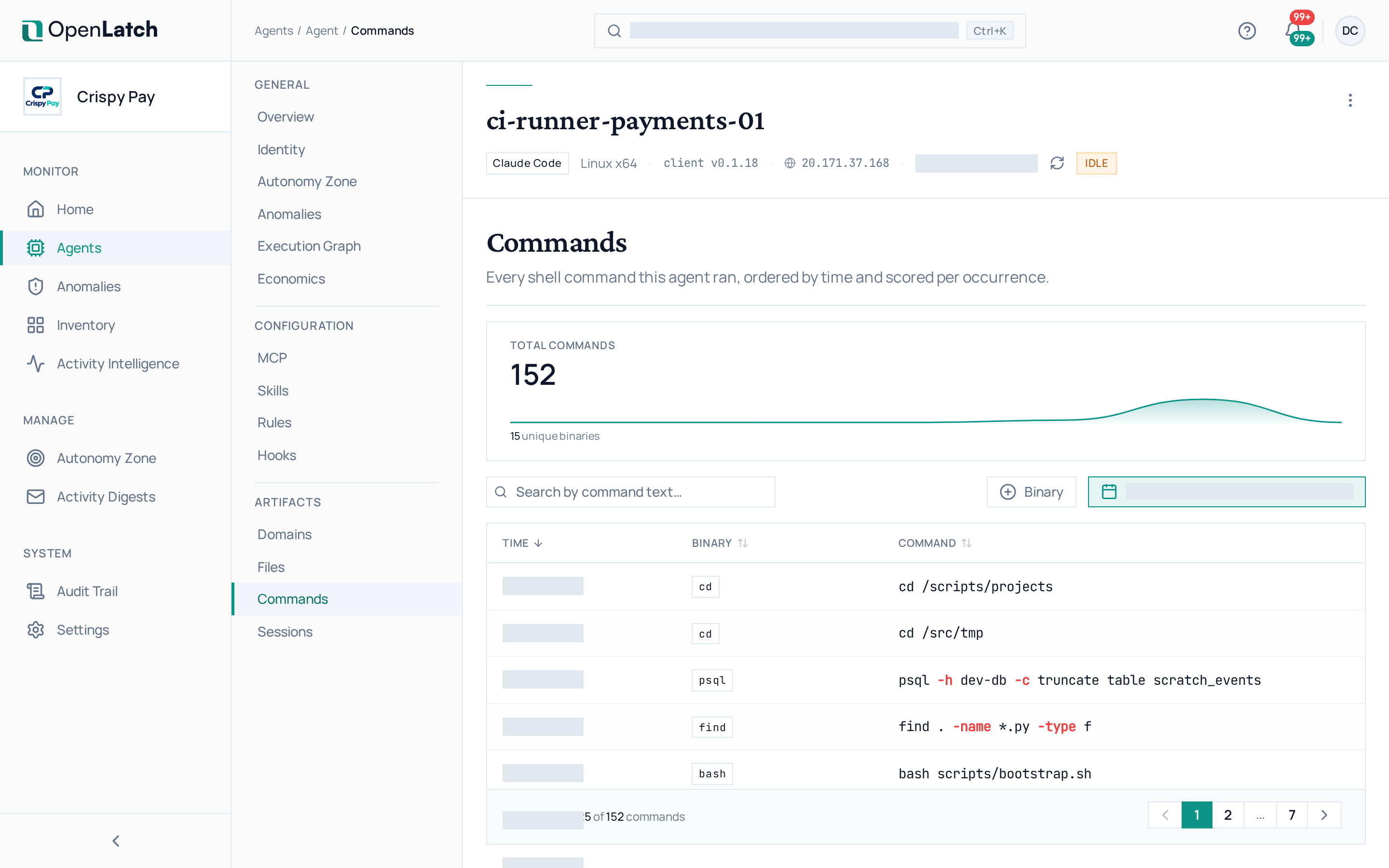
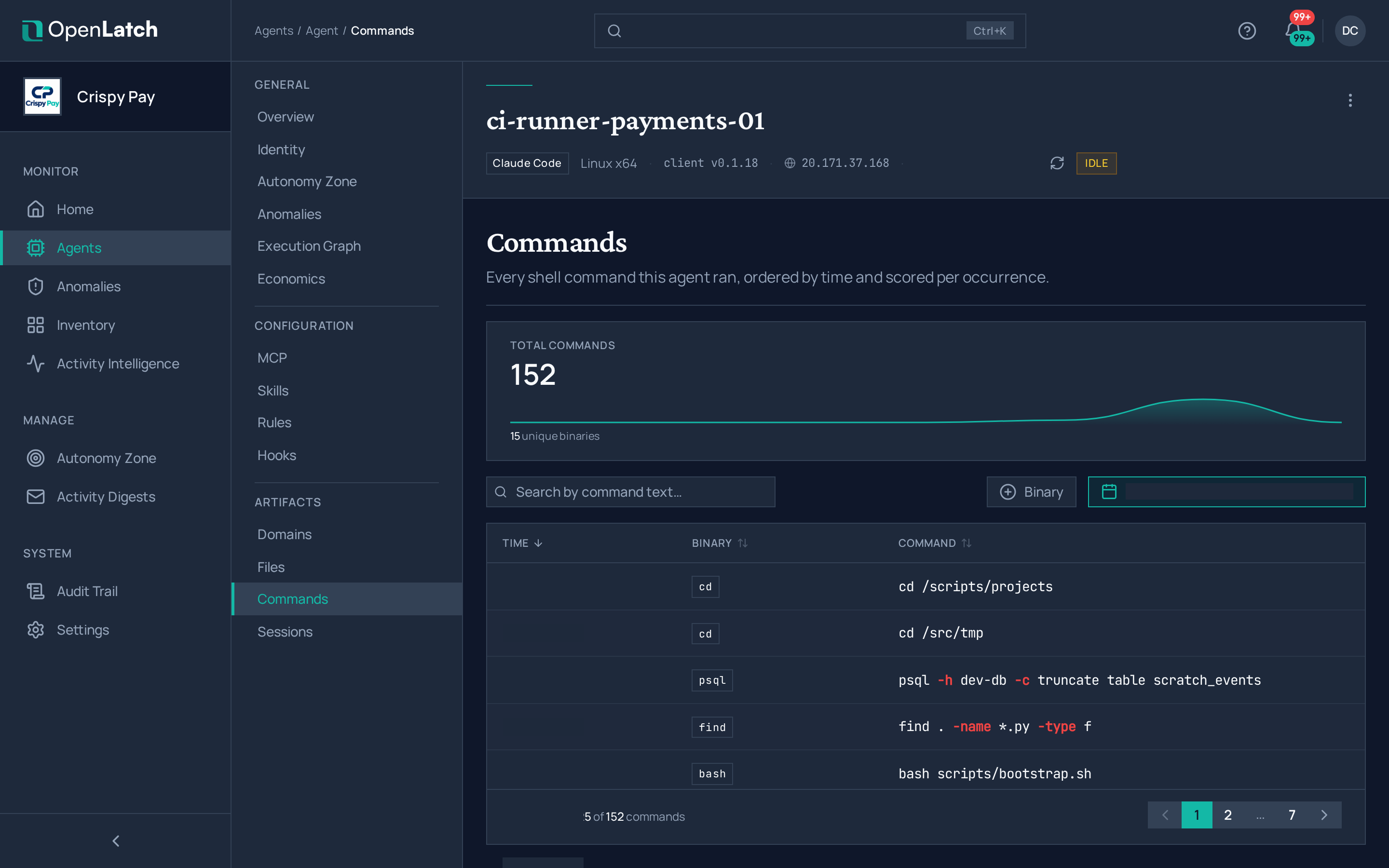
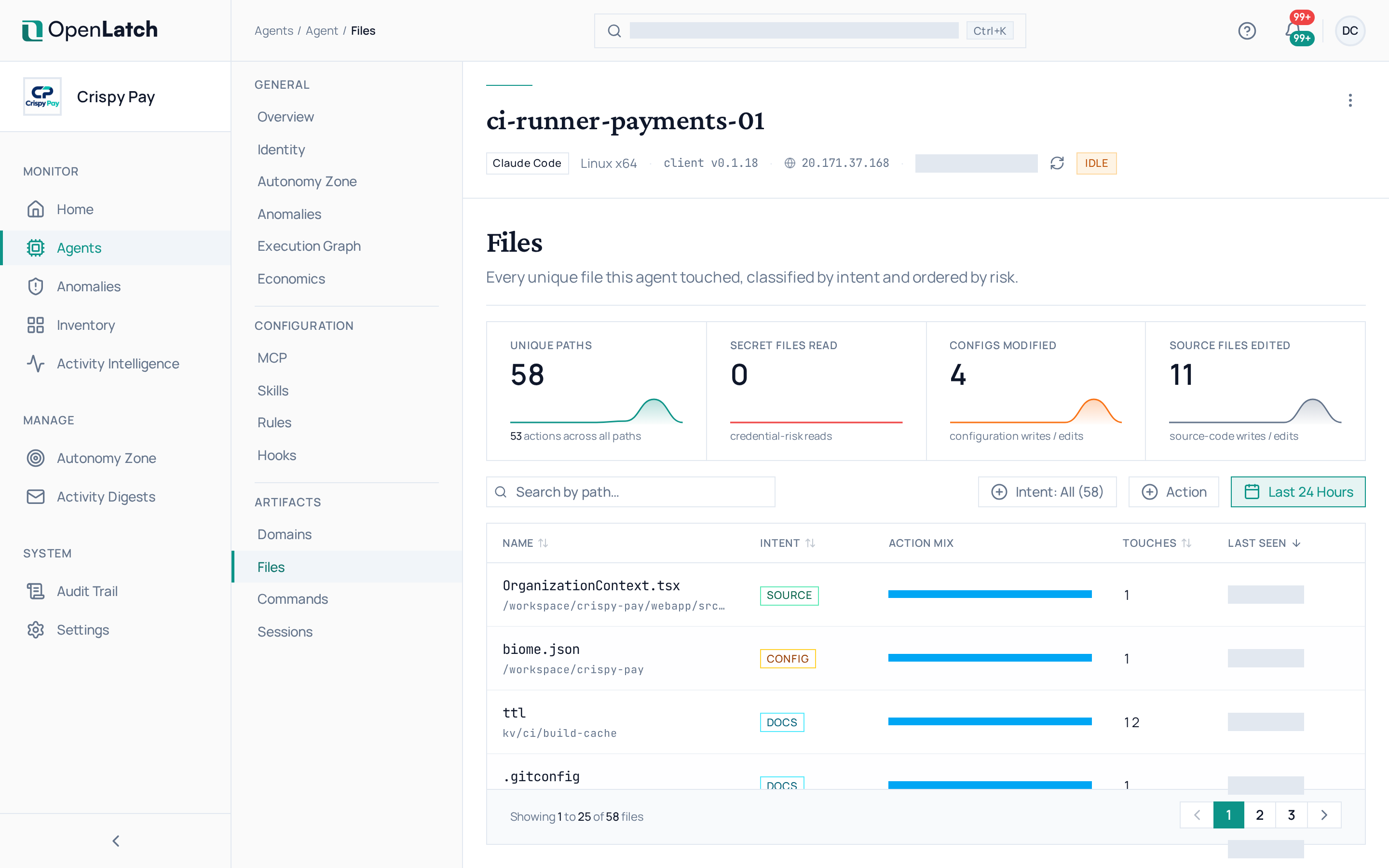
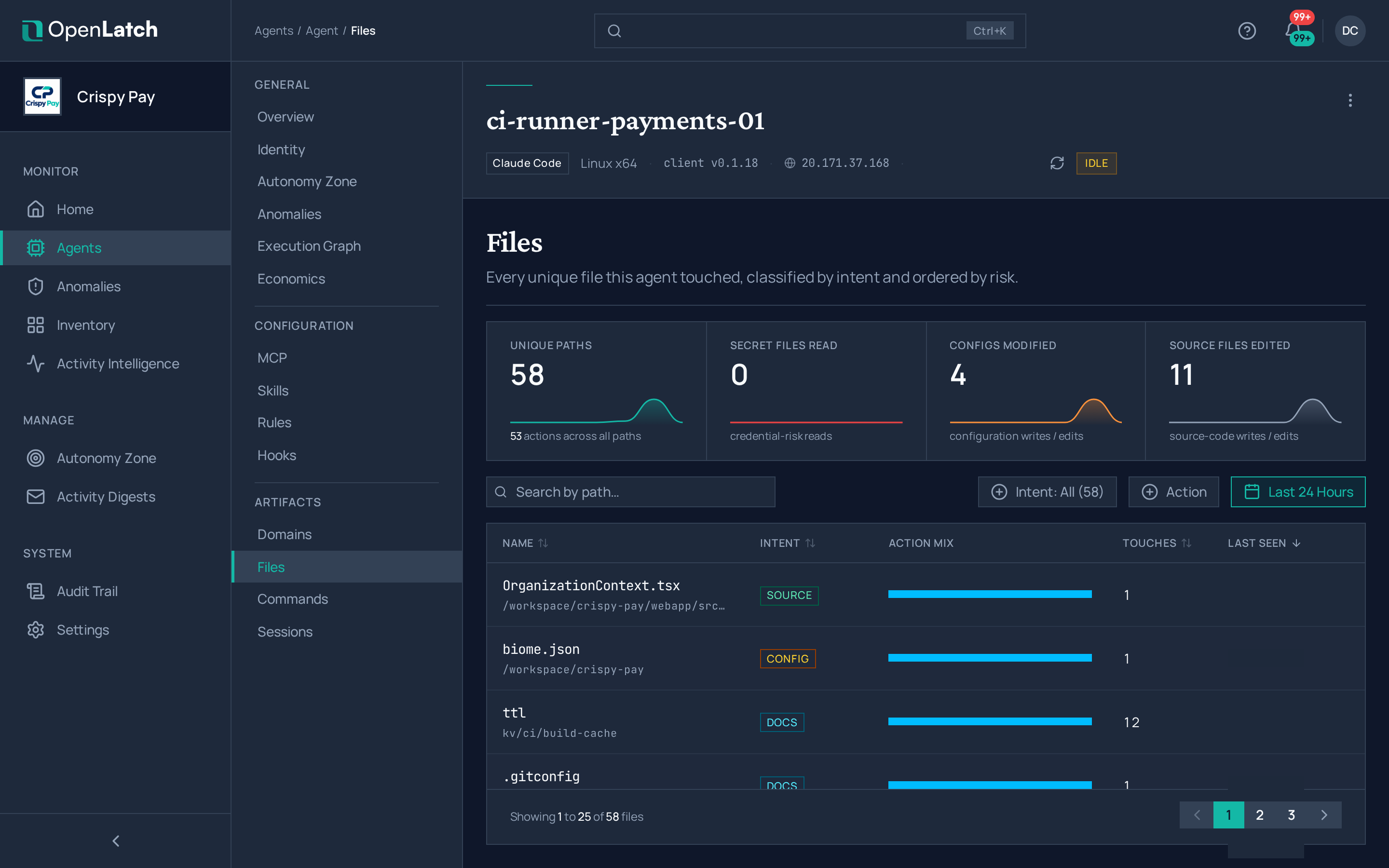
Command text and file paths are masked on the machine before they are sent, so a credential never appears here. See Data handling and security.
Anomalies
Section titled “Anomalies”The Anomalies tab lists only this agent’s anomalies: its actions that violated an intent policy of its zone, each with the policy, its dimension and the verdict. Review anomalies covers how to work through them across the organization.
Turn a finding into a policy
Section titled “Turn a finding into a policy”When an action shows something you want decided differently next time, write the intent policy that says so: see Write an Agent Intent Policy. OpenLatch raises an anomaly only where a ratified policy covers the action.